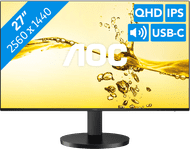
BlueBuilt 27-inch Quad HD Monitor with USB-C
Choose your monitor:
27 inches - Quad HD - IPS - USB-C
Choose your monitor:
27 inches - Quad HD - IPS - USB-C
According to our monitor expert
Sharpness | Quad HD (1440p) | |
|---|---|---|
Curved | ||
Aspect ratio | Standard (16:9) | |
Refresh rate | 100 Hz | |
Response time | 4,4 ms | |
Panel type | IPS panel | |
Color depth | 17 million colors (8-bit) | |
Built-in speakers |
5 stars
2
4 stars
1
3 stars
0
2 stars
0
1 star
0
The BlueBuilt 27 inch Quad HD Monitor with USB C is a large screen with sharp images. Due to the large size, I work in multiple windows at the same time, making the monitor suitable for multitasking. The monitor does not have a USB A port, but I do connect peripherals to this monitor with the USB C connection.
Sharp images I see sharp details on the screen due to the quad HD image quality. This makes photos look lively and realistic. Due to this high resolution and the Adobe RGB color space, I edit light photos with many color contrasts. I also open multiple windows or programs simultaneously on the monitor due to the large 27 inch (approximately 69 centimeters) screen size. This gives me a better overview of my work. The quad HD screen also has more pixels than a full HD screen, so I still see a lot of details when I open 2 or 3 windows next to each other.
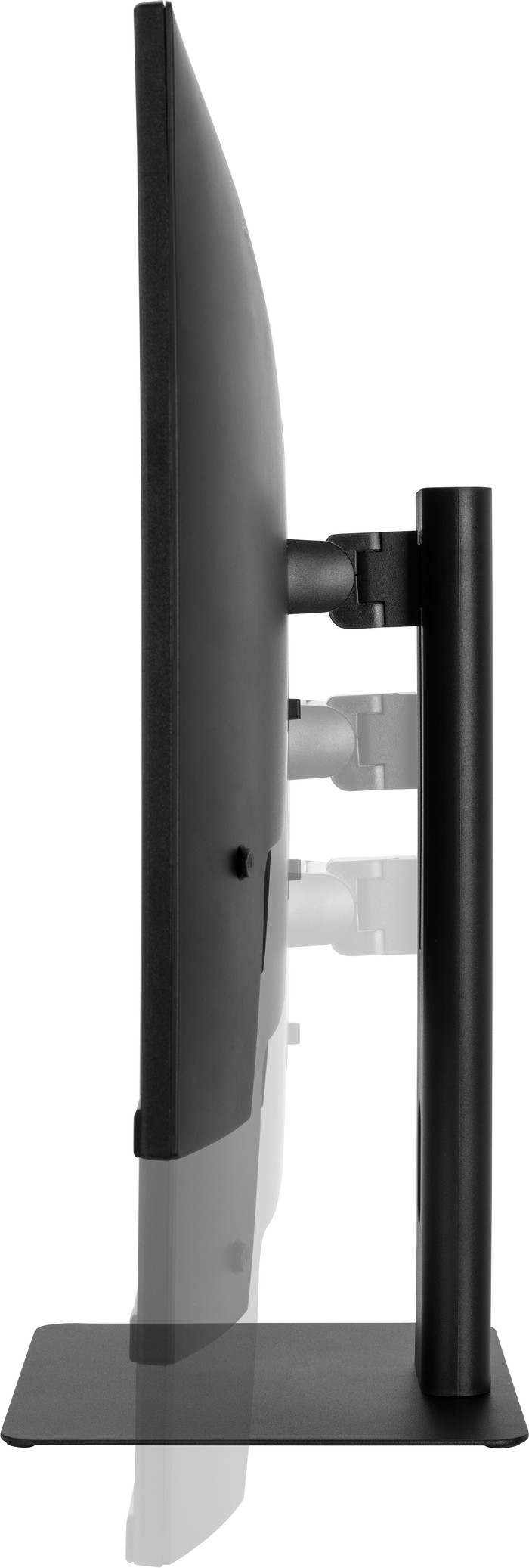
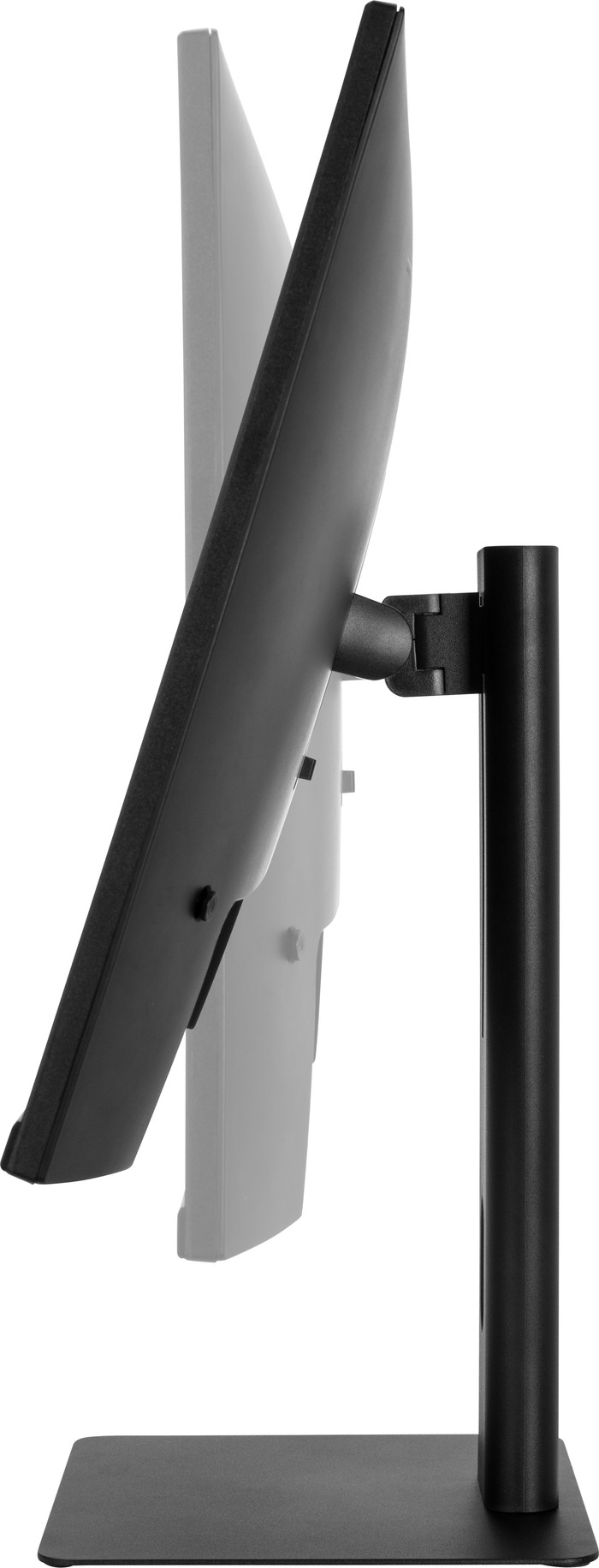
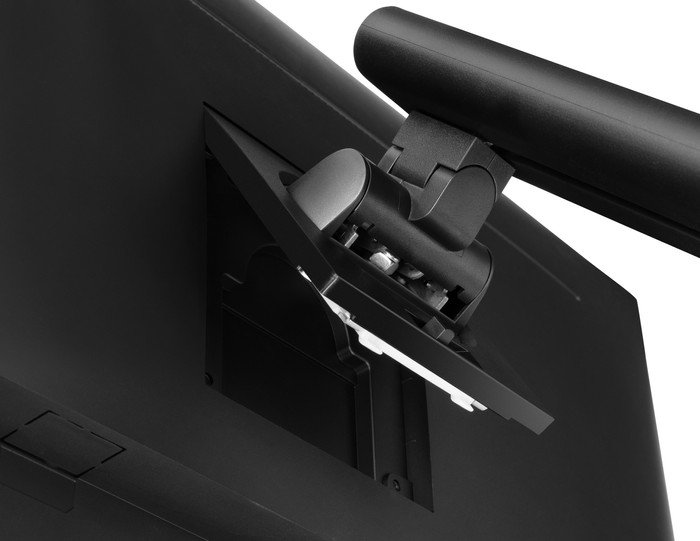
Ergonomic The monitor has a flat monitor base that looks sleek and takes up little space. In addition, I tilt, rotate and adjust the monitor in height without using force. This way I can easily show my work to my colleagues. I also set the screen to a comfortable height, so that I do not suffer from neck or back pain when I sit in the office all day. The pivot function allows me to turn the screen to a portrait view. This allows me to read long PDFs without scrolling a lot.
Handy connections Although the monitor does not have USB A connections, I can connect peripherals to the screen through the USB C port. With this USB C dock you can also charge a laptop or transfer files quickly with one cable. This means I do not use other cables, so my desk stays tidy. The monitor also has a headphone connection. This allows me to listen to music and work in a concentrated manner. Thanks to the built-in speakers, I also listen to music with my colleagues after work.
Job. Monitoren specialist.
9 May 2025
Automatically translated from Dutch
Ideal size for the computer case
Hugo
15 September 2025
Automatically translated from Dutch
Current product
229,-
279,-
326,-
294,-
278,-
Quad HD (1440p)
Quad HD (1440p)
4K (UHD)
Quad HD (1440p)
Quad HD (1440p)
IPS panel
VA panel
IPS panel
VA panel
IPS panel
F
F
F
G
G
2560x1440
3440x1440
3840x2160
3440x1440
2560x1440
Receive more coverage in case of damage than with your standard warranty. Coolblue takes care of everything: from taking out the insurance to repairs. Is a repair not possible? You receive the purchase price as CoolblueCredit.
XCover is allowed to arrange and process insurances on behalf of the insurer. The insurances are governed by Belgium law. If you have a complaint, you can contact the or our customer service.
First, add your monitor to your shopping cart. On the next page, choose the Protection Plan below. You always have a 30-day return window and pay no deductible in case of damage.
The insurance can be canceled every year, even if you have paid in advance. If you cancel earlier, you will receive a refund for the overpaid amount.
BlueBuilt products have the best price-quality ratio because we've put them together ourselves. Based on product data, feedback from customers, and our own product knowledge. In other words, good products. We are so confident, that we'll even give you an extra long warranty. Read everything on BlueBuilt.
Product number | 955402 | |
|---|---|---|
Manufacturer code | BBQHM2710HC | |
Brand | BlueBuilt | |
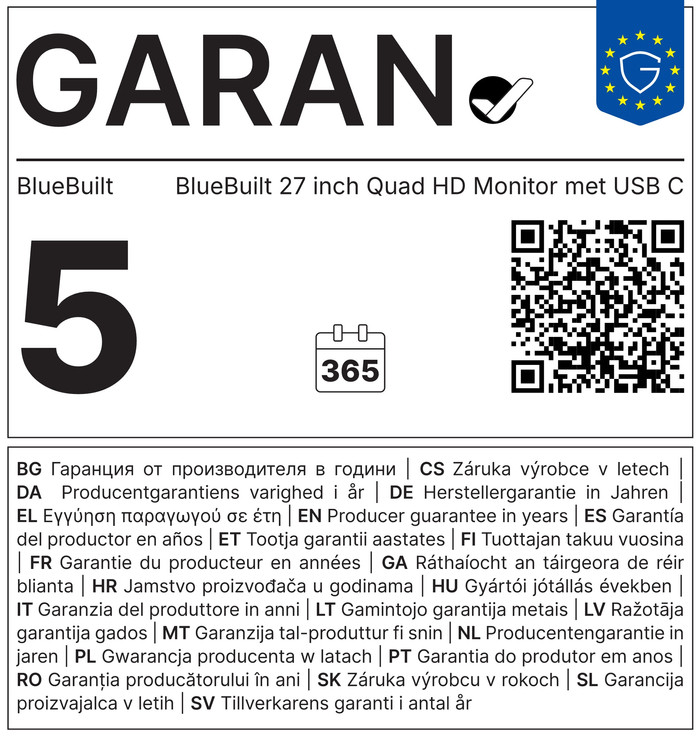
Warranty | 5 years | |
Processing of your defect | Via Coolblue |
Recommended display resolution | 2560x1440 | |
|---|---|---|
Sharpness | Quad HD (1440p) | |
Aspect ratio | Standard (16:9) | |
Refresh rate | 100 Hz | |
Response time | 4,4 ms | |
Panel type | IPS panel | |
Local dimming | ||
HDR support | ||
Contrast ratio | 1300 | |
Touchscreen | ||
Type of HDR | HDR10 | |
Screen reflection | Anti-glare | |
Blue light filter | ||
Flicker-free technology | ||
Color space | Adobe RGB | |
Adobe RGB color coverage percentage | 72 % | |
Color depth | 17 million colors (8-bit) | |
Adaptive Sync | ||
Type of adaptive sync | FreeSync | |
Resolution width | 2560 pixels | |
Resolution height | 1440 pixels | |
Anti-reflection type | Anti glare | |
Viewing distance | 43 - 115 cm | |
Horizontal viewing angle | 178 ° |
Height | 50,9 cm | |
|---|---|---|
Width | 61,6 cm | |
Depth | 20 cm | |
Color | Black | |
Including stand | ||
Material | Metal, Plastic | |
Cable management | ||
Appearance | Business, Neutral | |
Curved |
Number of HDMI connectors | 2 | |
|---|---|---|
Number of Female HDMI type A 2.0 ports | 2 | |
Number of headphone jacks | 1 | |
Type of headphone connection | 3.5mm (TRRS) | |
Number of USB-C ports | 1 | |
Number of Female Standard DisplayPort 1.4 ports | 1 | |
Number of female 3.5mm TRRS Audio Jack ports | 1 | |
Type of USB port | USB-C | |
Number of USB ports | 1 | |
Suitable for daisy chaining | ||
USB-C dock | ||
Maximum USB-C dock power | 65 W |
Included by default | DisplayPort cable, HDMI cable | |
|---|---|---|
Not included by default | USB-C cable |
Adjustable in height | ||
|---|---|---|
Tiltable | ||
Pivotable stand | ||
Pivot function | ||
VESA mount option | ||
VESA mount | 100x100mm |
Energy label | F | |
|---|---|---|
Energy consumption standby | 0,5 W | |
Energy consumption active | 27 W | |
Energy consumption per 1000h | 26 kWh | |
Annual energy consumption | 37,96 kWh | |
Annual energy costs | 15,18 euros |
Built-in speakers | ||
|---|---|---|
Sound system | Mono | |
Webcam | ||
Split screen | ||
Kensington lock |
Recommended for use | Image editing and graphic design, Internet, email, and text processing, Office work, Photo editing, Video editing, Watching movies in Full HD |
|---|