Printers for at home
Home printers are specially made for user-friendliness in your home. Most home printers are all-in-one devices that print, scan papers, and make copies. On top of that, you can wirelessly send a print job from your smartphone to your printer using WiFi. You have simple printers for at home that you can print with every once in a while to extensive models. For example, ones that print in duplex, which saves paper. Or printers with an automatic document feeder that you can copy a stack of paper with in one go.
Printers for at home

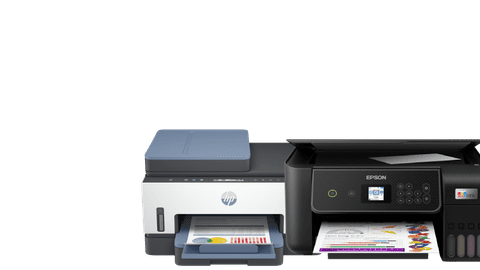
Coolblue's Choice printers for at home
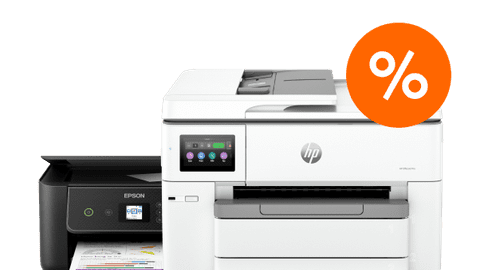
Printers for at home promotions
Find the printer that suits you
Home printers with low usage costs
Your printing costs can become high with cartridges. With these printers, you can print extra affordably and you save a lot on your printing costs.All-in-one home printers
You can print, scan, and copy with these all-in-one models. This way, you can also scan your passport or copy a coloring page.Top 10 printers for at home
View the 10 best printers for home use, adjusted to what you need at home.All printers for at home
View the complete assortment of printers for home use here.

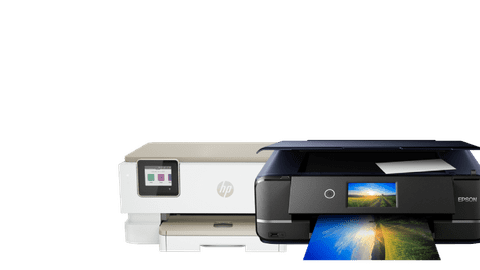




Advice on printers for at home
How do you choose a printer for at home?
Need help with your choice? Read here which printer for at home suits your wishes.Compare inkjet printers to laser printers
Print quickly with a laser printer or choose a high print resolution with an inkjet printer.What type of printer can print affordably?
HP Instant Ink or an ink tank? We'll tell you what's the most affordable way to print.What's an all-in-one printer?
With an all-in-one printer, you can print, scan, and copy.


Highlighted printer for at home
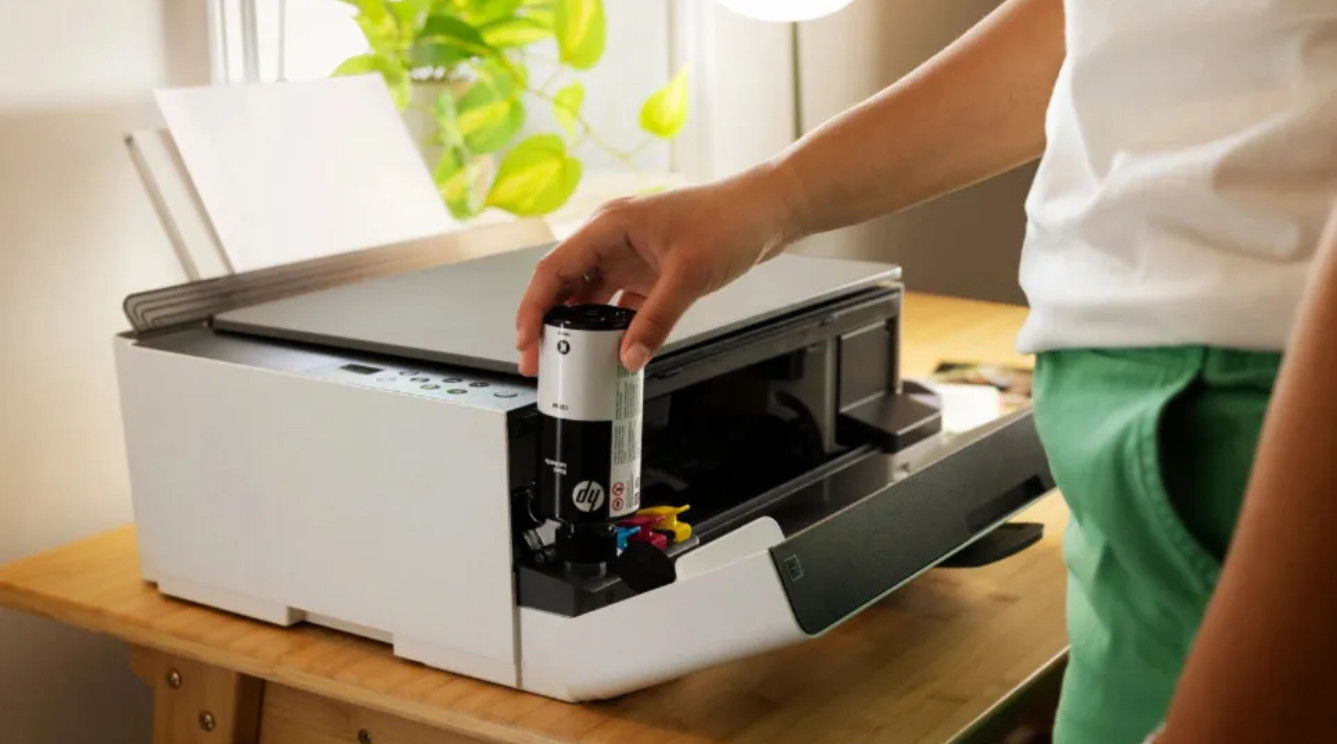
HP Smart Tank 5105 All-in-One
Save on your printing costs with the HP Smart Tank 5105 All-in-One printer. This printer features an ink tank that you fill with economical ink bottles. With the Smart Tank 5105, you receive enough ink for 6000 pages.




Frequently asked questions
How do you choose the best printer for at home?
Which printer for at home is best for you, depends on what you want to print. Do you print an e-ticket every now and then? A basic printer will suffice. For printing photos, choose a photo printer. You copy and scan with an all-in-one printer. Read more here.
Which printer for at home prints affordably?
Affordable printing starts with the printer type you choose. Printers with an ink tank can print thousands of pages with affordable ink bottles. Or choose an ink service like HP Instant Ink or Epson ReadyPrint.
What's an all-in-one printer for at home?
Do you want to print, copy, and scan? Choose an all-in-one printer for at home. An all-in-one printer is a printer that can print, scan, copy, and sometimes also fax. These printers often have even more extra functions, like duplex printing or ADF.
What's the difference between inkjet printers and laser printers?
There are a lot of differences between inkjet and laser technology. Looking for a printer for at home and do you want to print high-quality photos? An inkjet printer is a good option. With a laser printer, you can print quickly and affordably. Read more about the difference between inkjet and laser printers here.
Which wireless options does a printer for at home have?
Do you have an iPhone or iPad? You can easily print via Apple AirPrint. With WiFi Direct, you can connect the printer to your laptop, phone, or tablet without a modem. Most printer brands also have their own app to print wirelessly.

Advice on Printers for at home
Can't choose? View the advice from our expert.