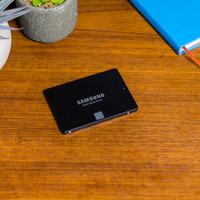
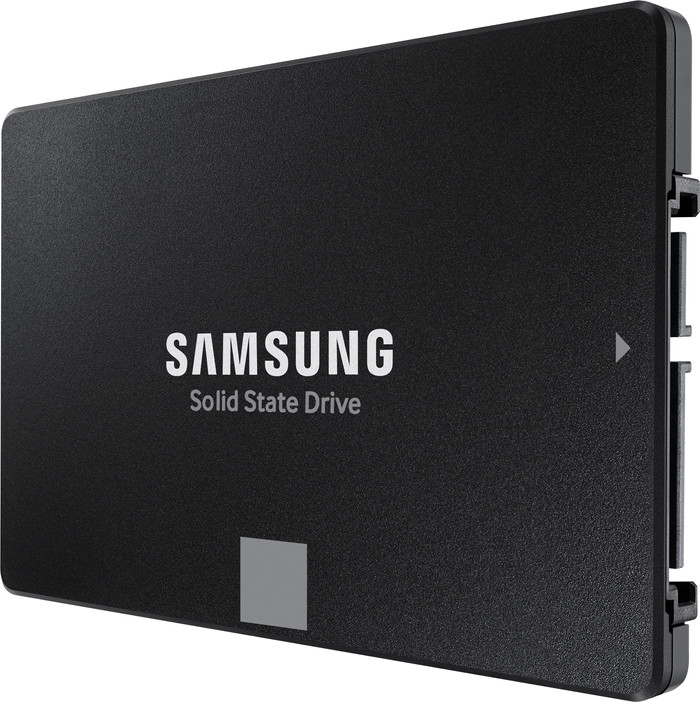
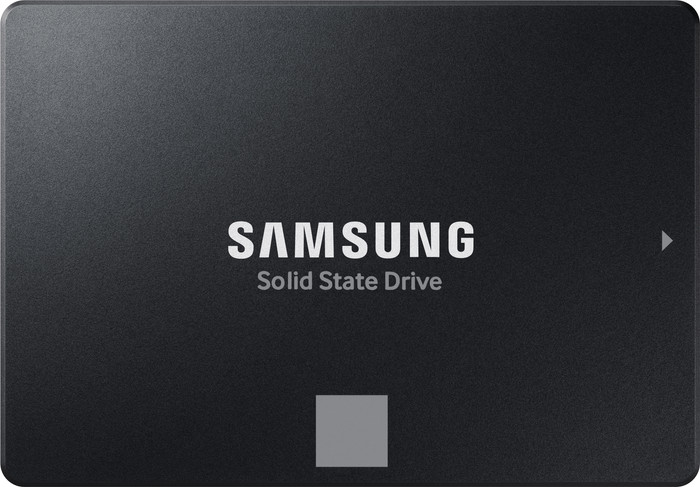
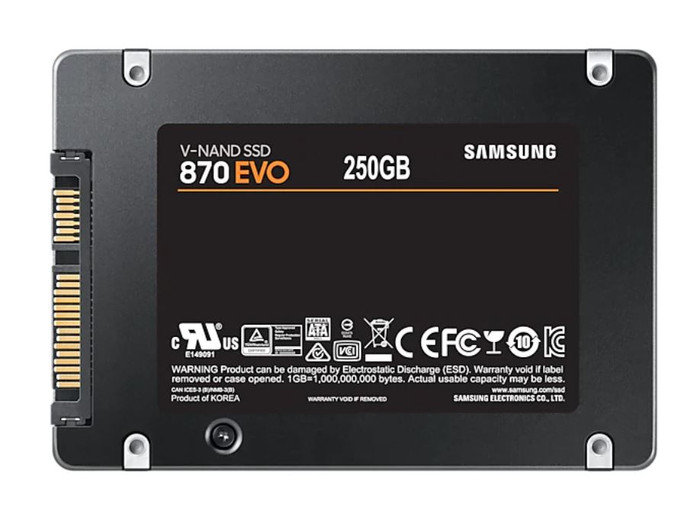
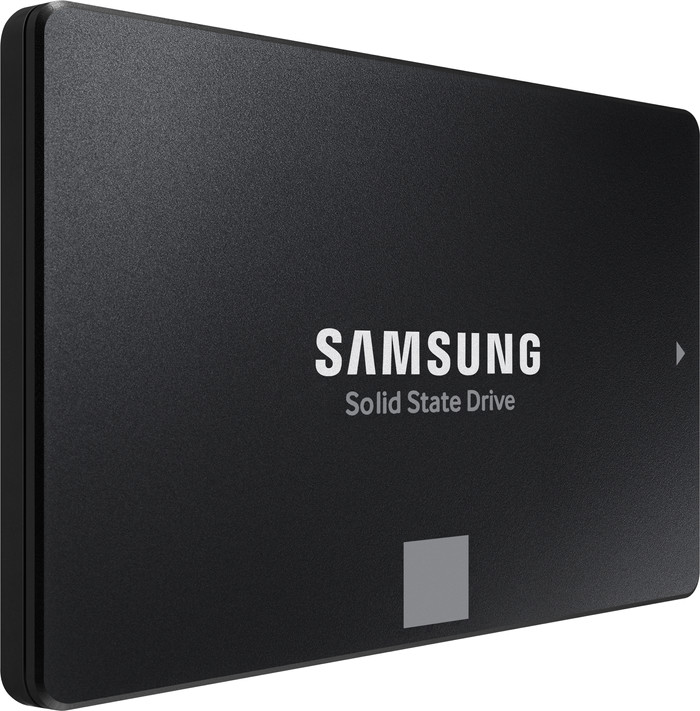
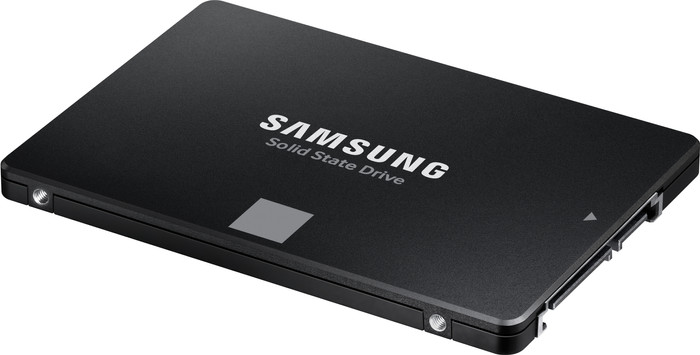
Samsung 870 EVO 2.5 inches 250GB

Don't have an account yet? Start here
250 GB
|
1
Receive more coverage in case of damage than with your standard warranty. Coolblue takes care of everything: from taking out the insurance to repairs. Is a repair not possible? You receive the purchase price as CoolblueCredit.
XCover is allowed to arrange and process insurances on behalf of the insurer. The insurances are governed by Belgium law. If you have a complaint, you can contact the or our customer service.
First, add your solid state drive (SSD) to your shopping cart. On the next page, choose the Protection Plan below. You always have a 30-day return window and pay no deductible in case of damage.
The insurance can be canceled every year, even if you have paid in advance. If you cancel earlier, you will receive a refund for the overpaid amount.
Product number | 876119 | |
|---|---|---|
Manufacturer code | MZ-77E250B/EU | |
Brand | Samsung | |
Warranty | 5 years | |
Processing of your defect | Via Coolblue |
Total storage capacity | 250 GB | |
|---|---|---|
Type of SSD | 2.5-inch SATA | |
SSD-controller | Samsung | |
Memory type (SSD) | Triple Level Cell (TLC) |
Compatible with product type | Consoles, Desktop, Laptop, NAS | |
|---|---|---|
Compatible with console model | PlayStation 4 | |
With heatsink |
Depth | 6,99 cm | |
|---|---|---|
Height | 0,7 cm | |
Width | 10 cm | |
Color | Black | |
Year introduced | 2021 |
Speed class 2.5-inch SSD | High-end | |
|---|---|---|
Cache memory | 1000 MB | |
Maximum read speed | 560 MB/s | |
Maximum write speed | 530 MB/s | |
Output operations per second (IOPS) | 98000 | |
Input operations per second (IOPS) | 88000 | |
Mean Time Between Failure (MTBF) | 1500000 hours |
Data encryption | Hardware encryption |
|---|
Average power consumption | 2,2 W | |
|---|---|---|
Maximum power consumption | 3,5 W | |
Stationary power consumption | 0,03 W | |
Energy-efficient | ||
Durability class | Mid-range | |
Minimum temperature | 0 °C | |
Maximum temperature | 70 °C |
5 stars
555
4 stars
150
3 stars
5
2 stars
2
1 star
4
Installation ease
Reliability
Speed
Price-quality ratio
This is already my third Samsung SSD and this time I am also convinced by the convenience and performance. After some simple screwing it was ready to use. Games load quickly and I can finally lose all my files again.
First impression I received a neat, light package in the mailbox. The drive is as I am used to from Samsung: solid and compact. It also feels a bit rough. That's nice, because it doesn't slide off the table easily while I'm working on my computer case. Furthermore, this SSD seems slightly thinner than the previous one. Since I've been deleting more and more games lately to free up space, I wanted to expand my Steam library considerably with the EVO 870.
Solid and easy to install The installation was very easy. I connected the EVO 870 via a SATA cable and placed it in the rack with screw holes. Windows Explorer didn't recognize the drive right away, but that was resolved with Disk Management. Although I did not transfer my operating system myself, the included Data Migration software ensures that you can easily install Windows. I recommend this speed boost for your system to anyone who still uses a mechanical hard drive. At least I have a tidy desktop again and I no longer have to go through my collection with the digital broom.
Fast Tasks and High Storage When I heard that the new EVO got a better flash memory, I was especially curious about the speed. A big game like PUBG will boot from Steam in about 20 seconds. That's nice, because I prefer to keep as much as possible on the disk. With a total storage of 1 terabyte I can go ahead. Especially if you're using an SSD for the first time, it's really a joy to install programs and see what speed that goes. The EVO 870 does not have a PCIe protocol for even higher speeds, but this is offset by a lot of ease of use.
A reliable, economical drive With a terabytes written (TBW) up to 2400, you can write up to 2400 terabytes to the SSD before it fails. Because I plan to write a lot of games back and forth, it's nice to know that this is possible. The faster flash memory also saves energy. With the Samsung Magician software I keep track of the performance as I was used to.
Gemma. Opslag specialist.
15 February 2021
Automatically translated from Nederlands
SSD drives are just great
Jurgen Ooms
10 October 2021
Automatically translated from Nederlands
It's also helpful to write a review after a product has been in use for a while. I bought two of these disks over a year and a half ago, one of them is now failing :-( (several disk tools indicate "disk is about to fail", more than 500 "bad blocks" etc.)
Apparently there is a 5 year warranty, I will in due course. let's see if it's easy to do something with it.
Patrick
13 November 2022
Automatically translated from Nederlands
136,-
Our digital expert will help you, but it can sometimes make mistakes, like humans do.
According to our solid state drive (SSD) expert
Start up faster: you can start up your PC quickly thanks to the 530MB/s write speed.
Open files quickly: you can quickly open documents, spreadsheets, and Full HD photos thanks to the 560MB/s read speed.
Less fast: you open files less quickly with a 2.5-inch SATA SSD.
Delivered tomorrow
136,-
Delivered tomorrow