Apple Pencil with USB-C
anything for a smile
Pencil USB-C | Many functions, for new iPad models
Our choice for an Apple pen for the iPad (2025)
Choose your Apple Pencil

Product number | 940448 | |
|---|---|---|
Manufacturer code | MUWA3ZM/A | |
Brand | Apple | |
Warranty | 2 years | |
Processing of your defect | Via Coolblue |
Material | Plastic | |
|---|---|---|
Color | White |
Number of styli | 1 | |
|---|---|---|
Pen functionality | ||
Capacitive Stylus | ||
Made for brand | Apple | |
Compatible with product type | Tablet | |
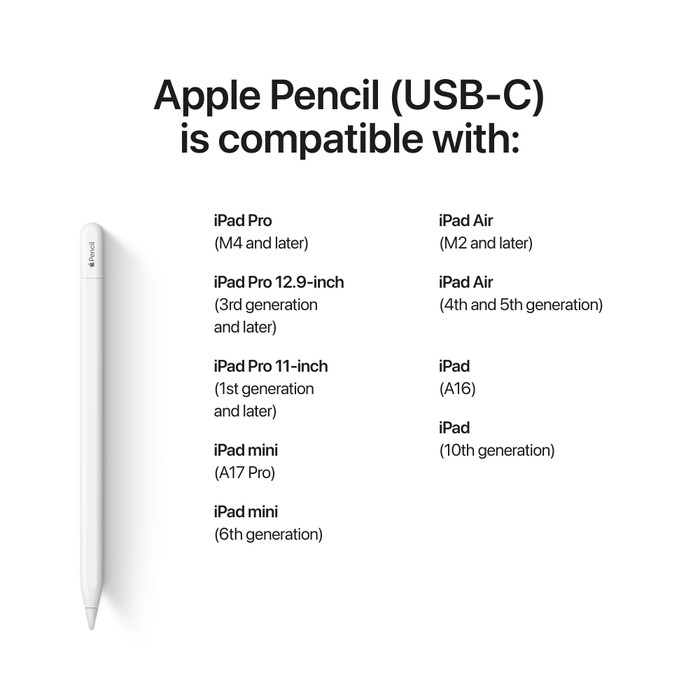
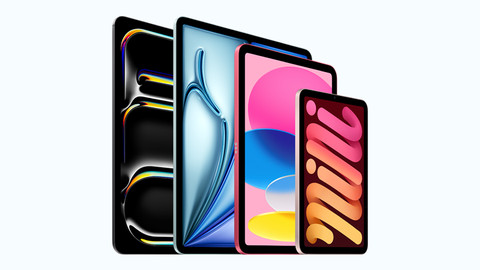
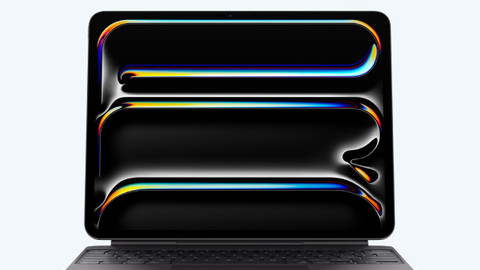
Suitable for model | Apple iPad (2022), Apple iPad (2025), Apple iPad Air (2022), Apple iPad Air (2024), Apple iPad Air (2025), Apple iPad Air (2026), Apple iPad Mini 6 (2021), Apple iPad Mini 7 (2024), Apple iPad Pro (2024), Apple iPad Pro (2025), Apple iPad Pro 12.9 inches (2021), Apple iPad Pro 12.9 inches (2022) | |
Tilt sensitive |
Receive more coverage in case of damage than with your standard warranty. Coolblue takes care of everything: from taking out the insurance to repairs. Is a repair not possible? You receive the purchase price as CoolblueCredit.
XCover is allowed to arrange and process insurances on behalf of the insurer. The insurances are governed by Belgium law. If you have a complaint, you can contact the or our customer service.
First, add your stylus to your shopping cart. On the next page, choose one of the Protection Plans below. You always have a 30-day return window and pay no deductible in case of damage or theft.
The insurance can be canceled every year, even if you have paid in advance. If you cancel earlier, you will receive a refund for the overpaid amount.
The Apple Pencil with USB-C is a nice Apple pen made for the iPad. Unfortunately, the pen has fewer features than the Apple Pencil Pro, which means I draw and write less quickly and smoothly. Also, no USB-C cable is included, so I cannot start working immediately.
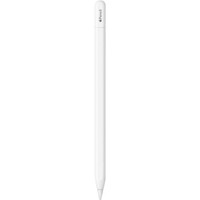
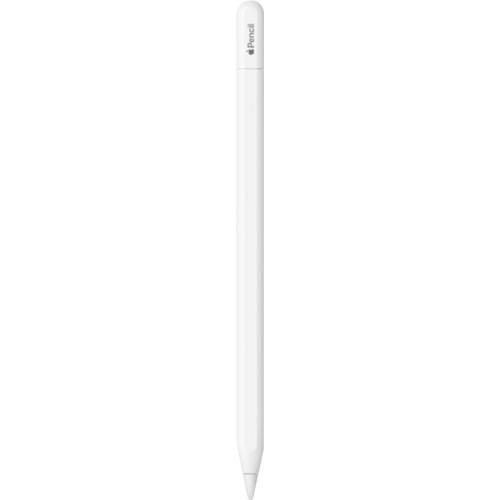
A pleasant design The Apple Pencil with USB-C fits comfortably in the hand, just like other Apple Pencil models. The pencil is slightly smaller and therefore a bit lighter than the Apple Pencil 2 and Apple Pencil Pro. Personally, I miss this weight a little, because it makes the Apple Pencil with USB-C feel somewhat more fragile. Otherwise, the shape is the same as other Apple Pencil models. The pen is round, with one flat side. This prevents the Apple Pencil from rolling away when I place it on the table, keeping it always within reach.
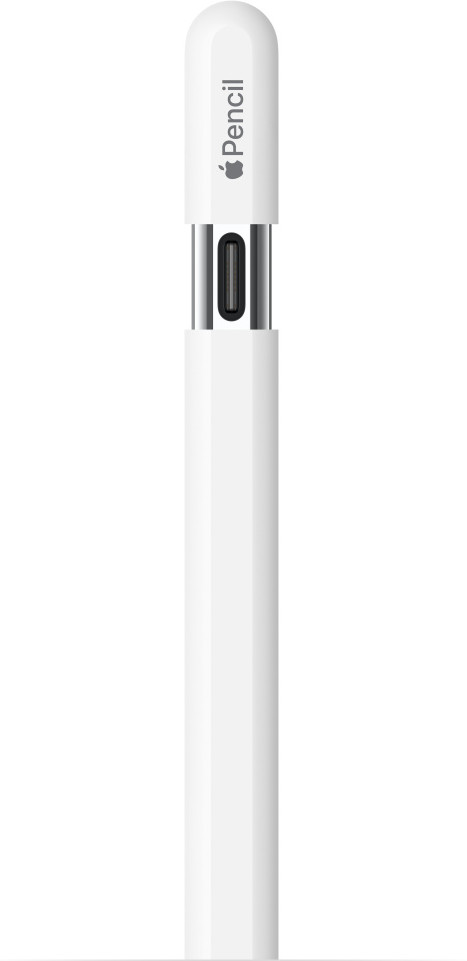
Connecting and charging the Apple Pencil The Apple Pencil is made for the Apple iPad, and I notice that immediately. For instance, the Pencil is magnetic, allowing me to easily click it onto the side of my iPad. This way, I don't lose the pen when I leave the house with my iPad. To connect and charge the Apple Pencil, I use a USB-C cable. Unfortunately, that is not included, so I have to arrange it myself. As a result, I don't start working immediately. When I connect the Apple Pencil to my iPad with a USB-C cable, the pen is paired and I start drawing and writing. The same applies to charging. Fortunately, I also use the Apple Pencil while charging, so I can continue working uninterrupted.
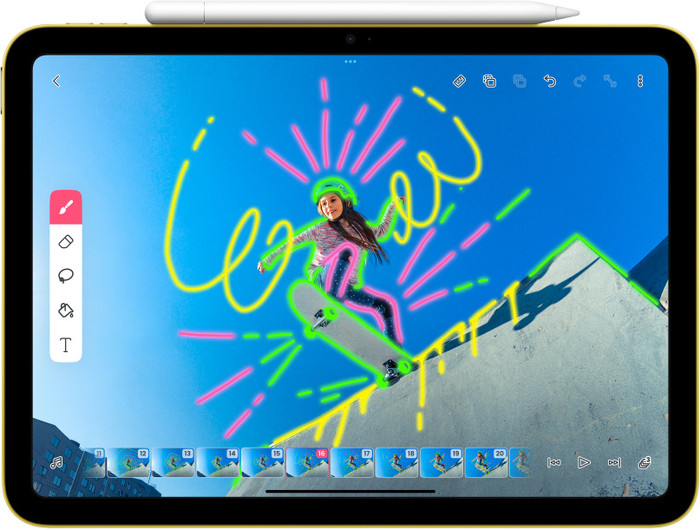
Features and tools To test the Apple Pencil, I decide to make a nice drawing. I quickly notice that the pen has fewer features than the Apple Pencil 2 and Apple Pencil Pro. For instance, I cannot quickly switch between drawing tools by squeezing the pen. I have to keep searching for the brush or eraser I want to use, which makes me work less quickly and smoothly. Thanks to the Apple Pencil Hover feature, I can easily see where I am going to draw, even before the Apple Pencil touches the screen. This ensures I never draw a wrong line. Otherwise, the pen draws very nicely, and I create a beautiful piece of artwork on my iPad.
Stefan. Apple Specialist.
10 April 2026
Automatically translated from Nederlands
The pencil sharpens better than your fingers.
SHARON
21 May 2024
Automatically translated from Nederlands
The excellent pencil in itself. I thought it would be useful to connect it directly to your iPad with USB-C. But the description did not say that this pencil does not have certain qualities that the Apple Pencil 1 or 2 do have, including the 'tilting'. In my opinion, this should have been highlighted better on the product page under the negatives.
Nienke
29 March 2024
Automatically translated from Nederlands
Number of styli | 1 | |
|---|---|---|
Pen functionality | ||
Made for brand | Apple | |
Suitable for model | Apple iPad (2022), Apple iPad (2025), Apple iPad Air (2022), Apple iPad Air (2024), Apple iPad Air (2025), Apple iPad Air (2026), Apple iPad Mini 6 (2021), Apple iPad Mini 7 (2024), Apple iPad Pro (2024), Apple iPad Pro (2025), Apple iPad Pro 12.9 inches (2021), Apple iPad Pro 12.9 inches (2022) |
According to our stylus expert
Add more depth to your drawing: the tilt-sensitive tip lets you create broad strokes and shadows.
Get creative on your iPad: you can work on creative projects on your iPad with this stylus.
Take accurate notes: thanks to the pen functionality, you can take more accurate notes.
Only for certain iPad models: you can only use this stylus with certain iPad models.
No wireless charging: you always have to charge the stylus with a cable.
94,-
94,-
Delivered tomorrow
Delivered tomorrow