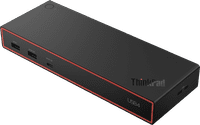
Lenovo ThinkPad USB4 Dock 5000


anything for a smile
173,-
Delivered tomorrow
Product number | 974467 | |
|---|---|---|
Manufacturer code | 40BF0100EU | |
Brand | Lenovo | |
Warranty | 3 years | |
Processing of your defect | Via Coolblue |
Made for laptop models | Apple MacBook, Chromebook, Microsoft Surface, Windows laptop |
|---|
Laptop docking station suitable for | Connect 1 monitor, Connect 2 monitors and a Chromebook, Connect 2 monitors and a Windows laptop | |
|---|---|---|
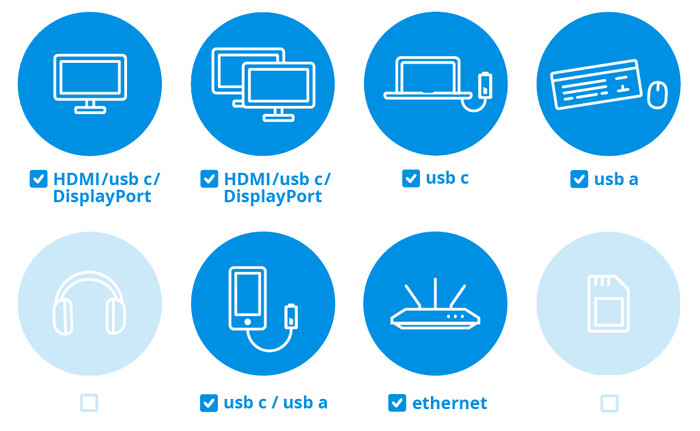
Extra functionalities docking station | Charge laptop via docking station, Charge laptop via own charger, Charge phone via docking station, Connect wired network | |
Type of main connector | USB-C | |
Supported video technology on Docking Station | MST, SST, Thunderbolt 3, Thunderbolt 4, Thunderbolt 5, USB 4.0 | |
Number of USB ports | 7 | |
USB function | Charge, Charging an external device, Data transfer, Device connection, Play media, Power source, Record audio, Software updates | |
Type of USB port | Standard USB-A, USB-C | |
Number of female standard USB-A ports | 4 | |
Female standard USB-A port version | 3.2 | |
Power standard USB-A port | 12 W | |
Number of USB-C ports | 3 | |
Protocol Female USB-C port | DisplayPort Alternative Mode, USB, USB electricity | |
USB version Female USB-C port | 3.2, 4.0 | |
Total available video outputs | 1x HDMI, 2x DisplayPort | |
Number of HDMI connectors | 1 | |
Female HDMI Type A port version | 2.1 | |
Number of Ethernet ports | 1 | |
Ethernet speed | Gigabit Ethernet (1000Mbps) | |
Type of DisplayPort connector | standard DisplayPort | |
Number of Female Standard DisplayPort 1.4 ports | 2 | |
Version Female Standard DisplayPort port | 1.4 | |
Memory card reader | ||
Number of connectable monitors | 4 | |
Maximum image resolution 1 monitor | 8K UHD (7680x4320) | |
Maximum refresh rate 1 monitor | 60 Hz | |
Maximum image resolution 2 monitors | 4K (3840x2160) | |
Maximum refresh rate of 2 monitors | 144 Hz | |
Maximum image resolution 3 monitors | 4K (3840x2160) | |
Maximum refresh rate 3 monitors | 60 Hz | |
Maximum image resolution 4 monitors | 4K (3840x2160) | |
Maximum refresh rate 4 monitors | 60 Hz |
Cable length | 0,7 m | |
|---|---|---|
Color | Black | |
Height | 3,1 cm | |
Width | 21,8 cm | |
Depth | 8 cm | |
Weight | 0,47 kg |
Receive more coverage in case of damage than with your standard warranty. Coolblue takes care of everything: from taking out the insurance to repairs. Is a repair not possible? You receive the purchase price as CoolblueCredit.
XCover is allowed to arrange and process insurances on behalf of the insurer. The insurances are governed by Belgium law. If you have a complaint, you can contact the or our customer service.
First, add your dock for laptops to your shopping cart. On the next page, choose the Protection Plan below. You always have a 30-day return window and pay no deductible in case of damage.
The insurance can be canceled every year, even if you have paid in advance. If you cancel earlier, you will receive a refund for the overpaid amount.
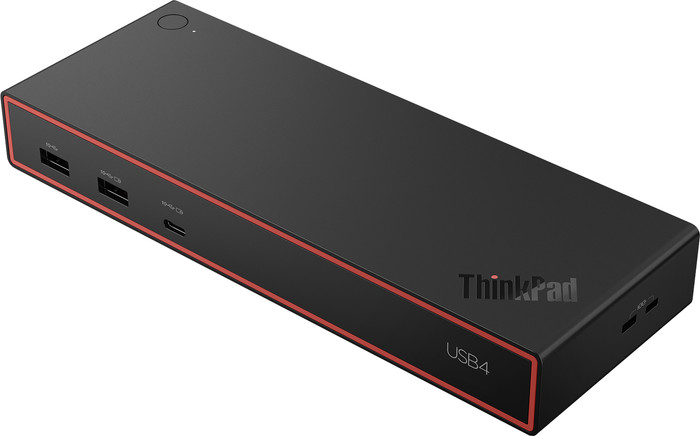
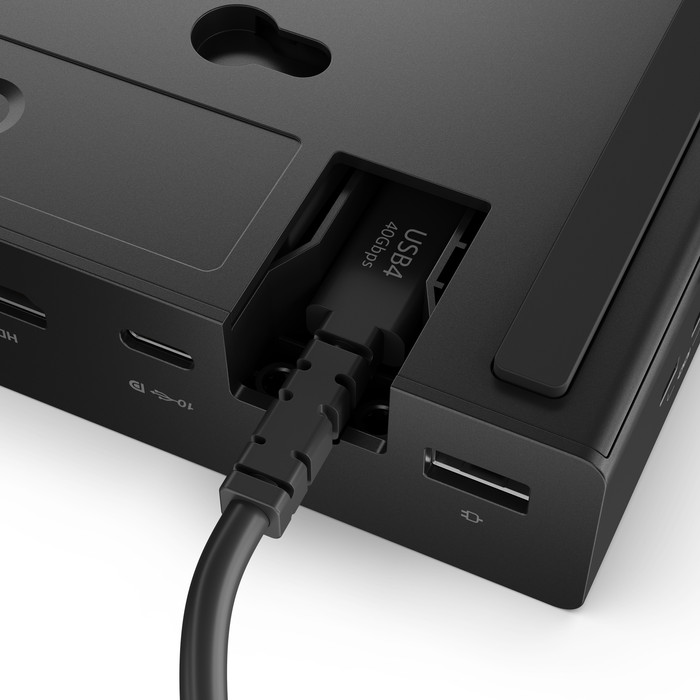
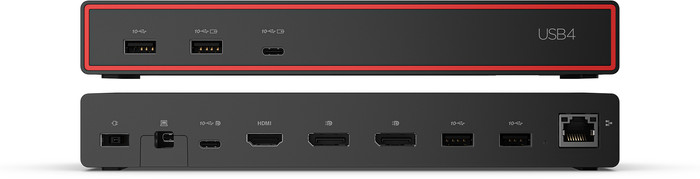
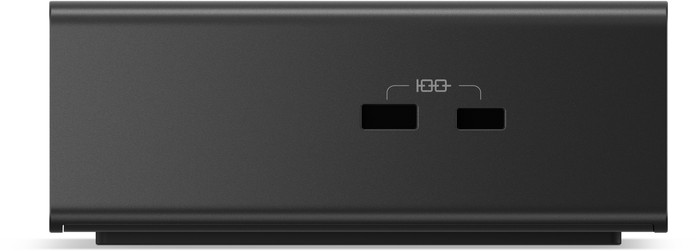
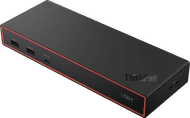
The Lenovo ThinkPad USB4 Dock 5000 is a fast docking station with many ports for monitors and accessories. This allows me to work with multiple screens simultaneously and connect all the laptop accessories I need. Because the USB-C port achieves a maximum speed of 40 Gbps, the dock transfers data and images quickly. Please note, however, that this dock does not have a 3.5 mm audio jack port for headphones or a microphone.
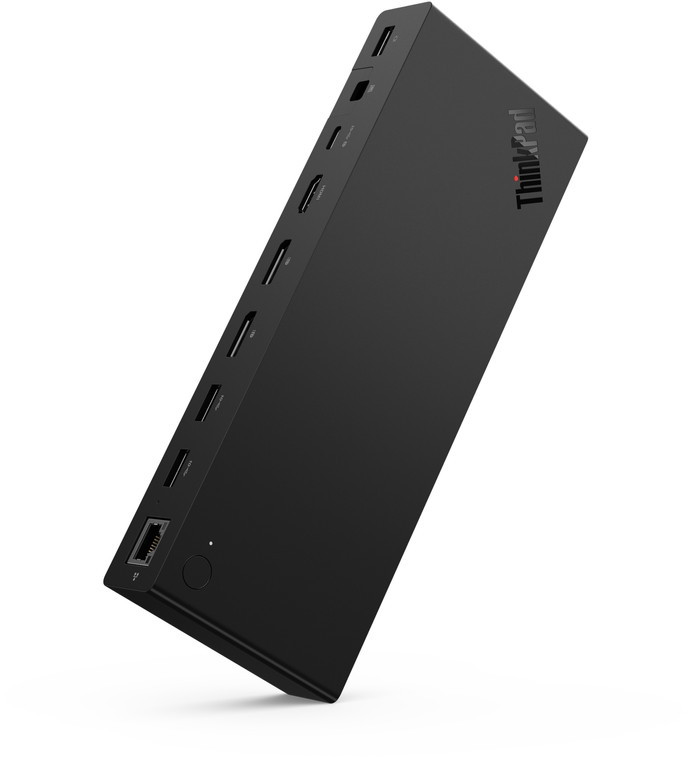
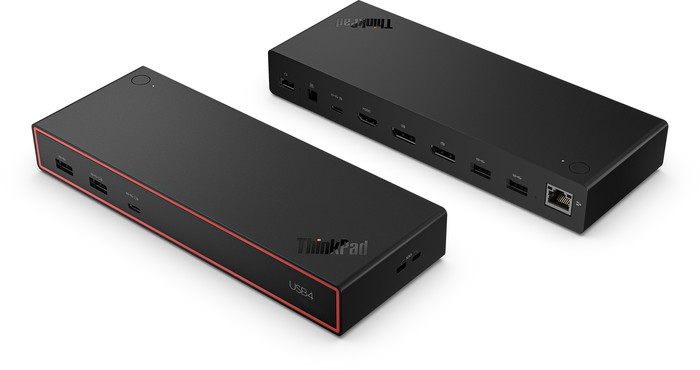
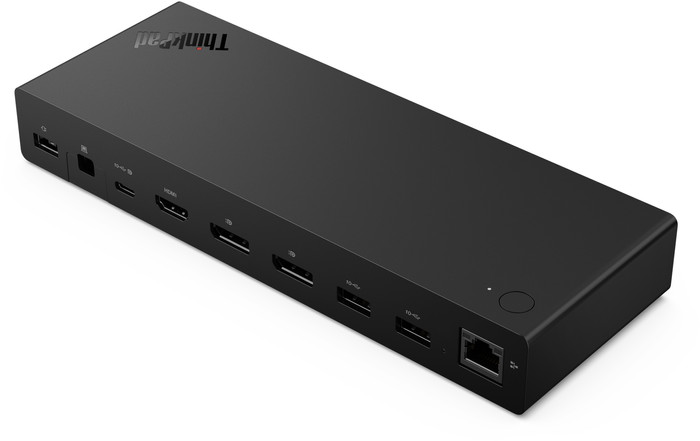
Multiple monitors In addition to the DisplayPort USB-C input, the ThinkPad 5000 also features one HDMI and two DisplayPort connections. This allows me to connect up to 4 monitors, so I can work on different screens at the same time. I connect my laptop to the dock station via the USB-C port for power and video. Because USB-4 achieves speeds of up to 40 Gbps, the dock distributes bandwidth intelligently. As a result, my external screen does not stutter. Even with 4 monitors, you can use every monitor in 4K quality. Do you only have one monitor? Then you use it via the HDMI port in 8K with a 60Hz refresh rate, or in 4K with 240Hz via DisplayPort.
Many USB ports
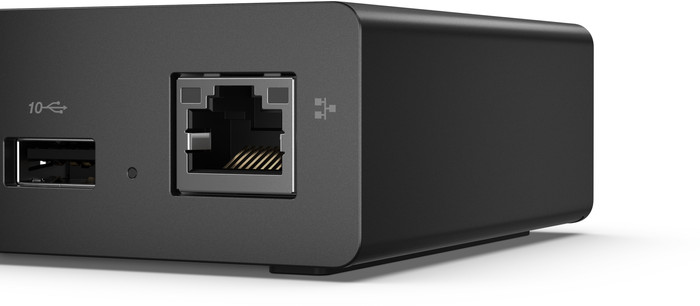
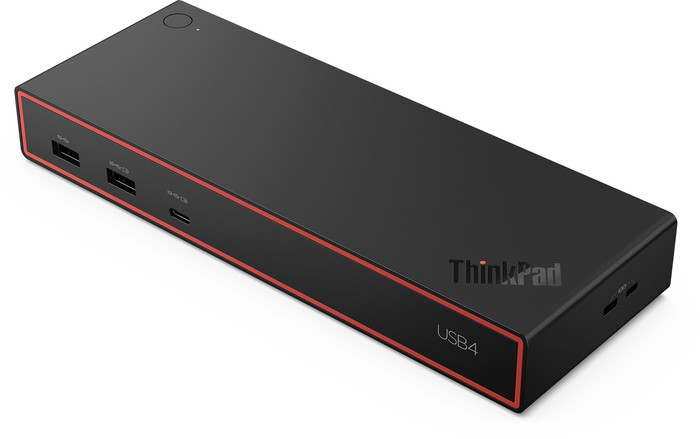
Because this dock has no fewer than 7 USB ports, I connect many accessories. I use one of the USB-C ports to charge my laptop and connect it to the monitor at the same time. I easily connect my mouse and keyboard via the USB-A ports. Even when I transfer my files via a USB stick or external SSD, I still have plenty of free ports left. I connect my internet cable via the 1 Gbps Ethernet port. However, the docking station does not have a 3.5mm audio jack. Therefore, I connect my headphones via my laptop.
100W adapter
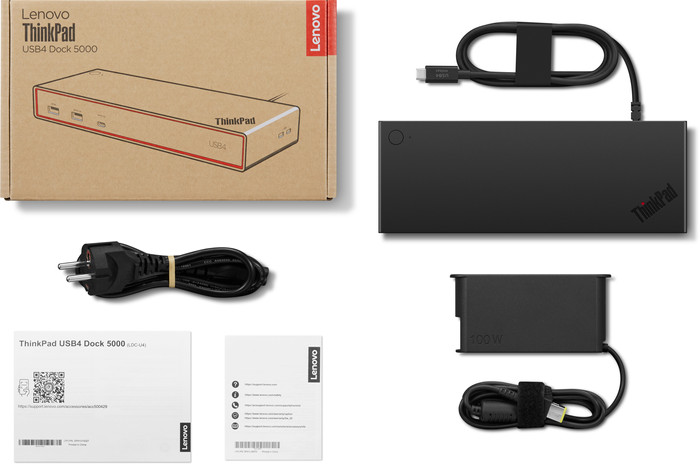
A 100-watt power cable is included in the box with this docking station. With this, the dock charges my laptop with a power of 65 watts. Does your laptop need more charging power? In that case, I would connect my own 135-watt adapter to the dock. With this, it charges at a power of up to 100 watts.
Sam. Docking stations specialist.
4 August 2026
Automatically translated from Nederlands
In use for 1 week and completely convinced. Even though it is from Lenovo, it works perfectly with other brands (Asus, Samsung, HP,...)
Bert
19 October 2026
Automatically translated from Nederlands
173,-
Extra functionalities docking station | Charge laptop via docking station, Charge laptop via own charger, Charge phone via docking station, Connect wired network | |
|---|---|---|
Type of main connector | USB-C | |
Total available video outputs | 1x HDMI, 2x DisplayPort | |
Number of connectable monitors | 4 | |
Type of USB port | Standard USB-A, USB-C | |
Cable length | 0,7 m |
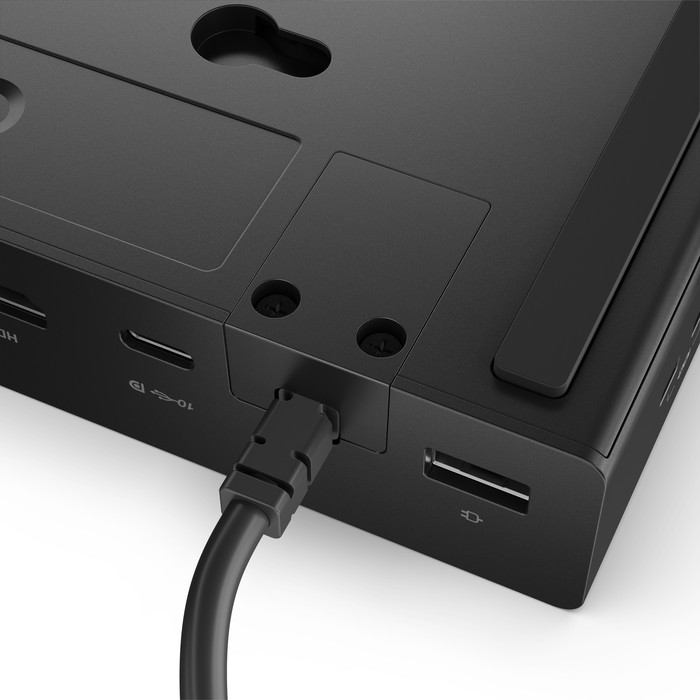
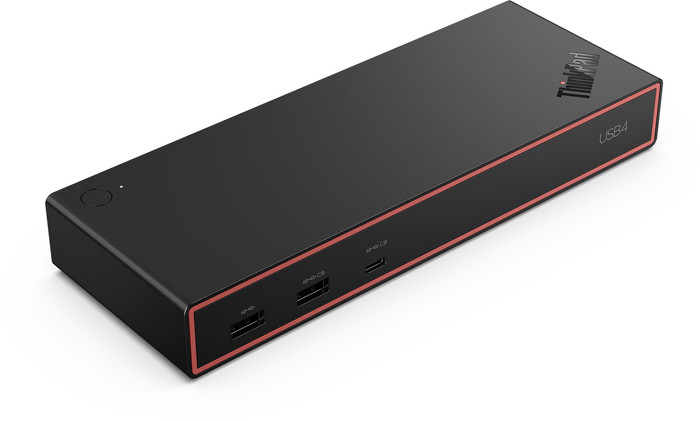
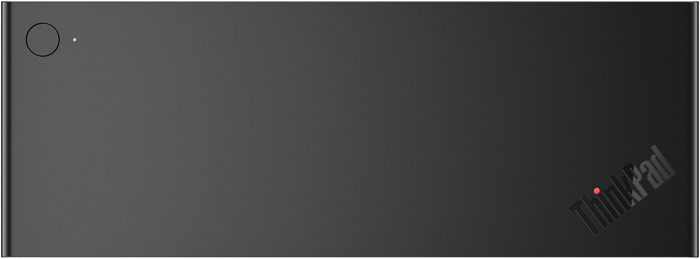
With the Lenovo ThinkPad USB4 Dock 5000, you can turn your laptop into a complete workstation with up to 4 extra monitors. You can connect this dock to your laptop via the built-in USB4 cable and get to work right away. USB4 transfers video, data, and power. This gives you a maximum speed of 40Gbps. You can connect displays via HDMI, DisplayPort, or USB-C. You can connect your mouse, keyboard, and external hard drive via the USB-A ports, and use the Ethernet port for a stable wired internet connection. At the same time, the dock charges your laptop with 65W, as long as your laptop supports Power Delivery. You can secure your laptop with the 2 Kensington locks. This docking station works with all Windows laptops and MacBook models with a USB-C port that transmits a video signal. This is how you can check if your laptop has a compatible USB-C port.
Connect 1 monitor, Connect 2 monitors and a Chromebook, Connect 2 monitors and a Windows laptop
Connect 1 monitor, Connect 2 monitors and MacBook, Connect 2 monitors and a Chromebook, Connect 2 monitors and a Windows laptop
Connect 1 monitor, Connect 2 monitors and a Chromebook, Connect 2 monitors and a Windows laptop
Connect 1 monitor, Connect 2 monitors and MacBook, Connect 2 monitors and a Chromebook, Connect 2 monitors and a Windows laptop
Connect 1 monitor, Connect 2 monitors and MacBook, Connect 2 monitors and a Windows laptop
USB-C
USB-C
USB-C
USB-C
USB-C
Charge laptop via docking station, Charge laptop via own charger, Charge phone via docking station, Connect wired network
Charge laptop via docking station, Charge laptop via own charger, Charge phone via docking station, Connect headphones, Connect wired network
Charge laptop via own charger, Charge phone via docking station, Connect wired network
Charge laptop via docking station, Charge laptop via own charger, Charge phone via docking station, Connect headphones, Connect wired network
Charge laptop via docking station, Charge laptop via own charger, Charge phone via docking station, Connect headphones, Connect wired network
1
2
1
2
2
According to our dock for laptops expert
With this docking station, you can connect up to 4 extra monitors to your laptop.
Thanks to the USB 4 technology, you can transfer data quickly at speeds of up to 40Gbps.
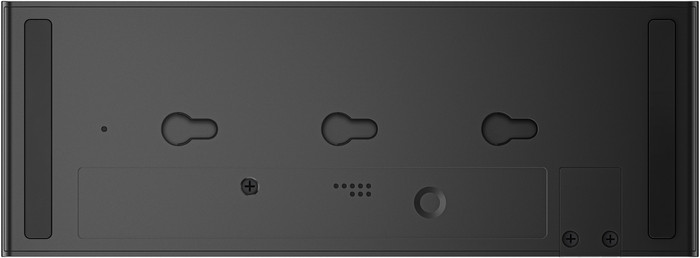
Protect your laptop with the 2 Kensington locks.
You can't transfer data from a memory card with this dock.
Because this dock doesn't have a 3.5mm connector, you can't connect headphones or speakers.
Current product
Delivered tomorrow
173,-
187,-
170,-
187,-
141,-