Welcome to your environment! You can order everything from your assortment with your personal budget here.

You can always return to the normal Coolblue website by clicking here.

Your outstanding budget (incl. VAT) is always visible here, so you know exactly how much you can spend.

Coolblue home

Help with your product

Logitech G502 Gaming Mouse & Logitech Wired Gaming Headset + Logitech G213 Prodigy AZERTY
0 reviews

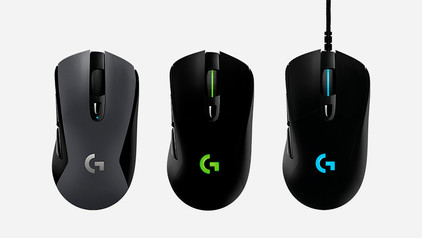
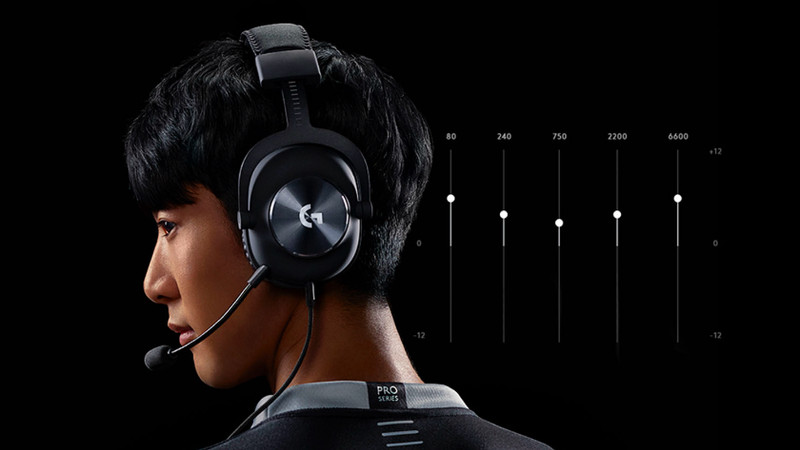
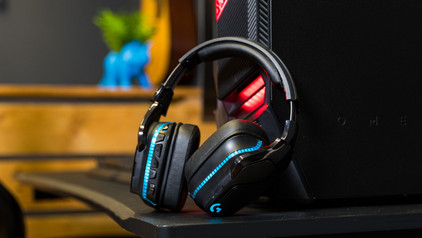
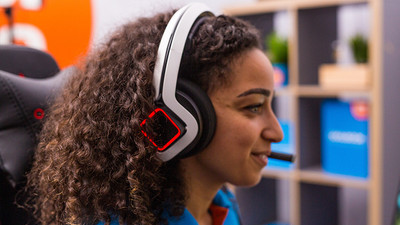
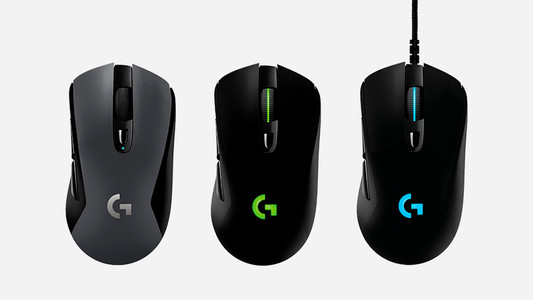
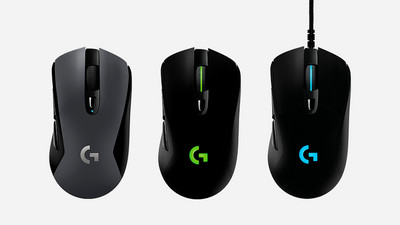
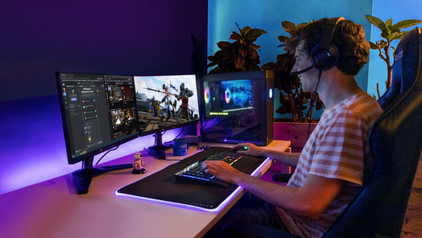
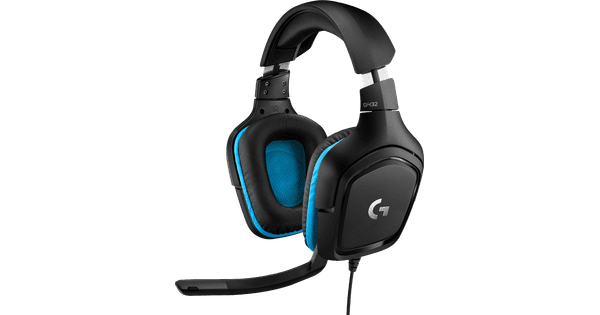
The Logitech G502 HERO High Performance Gaming Mouse & Logitech Headset + Logitech G213 Keyboard, every competitive gamer goes into their games with teamwork and precision. This brand new mouse has RGB lighting, so you can choose one of the 16.8 million available colors. And there's no shortage of buttons, because this mouse has an impressive 11 buttons that you can all program to your liking. In addition, the mouse has a HERO sensor that can be set to a DPI of 25,000 for a precise aim. The Logitech G432 7.1. Virtual Surround Sound Gaming Headset is for gamers who are looking for more depth in their game sound. With virtual surround sound, you can hear shots, footsteps, and other important sounds even better on PC. The 16.8M colors from this keyboard can be fully customized via the Logitech software. Choose a rainbow pattern or let only the WSAD and other important keys light up while you game.

Read all tips here

Which product do you want to see articles about?

How do I solve problems with the scroll wheel of my Logitech gaming mouse?

With some Logitech gaming mice, you can experience issues with the scroll wheel. For example, it's possible that the scroll wheel stutters or scrolls the wrong way. In this article, you can read how to install a firmware update that solves these problems.

How do I use my keyboard and mouse for the PS5?

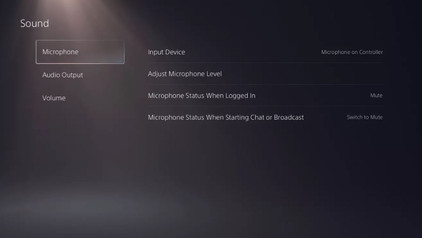
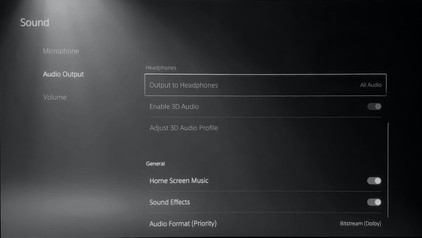
You can connect a gaming headset to your PlayStation 5, as well as a mouse and keyboard. This is a great solution when you're more of a PC gamer with a mouse and keyboard, because aiming is more difficult with a PS5 controller. In this article, we'll explain how to connect a mouse and keyboard to your PlayStation 5.
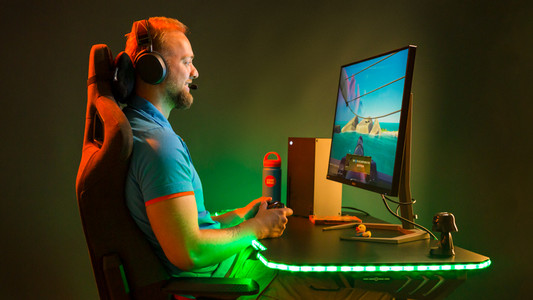
How do I update my drivers using the Logitech Gaming Software?

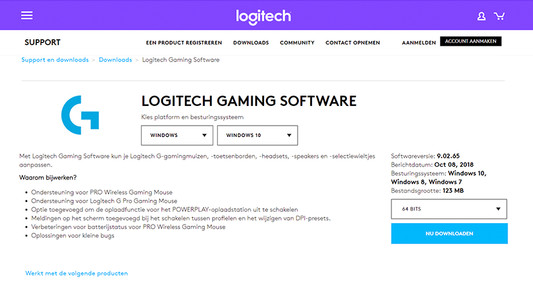
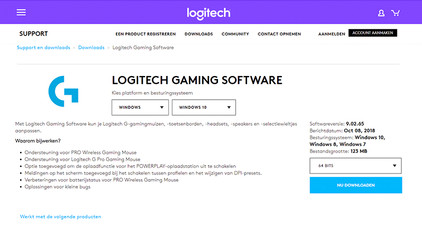
Once you've installed the Logitech Gaming Software, you can get started with the latest drivers, lighting patterns, and other customizable settings on your (new) Logitech gaming gear. On this page, I'll explain how you install the program step by step.

How do you solve sound problems with your Xbox Series X and S gaming headset?

Do you notice that the sound stutters or even disappears? There are a number of solutions to these problems. For example, update your controller or restart your Xbox. In this article, we'll tell you exactly how to solve these sound problems. This way, you can quickly play games again with the sound you're used to.

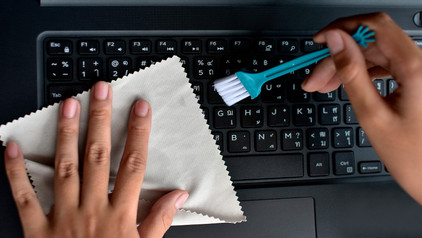
How do I clean my keyboard?

Cleaning your keyboard isn't one of the most fun chores, but if your fingers stick to your keyboard, you'll have to face the music. In this article, I'll explain how to clean a separate keyboard, and you'll read how to clean the keyboard of your laptop.

How do I solve problems with the scroll wheel of my Logitech gaming mouse?

With some Logitech gaming mice, you can experience issues with the scroll wheel. For example, it's possible that the scroll wheel stutters or scrolls the wrong way. In this article, you can read how to install a firmware update that solves these problems.

How do I use my keyboard and mouse for the PS5?

You can connect a gaming headset to your PlayStation 5, as well as a mouse and keyboard. This is a great solution when you're more of a PC gamer with a mouse and keyboard, because aiming is more difficult with a PS5 controller. In this article, we'll explain how to connect a mouse and keyboard to your PlayStation 5.
How do I update my drivers using the Logitech Gaming Software?

Once you've installed the Logitech Gaming Software, you can get started with the latest drivers, lighting patterns, and other customizable settings on your (new) Logitech gaming gear. On this page, I'll explain how you install the program step by step.

How do I update my drivers using the Logitech Gaming Software?

Once you've installed the Logitech Gaming Software, you can get started with the latest drivers, lighting patterns, and other customizable settings on your (new) Logitech gaming gear. On this page, I'll explain how you install the program step by step.

How do you solve sound problems with your Xbox Series X and S gaming headset?

Do you notice that the sound stutters or even disappears? There are a number of solutions to these problems. For example, update your controller or restart your Xbox. In this article, we'll tell you exactly how to solve these sound problems. This way, you can quickly play games again with the sound you're used to.

How do I use my keyboard and mouse for the PS5?

You can connect a gaming headset to your PlayStation 5, as well as a mouse and keyboard. This is a great solution when you're more of a PC gamer with a mouse and keyboard, because aiming is more difficult with a PS5 controller. In this article, we'll explain how to connect a mouse and keyboard to your PlayStation 5.

How do I update my drivers using the Logitech Gaming Software?

Once you've installed the Logitech Gaming Software, you can get started with the latest drivers, lighting patterns, and other customizable settings on your (new) Logitech gaming gear. On this page, I'll explain how you install the program step by step.

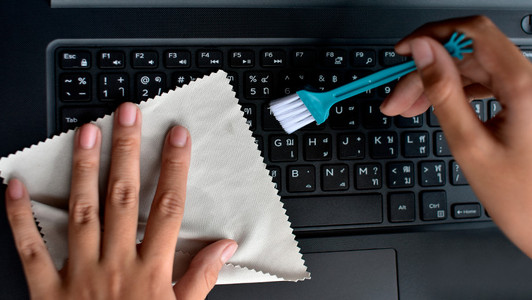
How do I clean my keyboard?

Cleaning your keyboard isn't one of the most fun chores, but if your fingers stick to your keyboard, you'll have to face the music. In this article, I'll explain how to clean a separate keyboard, and you'll read how to clean the keyboard of your laptop.

Subjects
Didn't find your answer?

Find an answer to your question quickly and easily via our customer service.

Coolblue specialist
Personal chat Digitalk.
You're now chatting with Coolblue customer service
This chat is closed
foo
Oeps File size is larger than 5MB. Upload a smaller file.