Welcome to your environment! You can order everything from your assortment with your personal budget here.

You can always return to the normal Coolblue website by clicking here.

Your outstanding budget (incl. VAT) is always visible here, so you know exactly how much you can spend.

Coolblue home

Help with your product
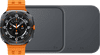
Samsung Galaxy Watch Ultra 4G Gray/Orange 47mm + Duo Wireless Charger
0 reviews

With the Samsung Duo Wireless Charger, you can easily fast charge your Samsung Galaxy Watch Ultra 4G Gray/Orange 47mm at the same time as your smartphone or earbuds. You can work towards your goals in a performance-oriented way. The Watch Ultra is the successor of the Galaxy Watch5 Pro. Thanks to AI, the Watch Ultra will give you more personal advice. Think of how to improve your health and sports performance. The Watch Ultra is made of strong titanium and sapphire glass. That makes this smartwatch able to withstand extreme circumstances, scratches, and bumps. Thanks to the new emergency signal, you can let your surroundings know you're in the trouble. You can safely go on an adventure that way. The battery lasts 2 to 3 days with average use. This watch is recommended for a wrist circumference between 17 to 19cm.

Read all tips here

Which product do you want to see articles about?

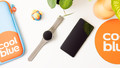
5 tips if your wireless charger doesn't work

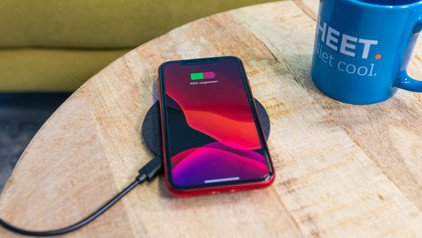
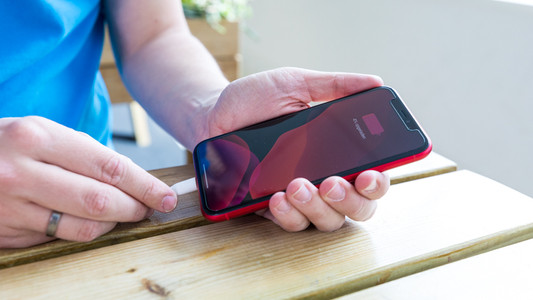
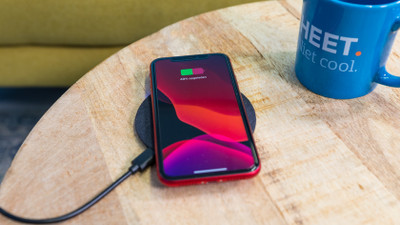
Don't your devices charge when you put them on your wireless charger? There may be a couple of reasons for this. For example, you have to place your smartphone on the charger properly and sometimes you have to remove your case from your device. We'll give 5 tips for when your wireless charger isn't working.

5 tips if your wireless charger doesn't work

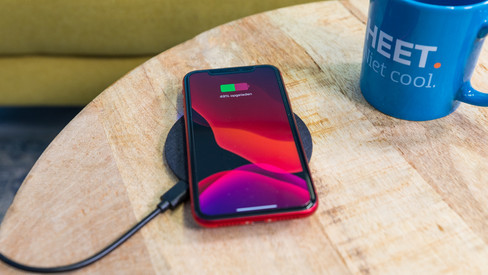
Don't your devices charge when you put them on your wireless charger? There may be a couple of reasons for this. For example, you have to place your smartphone on the charger properly and sometimes you have to remove your case from your device. We'll give 5 tips for when your wireless charger isn't working.
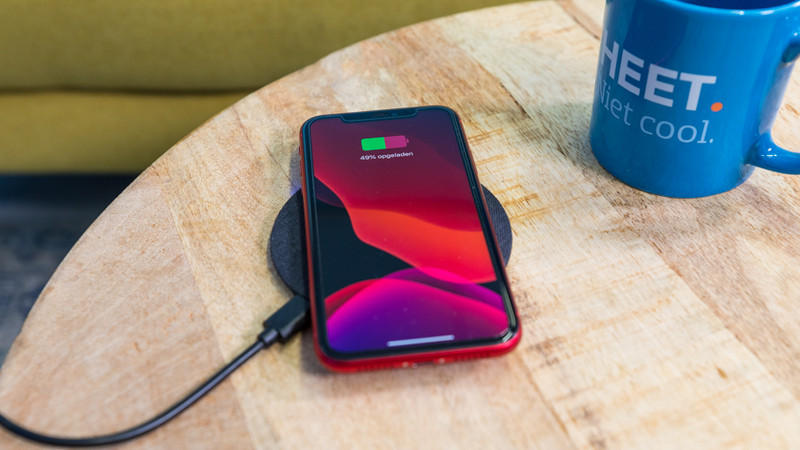
How do you connect your Samsung Watch to your Galaxy Buds?

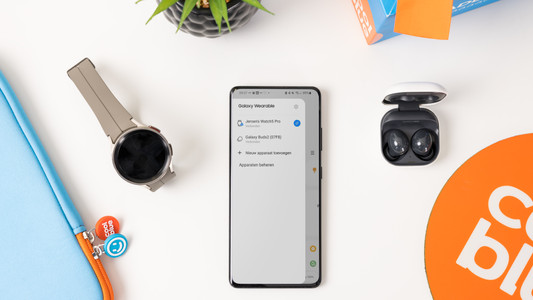
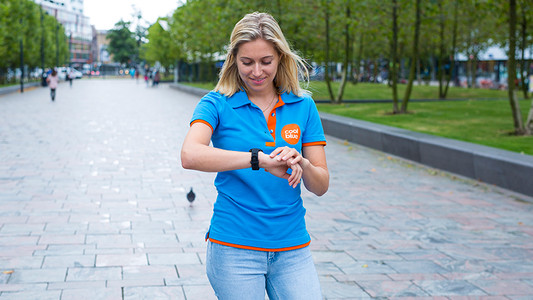
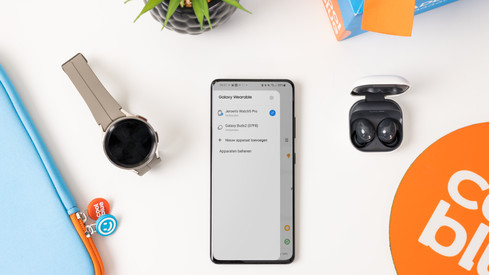
Easily listen to your favorite music with your Samsung Galaxy Buds via your Samsung Galaxy Watch. You can easily connect your Samsung earbuds to your Samsung account. This allows you to smoothly switch between your Galaxy Watch and your smartphone with your Galaxy Buds. In this article, we'll explain how you automatically connect your Samsung Galaxy Buds to your Galaxy Watch.

Tips for charging your smartphone

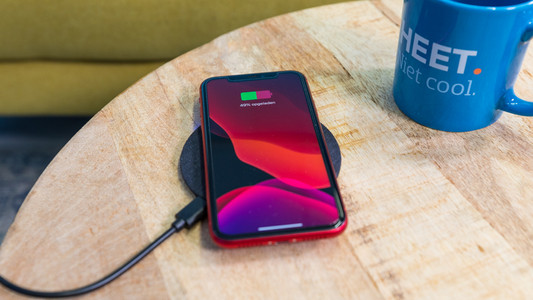
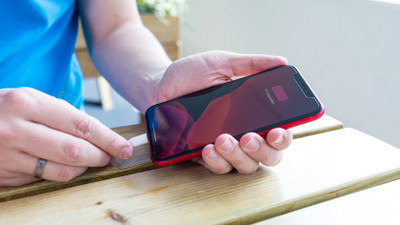
You probably charge your smartphone every day. When you charge it the right way, your battery wears less and your device lasts longer. We'll explain why it's better not to charge your smartphone up to 100% and why fast charging is convenient here. That way, you'll know exactly how to properly charge your smartphone, tablet, or other device.

5 tips if your wireless charger doesn't work

Don't your devices charge when you put them on your wireless charger? There may be a couple of reasons for this. For example, you have to place your smartphone on the charger properly and sometimes you have to remove your case from your device. We'll give 5 tips for when your wireless charger isn't working.
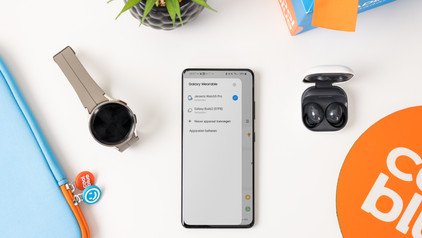
5 tips if your wireless charger doesn't work

Don't your devices charge when you put them on your wireless charger? There may be a couple of reasons for this. For example, you have to place your smartphone on the charger properly and sometimes you have to remove your case from your device. We'll give 5 tips for when your wireless charger isn't working.
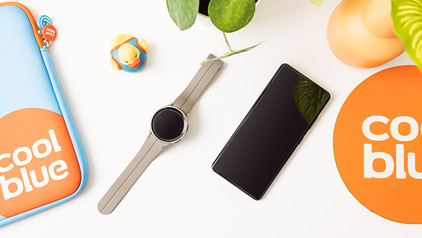
Tips for charging your smartphone

You probably charge your smartphone every day. When you charge it the right way, your battery wears less and your device lasts longer. We'll explain why it's better not to charge your smartphone up to 100% and why fast charging is convenient here. That way, you'll know exactly how to properly charge your smartphone, tablet, or other device.

How do you connect your Samsung Watch to your Galaxy Buds?

Easily listen to your favorite music with your Samsung Galaxy Buds via your Samsung Galaxy Watch. You can easily connect your Samsung earbuds to your Samsung account. This allows you to smoothly switch between your Galaxy Watch and your smartphone with your Galaxy Buds. In this article, we'll explain how you automatically connect your Samsung Galaxy Buds to your Galaxy Watch.

Didn't find your answer?

Find an answer to your question quickly and easily via our customer service.

Coolblue specialist
Personal chat Digitalk.
You're now chatting with Coolblue customer service
This chat is closed
foo
Oeps File size is larger than 5MB. Upload a smaller file.