Welcome to your environment! You can order everything from your assortment with your personal budget here.

You can always return to the normal Coolblue website by clicking here.

Your outstanding budget (incl. VAT) is always visible here, so you know exactly how much you can spend.

Coolblue home

Help with your product

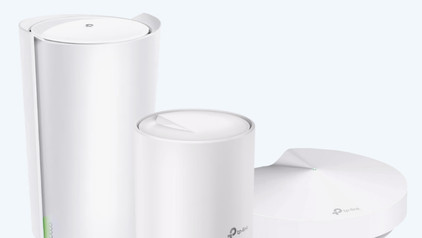
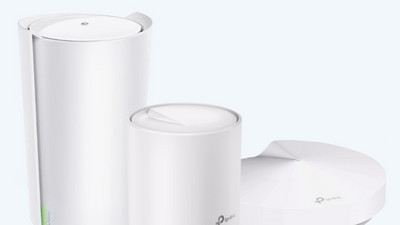
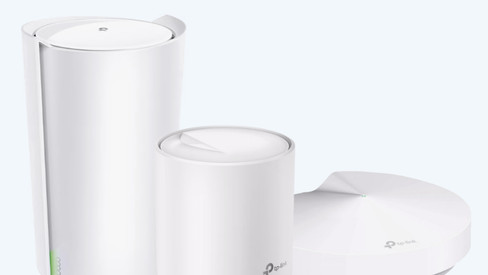
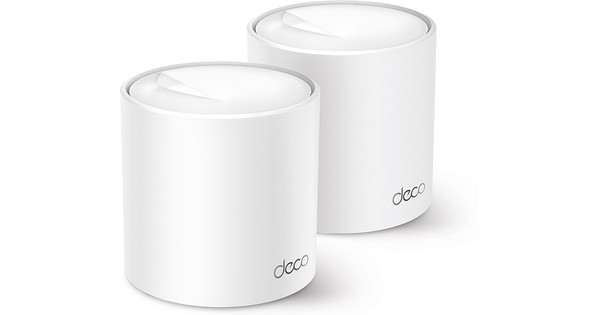
TP-Link Deco X50 2-pack + Deco X50 Outdoor

The TP-Link Deco X50 2-Pack + Deco X50 provides internet without interference in a small house with garden. You can install the Deco X50 Outdoor outdoors because it's splash proof. The mesh network ensures that you can go online on multiple floors with the same network name, so switching is no longer necessary. The connection between the routers runs extra smoothly. This way, the speed is stable everywhere in the house. The set up of the the stations is very easy. When you download the Deco app, you receive instructions for each step. You even get tips about the best place for your Decos. With a 2400Mbps speed, you won't experience delay.

Read all tips here

Which product do you want to see articles about?

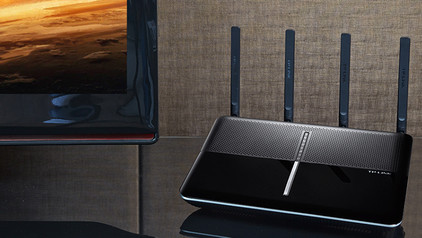
3 tips to connect your mesh system to your modem

You want to reach the highest internet speeds everywhere in you home with your new mesh routers. We'll give you 3 tips to set up your mesh routers optimally in this article. Think of turning off the WiFi of your provider and also the settings you have to adjust in the modem.

3 tips to connect your mesh system to your modem

You want to reach the highest internet speeds everywhere in you home with your new mesh routers. We'll give you 3 tips to set up your mesh routers optimally in this article. Think of turning off the WiFi of your provider and also the settings you have to adjust in the modem.

How do you expand a TP-Link Deco network?

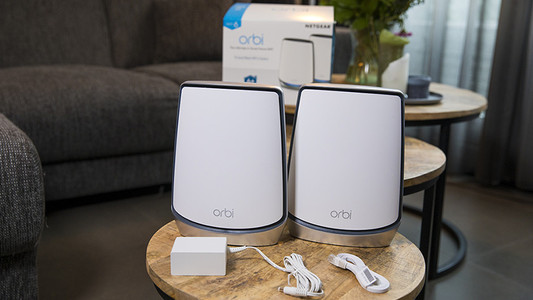
Still don't have WiFi in the entire house with the TP-Link Deco Mesh WiFi system? You can add one or more stations for better coverage. In this article, we'll explain how to do that in 3 steps. We'll also tell you which stations you can connect to your Deco multi-room WiFi system.

How do you expand a TP-Link Deco network?

Still don't have WiFi in the entire house with the TP-Link Deco Mesh WiFi system? You can add one or more stations for better coverage. In this article, we'll explain how to do that in 3 steps. We'll also tell you which stations you can connect to your Deco multi-room WiFi system.

Subjects

Didn't find your answer?

Find an answer to your question quickly and easily via our customer service.

Coolblue specialist
Personal chat Digitalk.
You're now chatting with Coolblue customer service
This chat is closed
foo
Oeps File size is larger than 5MB. Upload a smaller file.