Welcome to your environment! You can order everything from your assortment with your personal budget here.

You can always return to the normal Coolblue website by clicking here.

Your outstanding budget (incl. VAT) is always visible here, so you know exactly how much you can spend.

Coolblue home

Help with your product
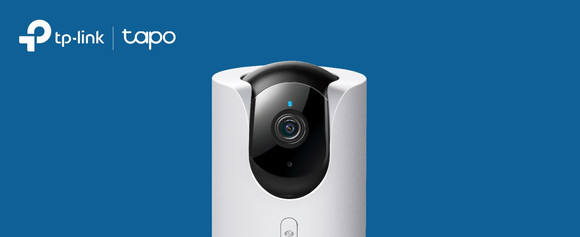
TP-Link Tapo C520WS 2-pack + Smart Battery Video Doorbell D230S1

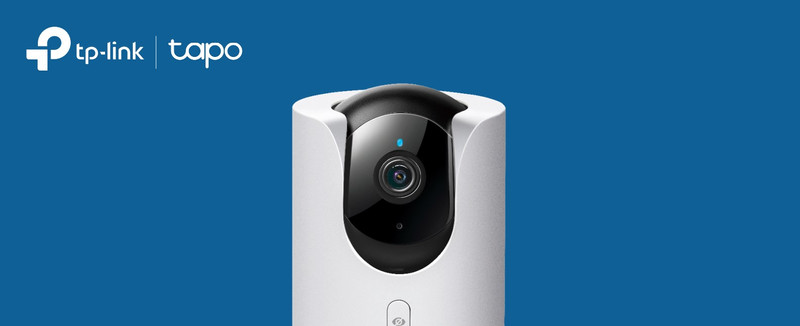
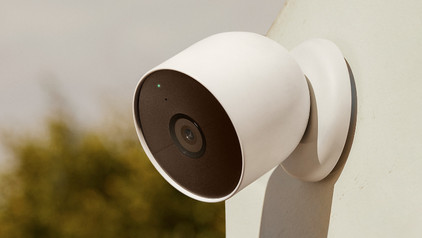
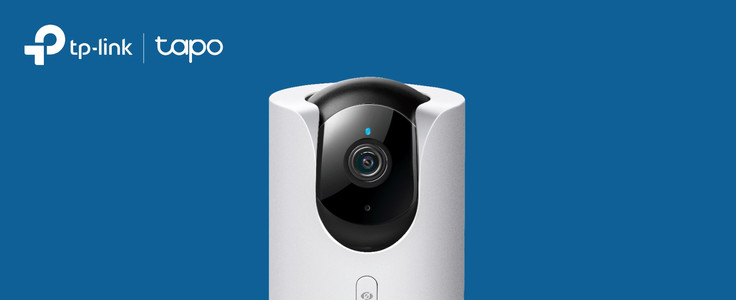
With the TP-Link C520WS 2-pack, you can keep a razor-sharp eye on your front and back garden. The cameras and doorbell record everything in 2K. That way, you can see every detail and the image stays sharp when you zoom in. You can connect the devices to the Tapo app on your smartphone. Here, you can zoom in and out with the cameras and turn them 360 degrees. You also get a notification via the app if there's movement or when someone rings the doorbell. Because the doorbell runs on a battery, you can easily place it wherever you want. The bridge of the doorbell is included. If someone presses the doorbell, you hear a loud noise. You can store images on an SD card. So you don't need an extra cloud subscription.

Read all tips here

Which product do you want to see articles about?

How do you set up a TP-link IP camera?

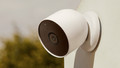
With the Tapo IP cameras from TP-Link, you can keep an eye on what happens around your home day and night. You set up the cameras via the Tapa app. In this article, I'll explain how to set up your TP-Link Tapo IP camera in 5 steps.


6 tips to extend the battery life of your IP camera

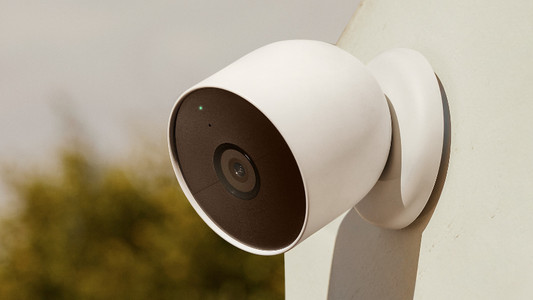
Batteries of IP cameras sometimes don't last as long as expected. Generally, the less you use the cameras, the longer the battery lasts. Read how to save battery while still enjoying all the functions of the IP camera in this article.

Which WiFi solution do you need for your smart doorbell?

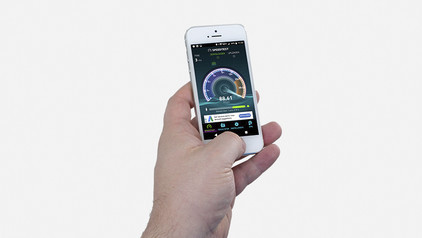
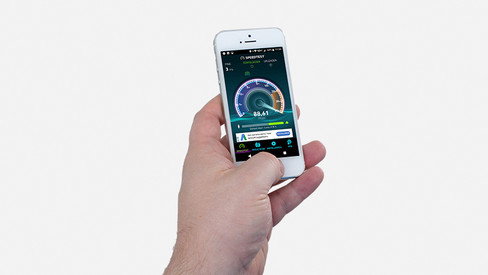
You always know who is in front of your door with a smart doorbell, because it has a built-in camera and you can watch the footage via an app. Even when you're not at home. But you do need a good WiFi connection for this. In this article, we'll tell you what WiFi solution you need in your situation.

How do you set up a TP-link IP camera?

With the Tapo IP cameras from TP-Link, you can keep an eye on what happens around your home day and night. You set up the cameras via the Tapa app. In this article, I'll explain how to set up your TP-Link Tapo IP camera in 5 steps.
6 tips to extend the battery life of your IP camera

Batteries of IP cameras sometimes don't last as long as expected. Generally, the less you use the cameras, the longer the battery lasts. Read how to save battery while still enjoying all the functions of the IP camera in this article.

Subjects

Didn't find your answer?

Find an answer to your question quickly and easily via our customer service.

Coolblue specialist
Personal chat Digitalk.
You're now chatting with Coolblue customer service
This chat is closed
foo
Oeps File size is larger than 5MB. Upload a smaller file.