Welcome to your environment! You can order everything from your assortment with your personal budget here.

You can always return to the normal Coolblue website by clicking here.

Your outstanding budget (incl. VAT) is always visible here, so you know exactly how much you can spend.

Coolblue home

Help with your product

Meta Quest 3 512GB Refurbished + Elite Strap with Battery
0 reviews

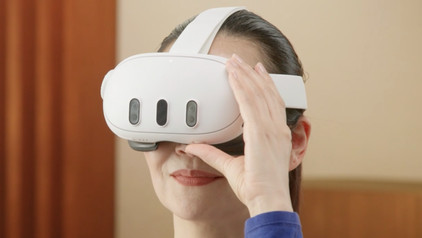
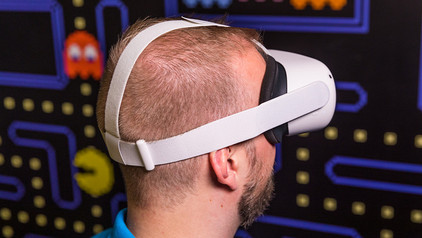
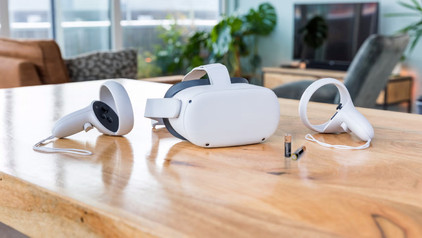
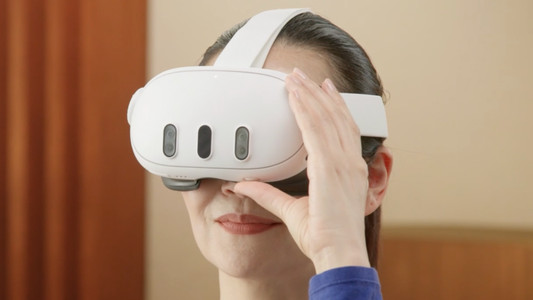
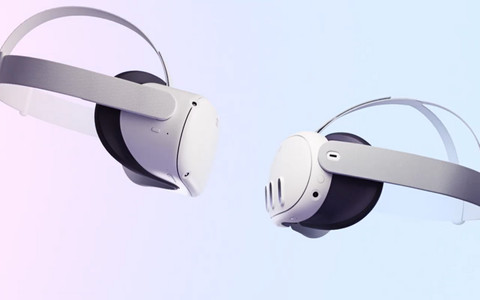
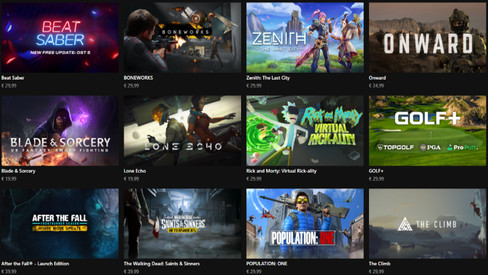
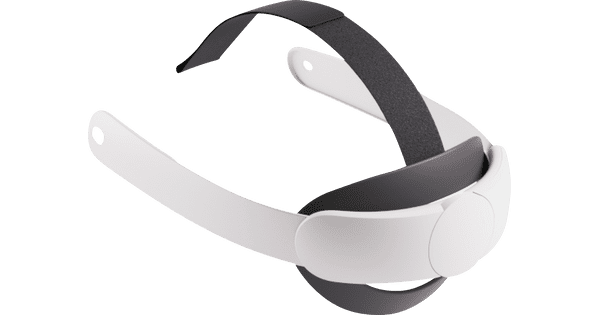
With the Meta Quest 3 Refurbished VR headset and Elite Strap with Battery, you can play VR games for an extra long time. The Elite Strap is made of sturdy materials, so it feels more comfortable while playing. The weight is also better distributed, so doesn't feel as heavy on your face. With the extra battery, you can enjoy virtual games longer. The Meta Quest 3 is the successor to the Meta Quest 2 and it's an active virtual reality headset, just like it's predecessor. As a result, you can use it without a PC or laptop and you're not tied to a cable. The resolution of the headset is 30% better compared to the Meta Quest 2. This VR headset has pancake lenses, so you're less bothered by distortions than with other VR lenses. This reduces the chance of motion sickness. The Meta Quest 3 is 40% slimmer than the Meta Quest 2, so it's also lighter. With the Meta Quest 3, you get the Touch Plus controllers with haptic feedback. When something happens in-game, you feel the vibrations in the controller as a result. You also have enough space for all your games with a 512GB storage capacity. Meta is the new name that replaces Oculus. This VR headset is a part of Facebook.

Read all tips here

How do you adjust the lenses of your Meta Quest 2 VR headset?

You bought the Meta Quest VR headset and you notice the image isn't sharp. That's maybe due to the lenses of your Meta Quest VR headset. We'll tell you how to measure your pupil distance and how to focus the lenses in this article.

How do you maintain your Meta Quest 2 VR headset?

To extend the lifespan of your Meta Quest VR headset, you can maintain the VR headset. Sunlight can damage the VR headset and you'll get defective pixels in the screen. Also clean the lenses well, so you'll always have a bright image. We'll tell you how to maintain the Meta Quest VR headset here.

How do you adjust the lenses of your Meta Quest 2 VR headset?

You bought the Meta Quest VR headset and you notice the image isn't sharp. That's maybe due to the lenses of your Meta Quest VR headset. We'll tell you how to measure your pupil distance and how to focus the lenses in this article.

How do you maintain your Meta Quest 2 VR headset?

To extend the lifespan of your Meta Quest VR headset, you can maintain the VR headset. Sunlight can damage the VR headset and you'll get defective pixels in the screen. Also clean the lenses well, so you'll always have a bright image. We'll tell you how to maintain the Meta Quest VR headset here.

Subjects

Didn't find your answer?

Find an answer to your question quickly and easily via our customer service.

Coolblue specialist
Personal chat Digitalk.
You're now chatting with Coolblue customer service
This chat is closed
foo
Oeps File size is larger than 5MB. Upload a smaller file.