Welcome to your environment! You can order everything from your assortment with your personal budget here.

You can always return to the normal Coolblue website by clicking here.

Your outstanding budget (incl. VAT) is always visible here, so you know exactly how much you can spend.

Coolblue home

Help with your product
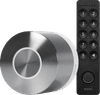
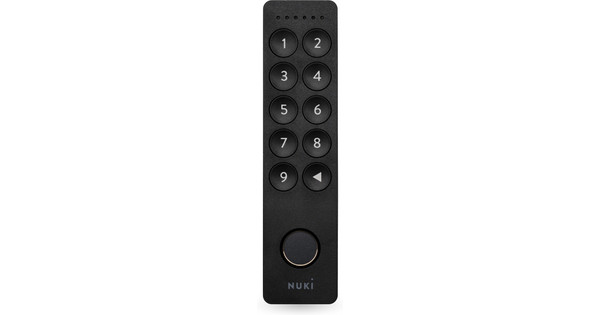
Nuki Smart Lock Ultra + Nuki Keypad 2.0

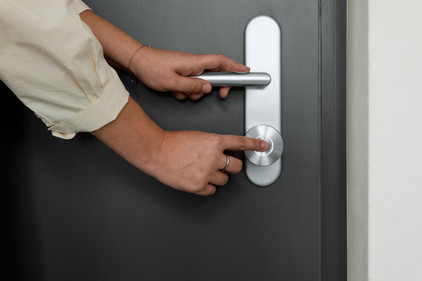
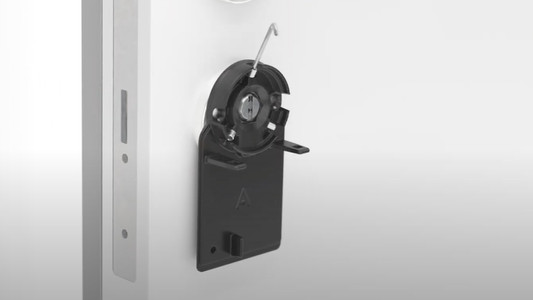
With the Nuki Smart Lock Ultra + Nuki Keypad 2.0, you won¿t need keys for your front or back door anymore. You can open the smart lock via the Nuki app on your smartphone, with a code, or with your fingerprint. This way, you can also give others temporary access. Set temporary PIN codes that expire when you don¿t need them anymore. When you install the lock, you replace the entire cylinder with the included universal cylinder. This way, it fits most doors. In the app, you can see exactly when the lock was opened and whether it¿s locked. Because the lock has built-in WiFi, you can also lock and unlock it via the app when you¿re not home.

Read all tips here

How do you install a Nuki smart door lock?

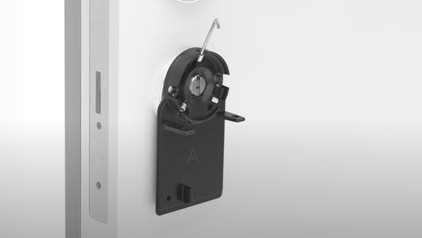
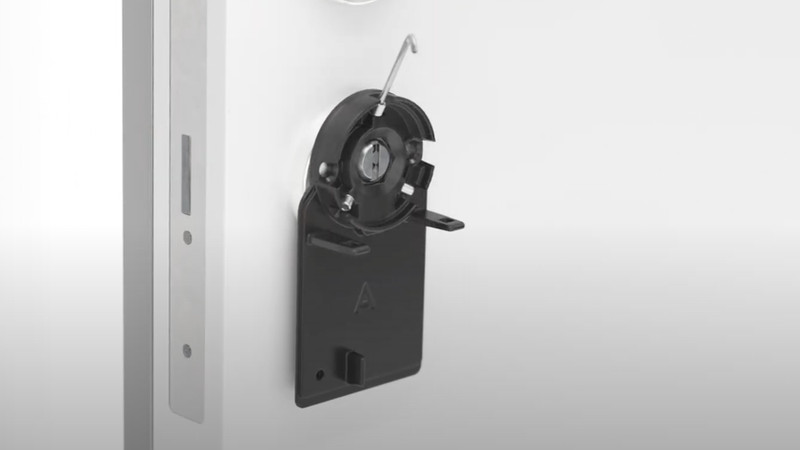
You've bought a Nuki smart door lock and want to install it as easily as possible. In this article, we'll help you with that. We'll tell you how to install your Nuki door lock in 5 clear steps.
How do you install a Nuki smart door lock?

You've bought a Nuki smart door lock and want to install it as easily as possible. In this article, we'll help you with that. We'll tell you how to install your Nuki door lock in 5 clear steps.
Subjects

Didn't find your answer?

Find an answer to your question quickly and easily via our customer service.

Coolblue specialist
Personal chat Digitalk.
You're now chatting with Coolblue customer service
This chat is closed
foo
Oeps File size is larger than 5MB. Upload a smaller file.