Welcome to your environment! You can order everything from your assortment with your personal budget here.

You can always return to the normal Coolblue website by clicking here.

Your outstanding budget (incl. VAT) is always visible here, so you know exactly how much you can spend.

Coolblue home

Help with your product
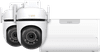
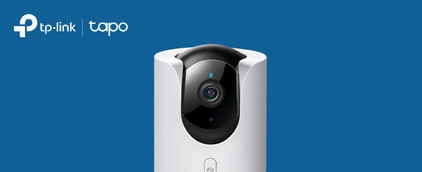
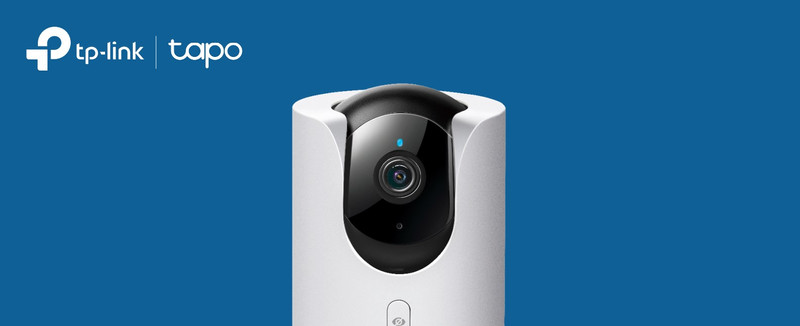
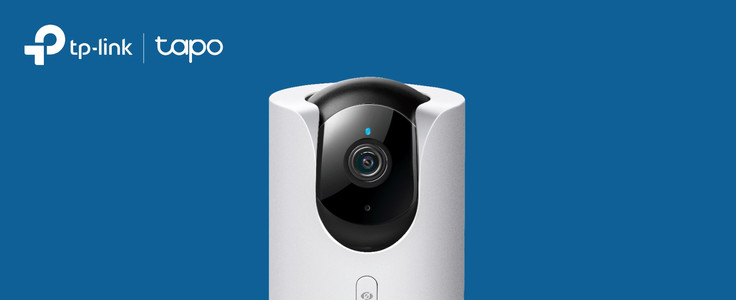
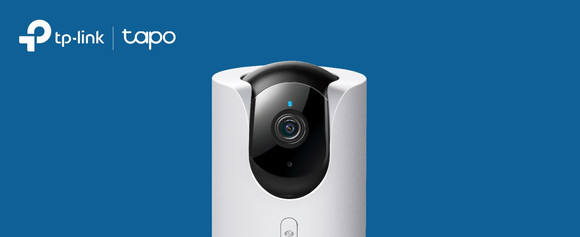
TP-Link Tapo C530WS Duo Pack + H500 Smart HomeBase

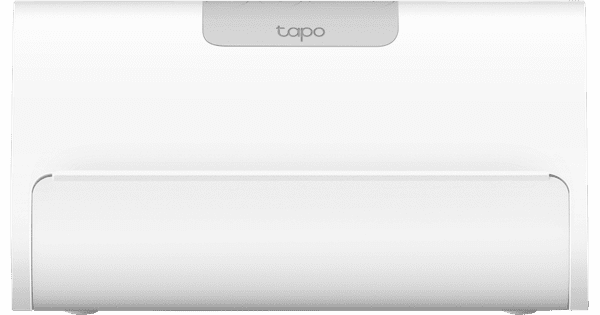
Keep a razor-sharp eye on 2 outdoor spaces or a large garden day and night with the TP-Link Tapo C350WS Duo Pack + H500 Smart HomeBase. Connect the cameras to a smart hub and securely store all your footage in 1 place. C530WS Duo Pack These IP cameras rotate 360 degrees and automatically track movement. They're corded, so they always have power. That way, you never miss an event. The cameras record in sharp 3K quality, so the image remains sharp. When you zoom in on details, for example. You can connect them to the Smart HomeBase and store all your footage in 1 place without an additional subscription or SD card. H500 Smart HomeBase With the H500 Smart HomeBase, you can control all your smart Tapo devices from 1 place. You can connect up to 16 IP cameras and doorbells and 64 sensors to the hub. It has a 16GB internal storage. With an extra hard drive, you can expand this storage space to up to 16TB. That's useful if you want to record day and night.

Read all tips here

Which product do you want to see articles about?

How do you set up a TP-link IP camera?

With the Tapo IP cameras from TP-Link, you can keep an eye on what happens around your home day and night. You set up the cameras via the Tapa app. In this article, I'll explain how to set up your TP-Link Tapo IP camera in 5 steps.


6 tips to extend the battery life of your IP camera

Batteries of IP cameras sometimes don't last as long as expected. Generally, the less you use the cameras, the longer the battery lasts. Read how to save battery while still enjoying all the functions of the IP camera in this article.

How do you set up a TP-link IP camera?

With the Tapo IP cameras from TP-Link, you can keep an eye on what happens around your home day and night. You set up the cameras via the Tapa app. In this article, I'll explain how to set up your TP-Link Tapo IP camera in 5 steps.
6 tips to extend the battery life of your IP camera

Batteries of IP cameras sometimes don't last as long as expected. Generally, the less you use the cameras, the longer the battery lasts. Read how to save battery while still enjoying all the functions of the IP camera in this article.

Subjects

Didn't find your answer?

Find an answer to your question quickly and easily via our customer service.

Coolblue specialist
Personal chat Digitalk.
You're now chatting with Coolblue customer service
This chat is closed
foo
Oeps File size is larger than 5MB. Upload a smaller file.