Welcome to your environment! You can order everything from your assortment with your personal budget here.

You can always return to the normal Coolblue website by clicking here.

Your outstanding budget (incl. VAT) is always visible here, so you know exactly how much you can spend.

Coolblue home

Help with your product

Lenovo Idea Tab 11 inches 128GB WiFi Gray with Stylus + Keyboard Cover AZERTY

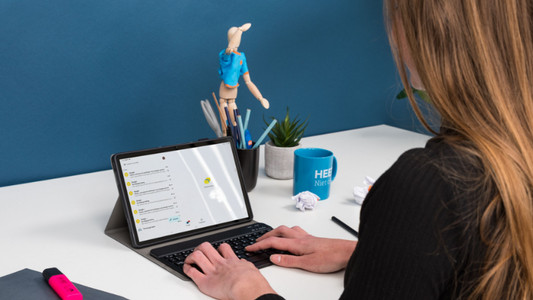
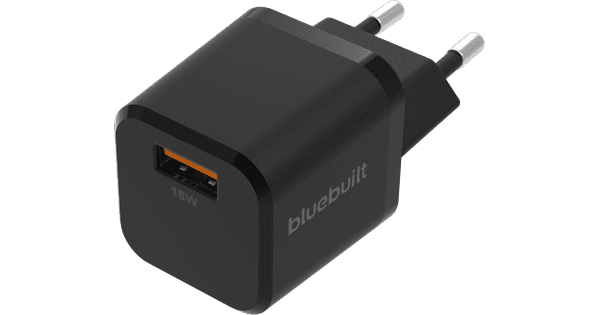
Type emails and reports easily with the Lenovo Idea Tab 11 inch 128GB Wifi Grijs met Stylus + Toetsenbord Hoes AZERTY. You can place the tablet upright with the built-in stand in the cover. The included stylus lets you take precise notes or make sketches. Thanks to its decent speed, you can smoothly open documents or PDF files. You can easily read the newspaper or a magazine on the medium-sized screen. The screen is also large enough to watch a YouTube video comfortably. You can also use it safely by the swimming pool or in the bathtub, because the tablet is water-resistant. With 128GB storage, you'll need to delete apps after a year. Choose the Idea Tab with 256GB storage, and you won't have to delete files as quickly. A charger isn't included. So order a charger too, and charge it quickly right away.

Read all tips here

How do you connect your Android tablet to a screen?

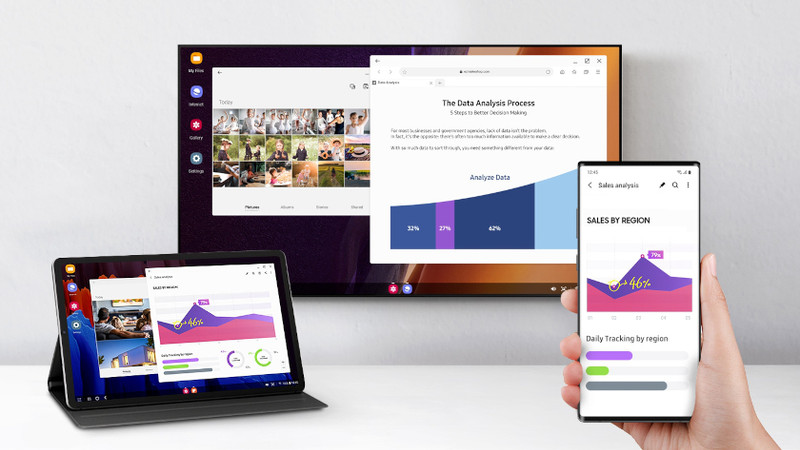
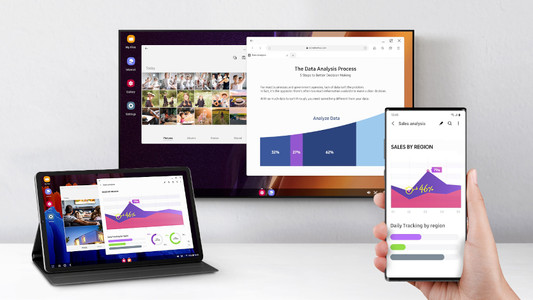
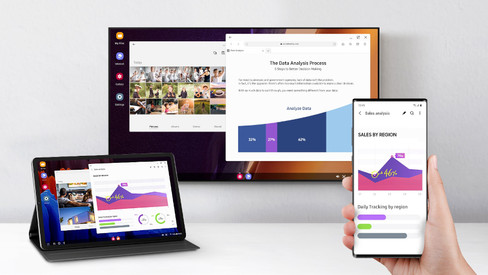
You can connect your Android tablet to various devices. That way, you can watch something on a large screen or use your tablet as a desktop. You can show your holiday photos on a large screen or work on a document with a keyboard and mouse, for example. In this article, we'll give you some tips on how to do that.


How do you install Google Kids Mode on your tablet?

With the Google Kids Space child mode, your child can safely explore the digital world with fun and educational apps. You can set up this mode yourself. In this article, we'll explain how you can do that.

How do you solve problems with a slow Android tablet?

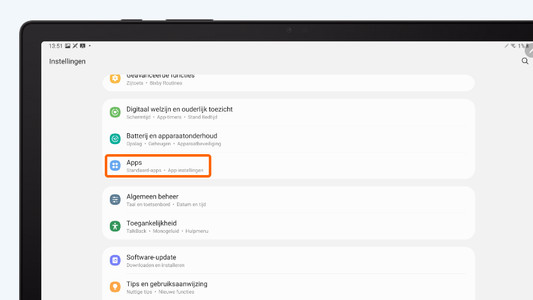
Is your tablet slow or do apps crash all of a sudden? It's probably caused by an outdated app or Android version. Sometimes, it also helps to restart your tablet. In this article, you can read how to solve common problems with slow tablets.

How do you set up email on your Android tablet?

You can set up your email on your Android tablet via the Google Gmail app. In the app, simply log in with your Hotmail, Gmail, or Yahoo email address. In this article, we'll explain step by step how to set up your email on your Android tablet.

How do you solve charging problems with your tablet?

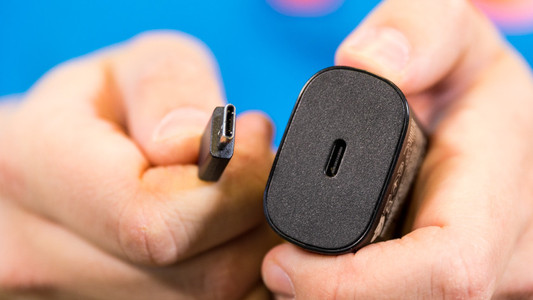
It can be very annoying if your Android tablet won't charge or charges slowly. The problem could be a dirty charging port, or maybe it's the charger you're using. Sometimes, restarting your tablet solves the problem. In this article, we'll give you 4 tips so you can charge your tablet without any problems again.

How do you prepare your tablet for trade-in in the store?

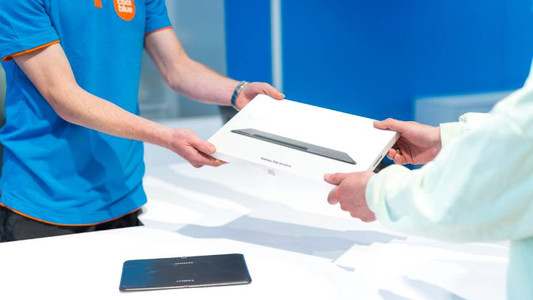
Thanks to Tablet Upgrade, you get a discount on your new tablet when you trade in your old one. If you prepare for the trade-in properly, it'll be a lot easier and faster. Make sure you transfer your data beforehand. In this article, we'll explain all of the steps.

Everything on tablet upgrade

You can trade in your tablet for a discount on a new device or for CoolblueCredit. That means your tablet is worth money. You can trade it in one of the Coolblue stores. We'll tell you everything you need to know about Tablet Upgrade.

How do you connect your Android tablet to a screen?

You can connect your Android tablet to various devices. That way, you can watch something on a large screen or use your tablet as a desktop. You can show your holiday photos on a large screen or work on a document with a keyboard and mouse, for example. In this article, we'll give you some tips on how to do that.

How do you install Google Kids Mode on your tablet?

With the Google Kids Space child mode, your child can safely explore the digital world with fun and educational apps. You can set up this mode yourself. In this article, we'll explain how you can do that.

How do you solve problems with a slow Android tablet?

Is your tablet slow or do apps crash all of a sudden? It's probably caused by an outdated app or Android version. Sometimes, it also helps to restart your tablet. In this article, you can read how to solve common problems with slow tablets.

How do you set up email on your Android tablet?

You can set up your email on your Android tablet via the Google Gmail app. In the app, simply log in with your Hotmail, Gmail, or Yahoo email address. In this article, we'll explain step by step how to set up your email on your Android tablet.

How do you solve charging problems with your tablet?

It can be very annoying if your Android tablet won't charge or charges slowly. The problem could be a dirty charging port, or maybe it's the charger you're using. Sometimes, restarting your tablet solves the problem. In this article, we'll give you 4 tips so you can charge your tablet without any problems again.

How do you prepare your tablet for trade-in in the store?

Thanks to Tablet Upgrade, you get a discount on your new tablet when you trade in your old one. If you prepare for the trade-in properly, it'll be a lot easier and faster. Make sure you transfer your data beforehand. In this article, we'll explain all of the steps.

Everything on tablet upgrade

You can trade in your tablet for a discount on a new device or for CoolblueCredit. That means your tablet is worth money. You can trade it in one of the Coolblue stores. We'll tell you everything you need to know about Tablet Upgrade.

Subjects

Didn't find your answer?

Find an answer to your question quickly and easily via our customer service.

Coolblue specialist
Personal chat Digitalk.
You're now chatting with Coolblue customer service
This chat is closed
foo
Oeps File size is larger than 5MB. Upload a smaller file.