Written by Stefan
Edited on
21 July 2026
·
10:44
How do you choose an Apple MacBook for photo editing or video editing?
Do you want to edit photos and videos on your MacBook? You'll need a model that's powerful enough. Which one that is, depends on your usage situation. For example, the MacBook Air is better if you often edit photos, but you need a MacBook Pro for demanding video editing. In this article, we'll tell you which MacBook suits you best.
Which MacBook for photo editing suits you?
| Tasks | MacBook model | Processor | RAM | |
|---|---|---|---|---|
| Light photo editing | Light edits/change colors/use Apple Intelligence 'Clean Up' function | MacBook Neo | Apple A18 Pro | At least 8GB |
| Demanding photo editing | Working with photo files in high quality/photo editing in Lightroom | MacBook Air | Apple M4/Apple M5 | At least 16GB |
| Professional photo editing | Graphic design in Photoshop or InDesign/many layers and high-quality image materials | MacBook Pro | Apple M5 | At least 16GB |
Photo editing
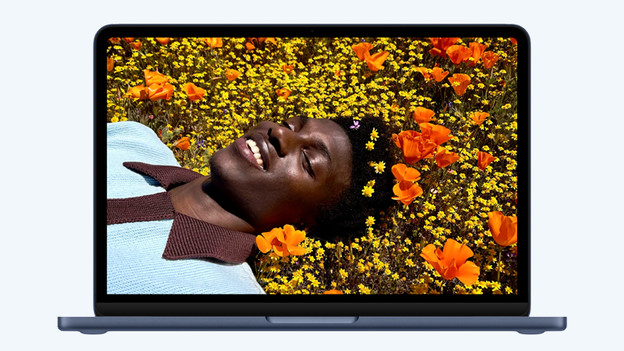
Light photo editing: MacBook Neo
Did you take nice photos of your pet and want to crop them a little? You don't need a very powerful MacBook. With the Apple MacBook Neo, you can quickly and smoothly perform light photo editing. You can also easily remove unwanted people from your photos with the Apple Intelligence function 'Clean Up'. Do you store many photos locally on your MacBook? Choose at least 512GB storage and never run out of space.
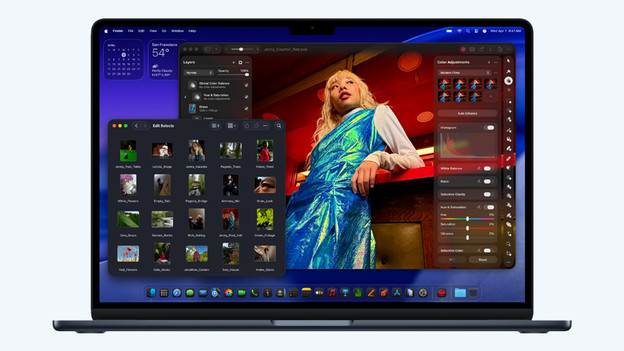
Demanding photo editing: MacBook Air
Edit professional photos in high quality with the Apple MacBook Air. With the powerful M4 or M5, you can smoothly and quickly edit photos in apps like Lightroom. Thanks to the sharp Liquid Retina display, all your photo project looks sharp and you can enjoy bright colors. You can easily take a MacBook Air with a 13-inch screen with you. Choose a large 15-inch screen and don't miss any details in your photos.
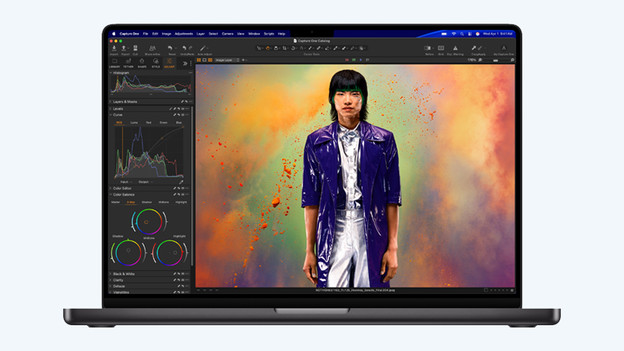
Professional photo editing: MacBook Pro
You can smoothly work on your graphic design projects with the powerful Apple MacBook Pro with M4 or M5 chip. The Apple MacBook Pro has a Liquid Retina XDR display, which is sharper and more colorful than the screen of the MacBook Air. On the 14 or 16-inch screen, you can view your creations in the highest quality. With at least 16 graphics cores, you can also edit RAW photo files smoothly. Choose the M4 Pro or M5 Pro chip and perform even the most demanding graphic design edits easily.
Which MacBook for video editing suits you?
| Tasks | MacBook model | Processor | RAM | |
|---|---|---|---|---|
| Light video editing | Make light vacation videos in iMovie/edit simple videos | MacBook Air | Apple M4/Apple M5 | At least 16GB |
| Demanding video editing | Professional quality video editing in 4K with multiple layers | MacBook Pro | Apple M5 Pro | At least 24GB |
| Professional video editing | Large movies and video projects in 8K/many layers and large media libraries | MacBook Pro | Apple M5 Max | At least 36GB |
Video editing
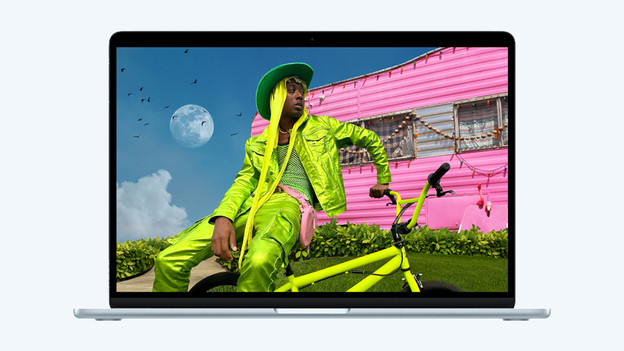
Light video editing: MacBook Air
Create nice videos of your vacation or edit simple social media videos with the Apple MacBook Air. With the Apple M4 or Apple M5 chip, you can easily work in apps like iMovie and make simple video projects with a few layers or effects. Choose a large 15-inch screen and don't miss any details in your videos.
Demanding video editing: MacBook Pro M5 Pro
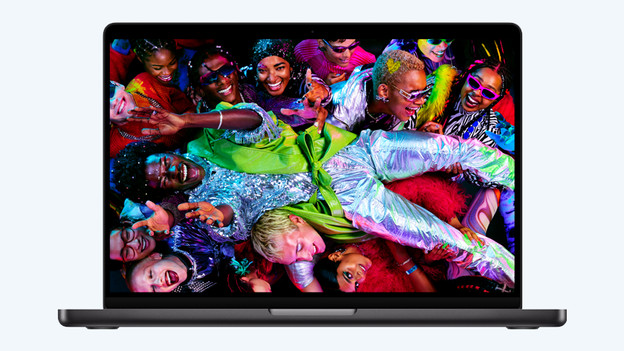
Do you often edit large video files in high quality? Choose an Apple MacBook Pro with an M5 Pro chip. On the high-quality Liquid Retina XDR display, all video footage looks razor-sharp and colors look lifelike. With at least 24GB RAM, you can stack multiple video layers and use effects.
Professional video editing: MacBook Pro M5 Max
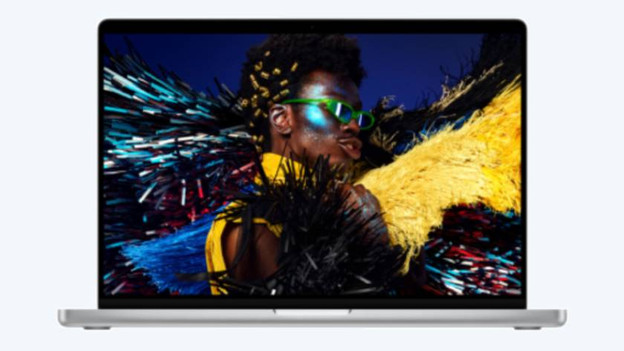
Do you work on large, professional movie projects for the movie industry, for example? Choose an Apple MacBook with an Apple M5 Max chip. With at least 36GB RAM, you can smoothly work on large video projects with many layers in high quality. Choose a 2TB storage capacity and take a large part of your media library with you on the go. On a large 16-inch screen, you won't miss any details in your video projects.
Article by Stefan
Apple Expert.