Help after purchase of your gaming monitor
You bought a brand new gaming monitor to improve your setup. You want to game right away of course, but you have to connect the monitor first. We'll give you tips on how to set up your monitor and which hardware you need. In addition, we'll help you solve common problems.
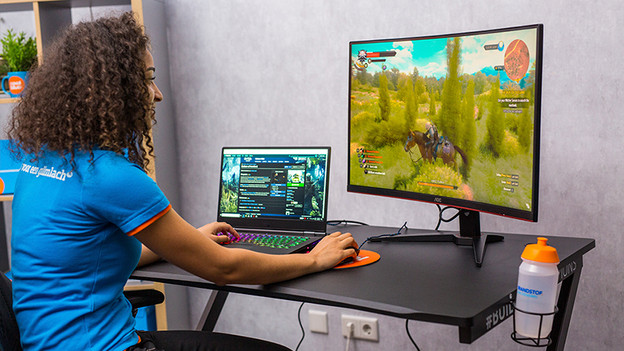
Connect your gaming monitor
Connecting a monitor is easy. Make sure that you have a computer, an image cable, a keyboard, and a mouse. After that, we'll explain how you can connect them.
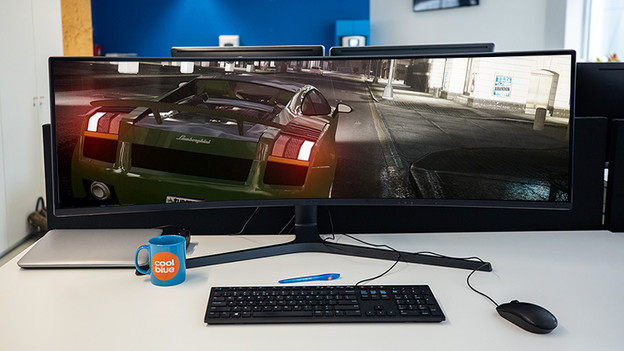
Set up your monitor
Monitor come with a preset standard resolution, refresh rate, and color representation. We'll explain how you can adjust them and how to prevent ghosting and screen tearing.
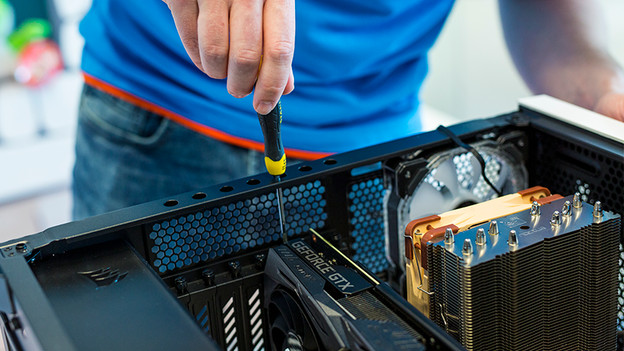
Set up your hardware
Once you've set up the monitor, it's time for the hardware. Make sure that you have the right equipment, connect them, and optimize them.
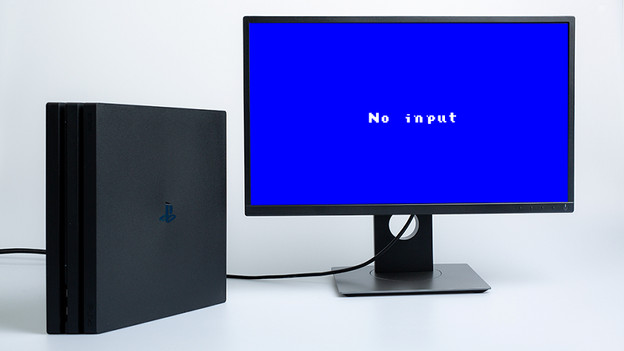
Solve problems
Are you having problems connecting or setting up your monitor? Don't worry. We have the solution.
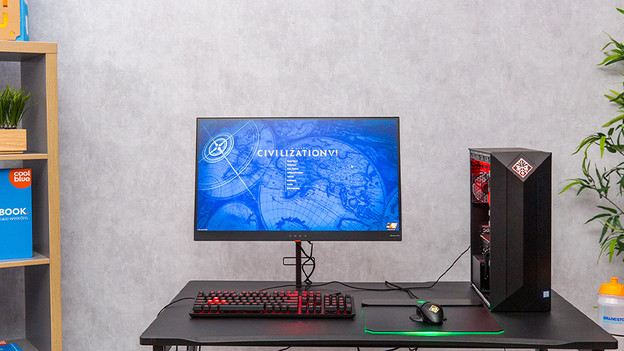
Tips for your gaming setup
Did you set up your monitor, PC, and peripherals? You can finally start gaming. Before you do, read these tips for the perfect gaming setup.