Help after purchase of a graphic monitor
As a designer, the color representation of your designs is very important. That's why it's crucial to properly set up and calibrate your graphic monitor. We'll explain how you can do that.
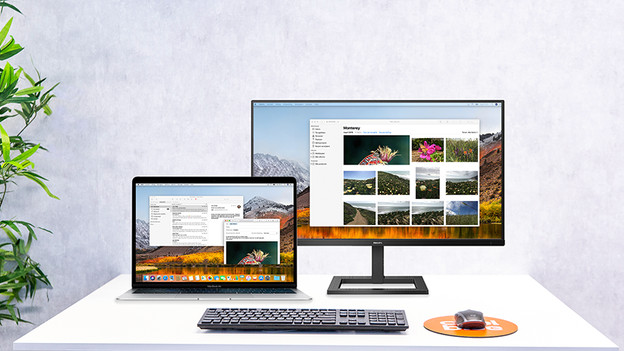
Connect your monitor
You connect your monitor by pulling an image cable from your PC to your screen. Which cable you need depends on your devices. With the following advice, connecting your monitor is a piece of cake.
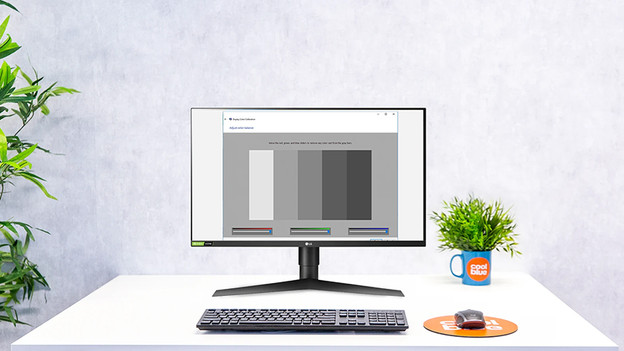
Set up and calibrate your monitor
Every monitor has a preset brightness, color representation, and resolution. We understand you'd prefer to adjust these settings yourself. This is how.
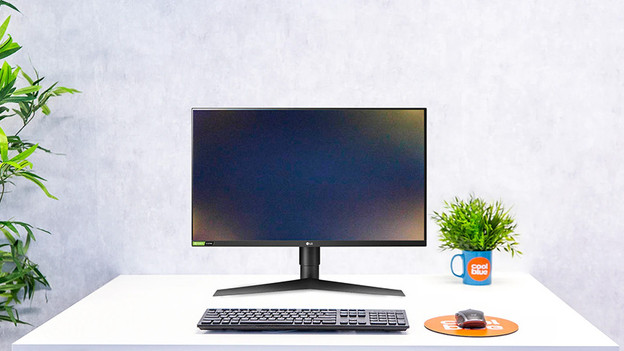
Solve problems
Are you unable to connect or set up your monitor? We have some possible solutions for you.
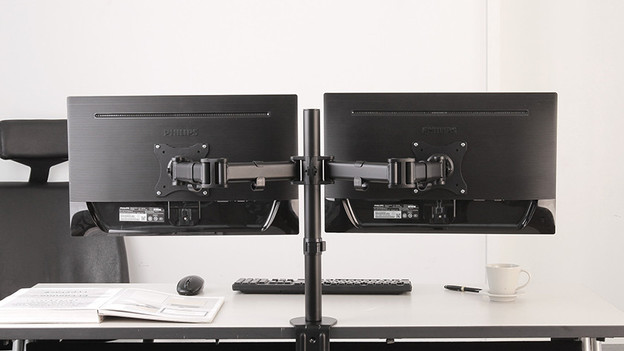
How do you connect your accessories?
Accessories such as calibration systems or monitor arms can make your job a lot easier. We'll explain how to connect them.