Help after purchase of an oven
You've bought an oven, but you want more information on its use. What do all the buttons on the oven mean, and how do you clean it? On this page, you'll find all our support articles that help you with this.
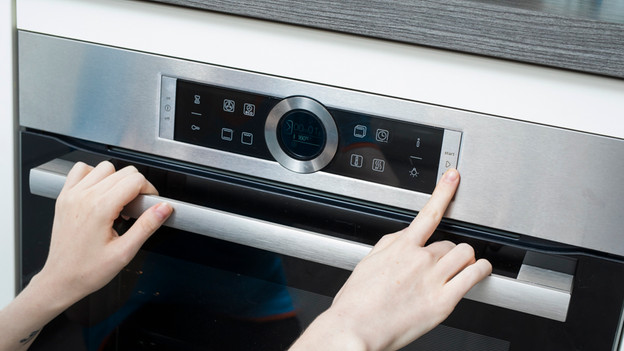
Installation
No that you've bought a new oven, you'll first have to install it for use. In order to help you do this, we've written an article. This gives you a step-by-step explanation on how to build in your oven.
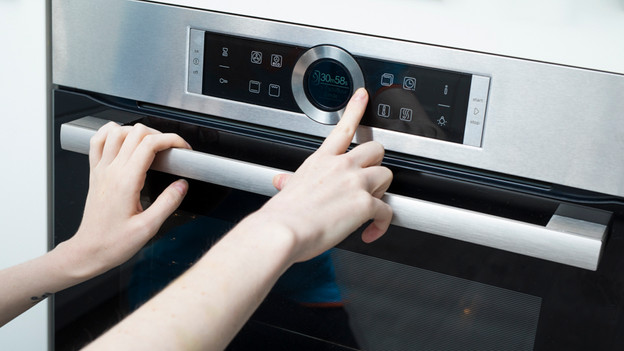
Usage
The symbols on your oven tell you which programs the oven has and what you can prepare with them. But what if you haven't got a clue what those symbols mean? We're happy to tell you.
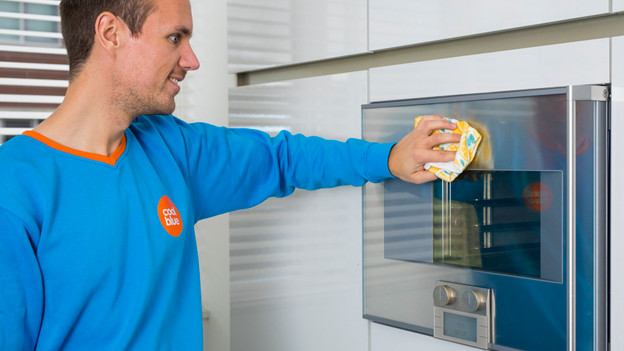
Maintenance
It's important to keep your oven clean. This is not only a lot more hygienic, but regular maintenance also extends the oven's lifetime. Curious how you can best clean your oven? You can read it in this article.
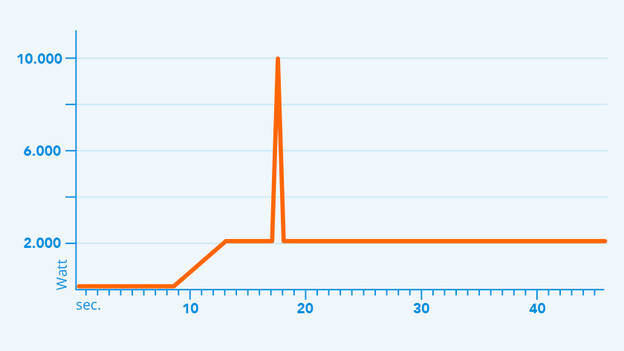
Short circuit
You turn on your oven and it short circuits. This is due to the peak power. The power of your oven peaks when you turn it on. Do you have too many devices connected to 1 electric circuit, or is the minimum power supply of your oven too high? The fuse will blow. Read this article to find out what to do when this happens.