Written by Deanne
Edited on
9 October 2026
·
10:02
How does an NVIDIA video card benefit you for image editing?
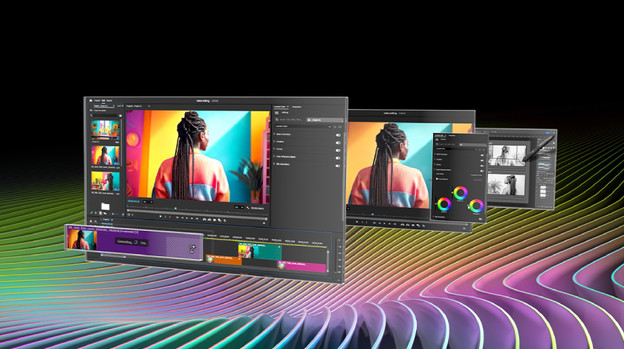
You can use an NVIDIA GeForce video card for gaming, but also for graphic design. With a video card, a laptop can process images faster. That's useful for making graphic designs. GeForce video cards also work with NVIDIA Studio, so you can work on image editing more smoothly. In this article, we explain everything about the advantages of an NVIDIA video card for image editing.
What can you use an NVIDIA video card for?
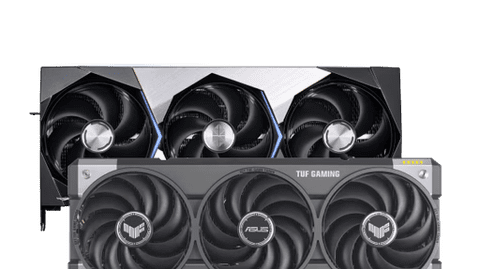
An NVIDIA GeForce video card makes sure images render faster on your laptop. That's useful for gaming, but also for graphic design. Your photos, videos, and other creations load faster, so you can get to work quickly. Compares to the shared video card in your PC, an NVIDIA video card processes images up to 10 times faster. The higher the number of the NVIDIA video card, the faster and more powerful the video card is. As a result, your images render faster.
View all our NVIDIA products
What's NVIDIA Studio and what are Studio Drivers?

Studio Drivers
NVIDIA Studio is a platform that NVIDIA made for designers. It works with software, hardware, and drivers such as Studio Drivers. Studio Drivers support your creative tasks, while Game Drivers improve your game performance.The Studio Drivers have special supports for technologies, such as NVIDIA Studio. In addition, these drivers always receive the latest updates from editing programs like Adobe Photoshop, Premiere Pro, or Blender. That way, your video card works with the latest version of your program.

NVIDIA Studio
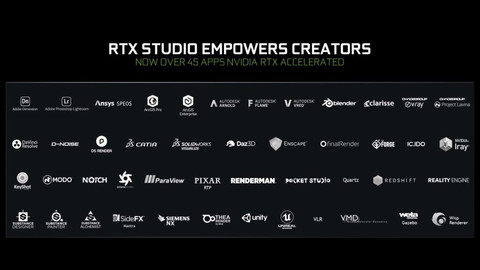
NVIDIA Studio works well with frequently used editing programs like Blender, DaVinci Resolve, and Adobe. In Adobe Illustrator, NVIDIA Studio processes your complex designs faster and you can edit your designs in higher resolutions. With programs like Blender and Adobe Premiere Pro, NVIDIA Studio sharpens your images. That way, you can see all details more clearly. With NVIDIA Studio, you can also work in Omniverse. This is an environment where you can create APIs and complex 3D edits. There, you can easily work on your designs with other designers.
NVIDIA GeForce for graphic design

Photo and video editing
With a video card, you can edit images faster. A starter video card, such as the RTX 4050 or RTX 4060 works up to 10 times faster than a regular video card. The more demanding video cards like the RTX 4080 and RTX 4090 work even 15 to 20 times faster. Thanks to the CUDA and Tensor Cores, an NVIDIA video card calculates your edits faster. Even when your photos and videos have a lot of details and colors. Thanks to these cores and hardware, your images render faster. Also when you work with 4K or 8K material.

Graphic designs
In addition to the cores and AI software, NVIDIA video cards also have a large RAM. With this RAM, often called vRAM, you can smoothly run large projects. This is useful when you create a detailed movie poster in InDesign, for example. All details ask a lot of the video card, which smoothly processes everything thanks to the large RAM. The Tensor Cores also make your images sharper thanks to AI upscaling. This way, you always have the best result and you won't miss a detail when editing.
3D editing
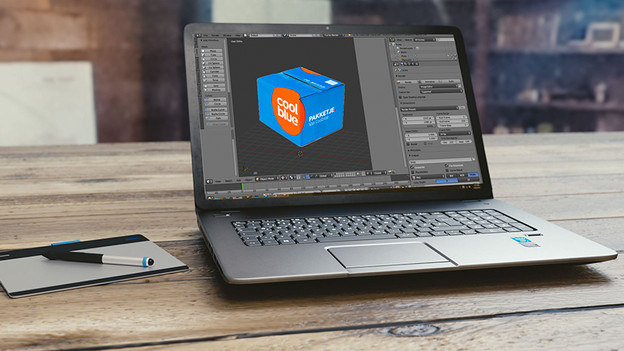
You can see the biggest boost in performance with 3D editing. For example, you can process 3D models and polygons up to 25 times faster with the most powerful video cards than when you do this without a video card. With the ray tracing technology, you can create realistic lighting and shadow effects while designing. As a result, your 3D designs look much more realistic. The Studio Drivers also work well together with the Blender program, so you always have the best performance.
Which creative technologies do NVIDIA video cards have?
The most well-known technology is NVIDIA Studio. It works well together with most well-known editing programs such as Blender, DaVinci Resolve, and everything by Adobe. In Adobe Illustrator, NVIDIA Studio speeds up the canvas you're working on by faster rendering of your pixels after editing. In Blender, NVIDIA Studio enhances your images faster. A different technology is NVIDIA Omniverse. You can mainly find tools and APIs for 3D edits in there and you can also work together with other creators. For streamers and YouTubers, RTX Experience is interesting. This software edits your images during uploading for the best image quality on the website.
More advice on NVIDIA technologies
What's the difference between NVIDIA GeForce and NVIDIA Ada?
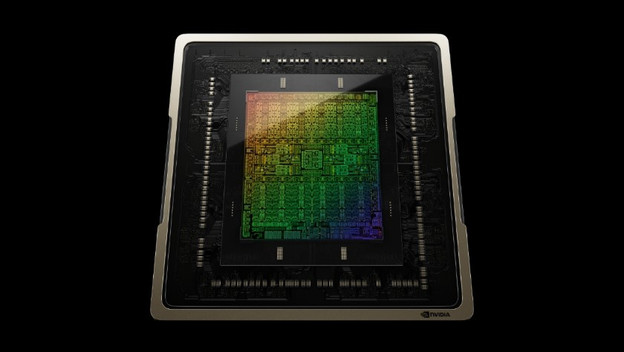
The NVIDIA GeForce video cards have a good mix between creative work and gaming. For the most demanding work, we recommend an NVIDIA Ada video card. An Ada video card works up to 30% faster thanks to the better ray tracing and tensor cores. They're a generation higher than GeForce, so they're suitable for more demanding work. For example, you can edit company videos in 8K or 3D designs with a lot of polygons and effects. You can also use an Ada video card for AI and machine learning. Thanks to the error correction in the video card, you can make accurate, scientific calculations in learnings and simulations.
Article by Deanne
Laptop Expert.