Lenovo laptops
Find the Lenovo laptop that suits you
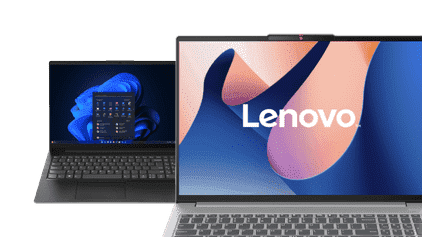
All Lenovo laptops
Lenovo laptops promotions
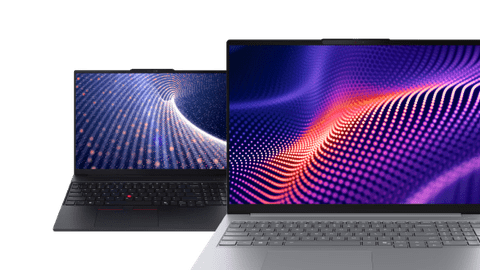
Lenovo business laptops
Work on your tasks securely and smoothly with a business Lenovo laptop.Lenovo gaming laptops
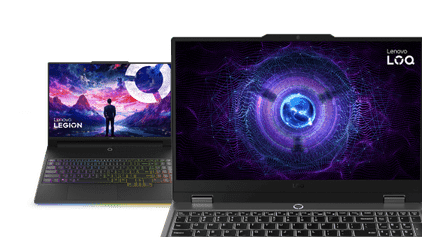
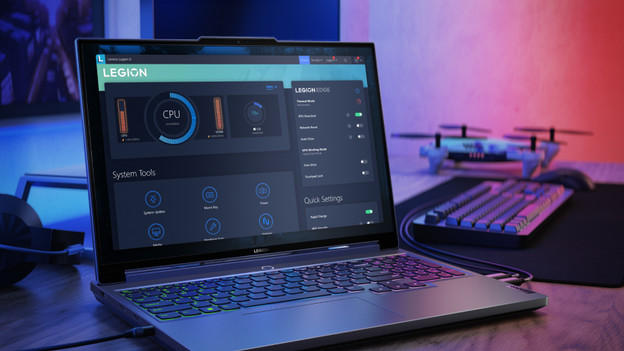
Play all your favorite games in style with a Lenovo gaming laptop.Lenovo Yoga laptops
Flip the touchscreen 360 degrees to use the Lenovo Yoga laptop as a tablet.

Compare the Lenovo laptops
Sturdiest laptops with the most vibrant screen
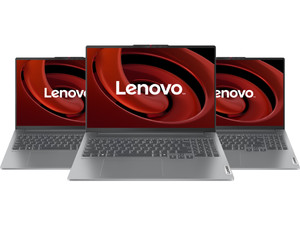
Enjoy a razor-sharp and colorful image, and don't worry about bumps and scratches with the Lenovo IdeaPad Pro 5.
Thanks to the sturdiest casing, you don't have to worry about bumps and scratches.
You won't miss any details on the sharp 2.8K screen.
You can enjoy realistic and vibrant colors thanks to the OLED panel.
Sturdy laptops with a sharp screen
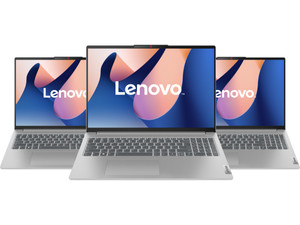
Worry less about bumps and scratches, and see details sharply on the screen of the Lenovo IdeaPad Slim 5.
Thanks to the sturdier casing, this laptop is better protected from bumps and scratches.
You can see details better on the sharp screen.
From
to770,-
2.049,-
Laptops with a standard casing
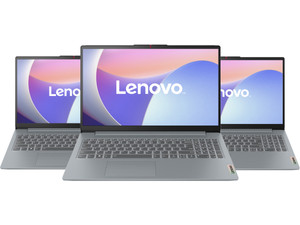
The Lenovo IdeaPad Slim 3 is less protected from bumps due to the standard plastic casing.
This casing is made of plastic, which makes it feel lighter.
From
to699,-
1.299,-
Lenovo laptops with AI
With a Lenovo Copilot+ laptop, you can work with the most demanding programs and create large designs with AI. In addition, you can also enjoy a longer battery life. The battery of a Lenovo AI laptop last 1 entire working day without charging on average, for example.
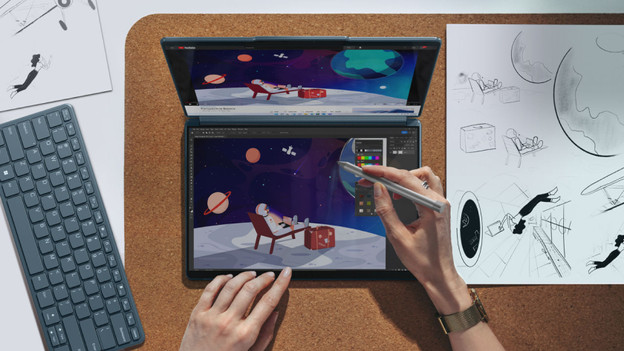
Lenovo Yoga laptops
Lenovo Yoga laptops have a sleek and light design, which allows you to easily take them with you. The Lenovo Yoga series also has laptops with a foldable touchscreen. You can fold the touchscreen 360 degrees backwards to turn the laptop into a tablet in no time.
Advice on Lenovo laptops
What are the differences between the Lenovo laptops?
The difference is in the build quality and speed. Read about all differences here.How do you choose the right screen size?
Use a large laptop in a fixed spot, a small laptop on the go, or a medium-sized laptop for both.Which processor do you need?
You don't need a strong processor for light tasks. Choose a more powerful processor if you perform demanding tasks.

You view Lenovo laptops in the stores

View which stores have Lenovo laptops here
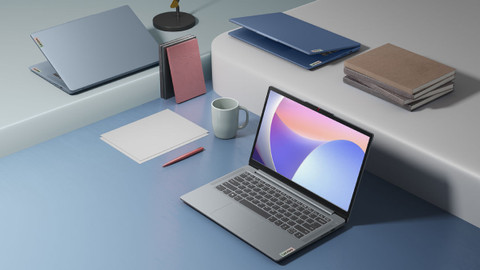
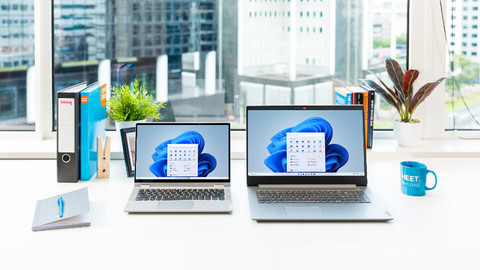
You can easily choose a laptop once you've actually seen it in the store. For example, you can see how large a laptop truly is, what you think of the color, and how well it suits you. You also receive advice from one of our experts. We're happy to welcome you to one of our stores. There's always a Coolblue store near you.

Advice from an expert
Make an appointment with our Windows laptop expert and visit one of our stores. With personal advice, we'll help you choose a laptop and you can experience the usage in the store right away. You can make an appointment with our expert every day of the week within our opening hours.

The benefits of viewing Lenovo laptops in the store
Visit one of our stores and ask your questions to our laptop experts. You can easily see the differences between the laptop sizes, keyboards, touchpads, and screens. That way, you can experience which laptop suits your wishes and needs in real life.
Complete your Lenovo laptop
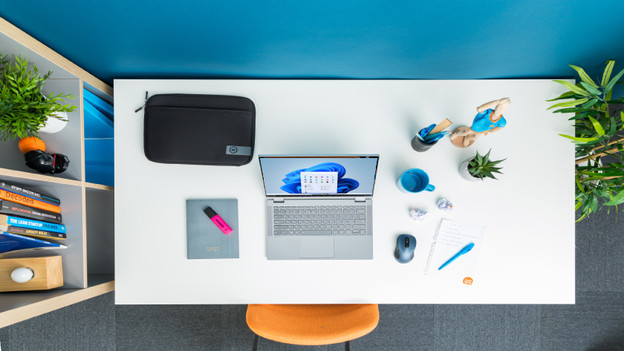
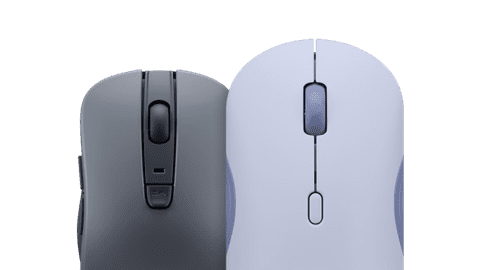
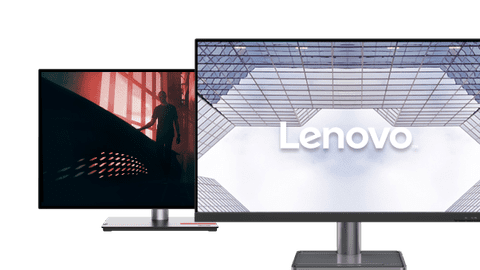
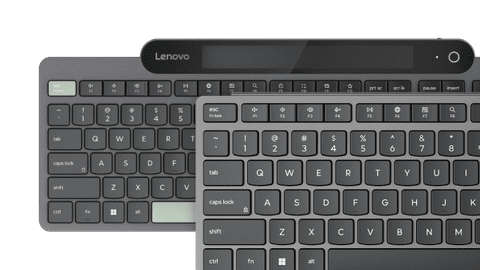
Complete your Lenovo setup with a mouse, keyboard, docking station, and monitor. Use a dock as the central connection point for all your accessories. That way, you just have to connect a laptop to get started with a mouse, keyboard, and extra screen right away. That's easy and increases your productivity. With a mouse and keyboard, you can work much faster. The monitor provides more screen space, which makes it easier to work in multiple programs at a time.

Discover our Lenovo laptops
Looking for a Lenovo laptop, but not sure which Lenovo laptop you want to buy? There are various Lenovo laptops for different tasks. For example, a Lenovo IdeaPad 3, Lenovo IdeaPad 5, or Lenovo Yoga is suitable for everyday or graphics tasks. Do you want to play games? A Lenovo gaming laptop is a good choice, such as a Lenovo Legion 5 or Lenovo LOQ laptop. If you're going to use your Lenovo laptop as a notebook for business tasks, a Lenovo ThinkPad or Lenovo ThinkBook is the best choice.

Advice on Lenovo laptops
Can't choose? View the advice from our expert.