Written by Deanne
Edited on
27 July 2026
·
14:37
Which programs do you use with a Qualcomm processor?
Not every program works well on a laptop with a Qualcomm processor. This has to do with the architecture of the processor. In this article, we explain how that works and which programs you can use.
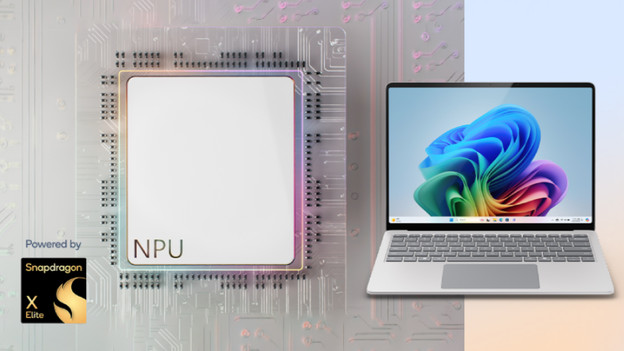
Why doesn't every program work?
All processors work with a so-called architecture. The architecture determines how a processor processes all information. With Windows, almost all processors use an x86 architecture. This means many programs are designed for processors that support an x86 architecture. Qualcomm processors use an ARM architecture. For Windows laptops, this is a relatively new architecture. Not every program supports this architecture, which means not every program will work on a laptop with a Qualcomm processor.

Which programs do you use?
Luckily, there are more and more programs that also work with processors with an ARM architecture. Many well-known programs already work on Qualcomm laptops, such as:
- Microsoft Office programs like Word, Excel, and other programs.
- Editing programs from Adobe, such as Photoshop.
- Media and browsers, such as Chrome, Instagram, Netflix, and more. Many games don't work with Qualcomm yet.
On the Qualcomm website, you can see which programs you can use. https://www.qualcomm.com/products/features/windowsapps

Which programs don't work?
Some games and programs don't work properly with Qualcomm processors, such as:
- Games like League of Legends, Halo, Roblox, and Fortnite.
- Other programs and functions like Google Drive and VPN programs.
Article by Deanne
Laptop Expert.