Written by Giorgos
Edited on
21 April 2023
·
14:42
What's the panel type of your monitor?
The panel type is a part of your monitor that affects the image quality greatly. There are 4 panel types in total, with unique pros and cons. Read what the panel type is, what types there are, and which one suits you best here.
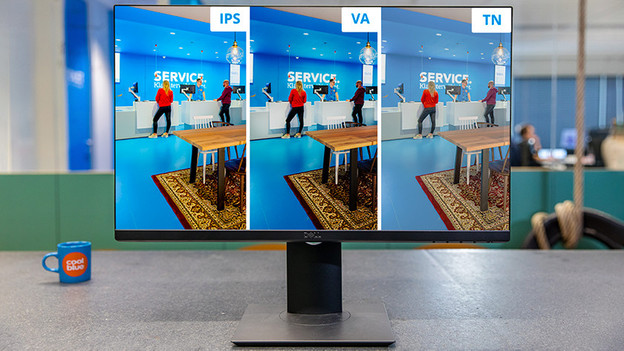
What's the panel type?
The screen panel is the part of your monitor that displays the image. Basically, it's the most important part of your screen. The 3 most common panel types are IPS, TN, and VA, which use LCD technologies. They use backlight, which is common in LCD screens. The fourth and latest panel type is OLED. With this type, the pixels light up. Each panel type affects the image quality and has its own pros and cons, depending on your usage situation.
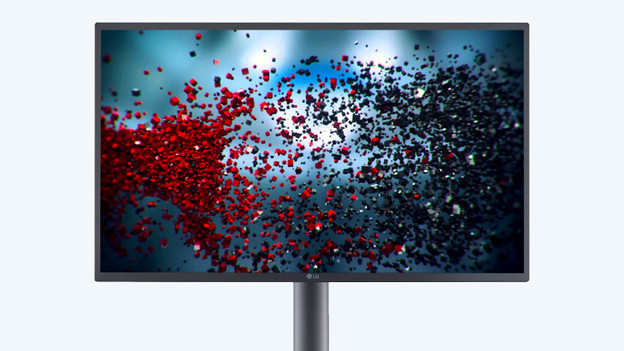
OLED: pixels that light up individually
IPS, TN, and VA use backlight, but OLED pixels light up individually. This allows the screen to adjust the brightness of the pixels for the best display. As a result, colors, details, and contrasts look more vibrant than on a panel with LCD technologies. So black actually looks black. The disadvantage? OLED monitors aren't easy to come by and are pretty expensive. In addition, OLED panels burn in faster with static images and a long display. It's rare with normal use, but it's good to keep in mind.
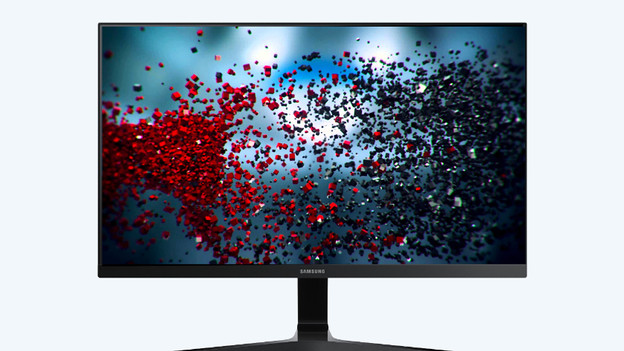
IPS: large viewing angle
IPS is known to be the best panel type that the LCD technology uses. In addition to the brightest image display, IPS panels also have the widest viewing angle. That's up to 178 degrees, so you can watch the same sharp images from almost every viewing angle. A big disadvantage is that IPS panels have a low refresh rate. This means that you'll see stripes behind a fast-moving object, which is called ghosting. This makes IPC suitable for image editing and watching movies, but less suitable for gaming.
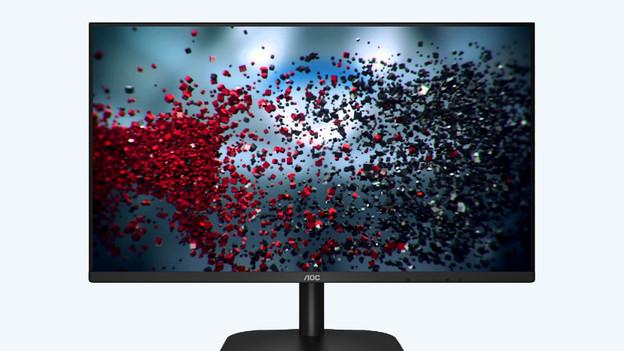
VA: good average
The VA panel is the perfect middle option between IPS and TV. VA has a wider viewing angle and sharper colors than a TN panel, and a higher refresh rate than an IPS panel. The advantages of a VA panel are the high-contrast black levels. The difference between light and dark is clearly visible as a result. The disadvantage of VA panels is that they have a high response time. VA panels don't react to changes as fast, so fast movements are less sharp.
TN: high refresh rate
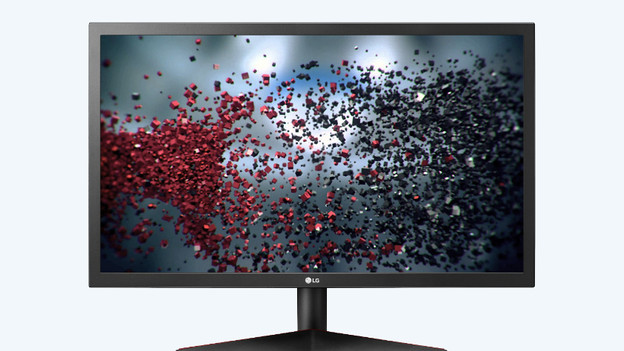
TN panels are popular among gamers. This panel type is cheaper to produce and has a higher refresh rate than IPS and VA. In addition to the high refresh rate, TN panels also have the lowest response time. As a result, pixels change colors within 1 or 2ms and movements look lifelike. These performances come at the expense of the image quality and the viewing angle. Colors look dull and images aren't as sharp if you're not right in front of the screen.
Advantages per usage situation

Work, school, and at home: VA and IPS
If you don't game or edit images, a VA panel is probably good enough. It provides a wide viewing angle, sharp images, and a higher refresh rate if you do want to play a game. If you prefer image quality, go for IPS. With the wide viewing angle, you can also use the monitor with a colleague or friend.

Gaming: TN and VA
Competitive gaming requires a high refresh rate and a low response time. Details aren't as important for that, so you can go for a TN panel. Shooters and racing games are especially suitable. Do you prefer open world games, such as GTA V and Assassin's Creed: Valhalla? Choose a VA screen. You'll still have a high refresh rate, but you can enjoy more details and sharp colors when you're gaming.
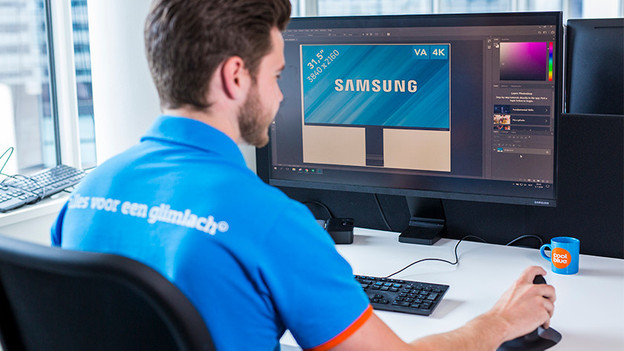
Photo and video editing: IPS and OLED
Vibrant colors, bright images, and sharp details are important with image editing. Both IPS and OLED panels have advantages that are useful for professional image editing. These panels offer the best image quality and color representation down to the smallest details. You can work accurately as a result. IPS screens are easier to come by than OLED screens.
Article by Giorgos
Monitor Expert.