Docking stations for Apple MacBook
- 39 docks for laptops
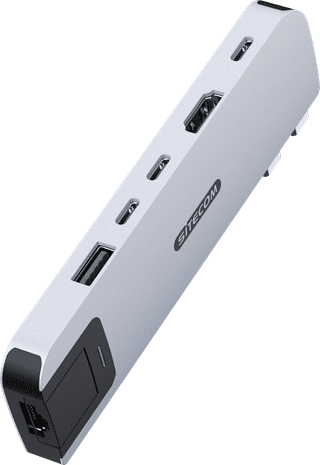
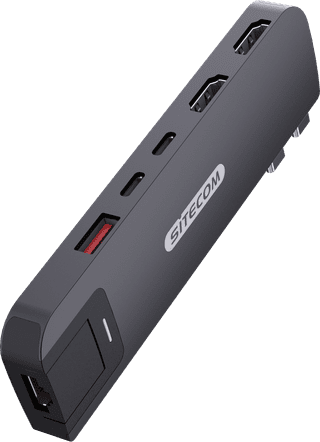
With an Apple MacBook docking station, you can expand the number of ports and connect all your peripherals. When choosing a MacBook dock, pay attention to the port that you want to use on the laptop. Are you going for a double USB-C or normal USB-C connector? Choose a docking station that also has enough connectors. For example, do you want to connect 2 monitors? Take this into account and get even more out of your MacBook.
Via which connection do you want to connect the docking station to your MacBook?
ExplanationVia which connection do you want to connect the docking station to your MacBook?
Dubbel Usb c (for MacBook)
|
None DisplayPort connector
|
2x HDMI
Affordable Second Chance
from
80,-
Dubbel Usb c (for MacBook)
|
None DisplayPort connector
|
1x HDMI
Affordable Second Chance
from
66,-
Dubbel Usb c (for MacBook)
|
None DisplayPort connector
|
2x HDMI
Affordable Second Chance
from
88,-
Our choice for a docking station for up to 2 extra monitors with your laptop
|
USB-C
|
DisplayPort connector
|
2x DisplayPort, 2x HDMI
Affordable Second Chance
from
164,-
USB-A, USB-C
|
DisplayPort connector
|
2x DisplayPort, 2x HDMI
USB-C
|
DisplayPort connector
|
1x HDMI, 2x DisplayPort
Dubbel Usb c (for MacBook)
|
None DisplayPort connector
|
1x HDMI
Affordable Second Chance
from
70,-
Dubbel Usb c (for MacBook)
|
None DisplayPort connector
|
1x HDMI
Affordable Second Chance
from
70,-
USB-A
|
None DisplayPort connector
|
2x HDMI
Dubbel Usb c (for MacBook)
|
None DisplayPort connector
|
2x HDMI
Affordable Second Chance
from
88,-
Dubbel Usb c (for MacBook)
|
None DisplayPort connector
|
1x HDMI
Advice on docking stations for Apple MacBook
Can't choose? View the advice from our expert.