Lenovo Yoga
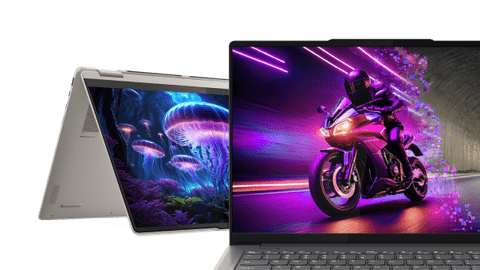
All Lenovo Yoga laptops
Help choosing

Compare the different Yoga laptops
See even the smallest details razor-sharp
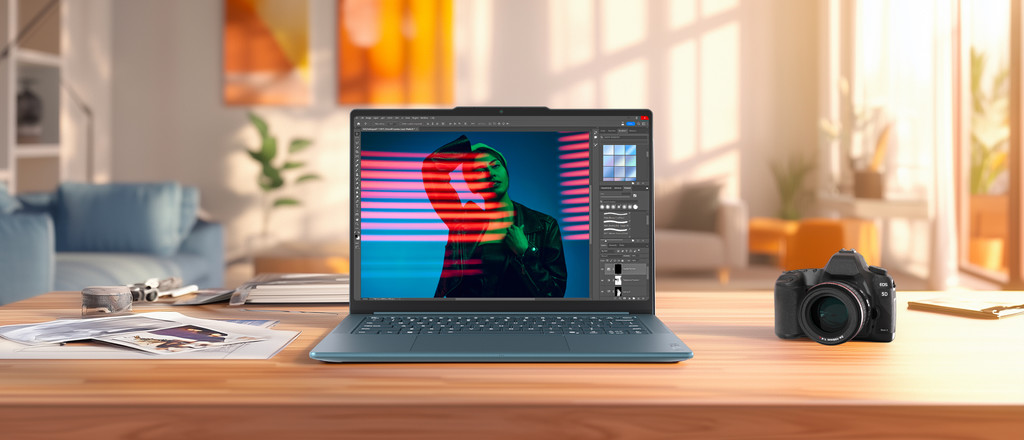
You can edit large files down to the smallest detail, because everything looks razor-sharp and vibrant. You also don't have to worry about bumps and scratches.
You won't miss any details thanks to the 3.2K resolution and colors even look vibrant in the sun thanks to the bright OLED display.
Thanks to the sturdy casing, you don't have to worry about bumps and scratches on your laptop.
You can use the laptop for longer than other laptops thanks to the large battery.
With a dedicated video card, your designs and videos render even faster.
From
to2.499,-
2.999,-
See sharp details in vibrant colors
Use the Lenovo Yoga 9 for longer than normal and see all details on the screen sharply and colorfully. This laptop is well-protected from bumps and scratches.
All details look sharp thanks to the 2.8K resolution, and colors look vibrant thanks to the OLED display.
Thanks to the sturdy casing, you don't have to worry about bumps and scratches on your laptop.
You can use the laptop for longer than other laptops thanks to the large battery.
From
1.999,-
Details are sharp and colorful
Images look sharp and colorful on the screen of the Lenovo Yoga Pro 7. That way, you don't have to worry about bumps or scratches.
All details look sharp thanks to the 2.8K resolution, and colors look vibrant thanks to the OLED display.
Thanks to the sturdy casing, you don't have to worry about bumps and scratches on your laptop.
From
to1.499,-
1.649,-
See colors realistically
On the Lenovo Yoga 7, colors look realistic on the screen but details are less sharp due to the lower resolution.
All colors look bright and realistic on the screen thanks to the OLED panel.
From
to1.149,-
1.449,-
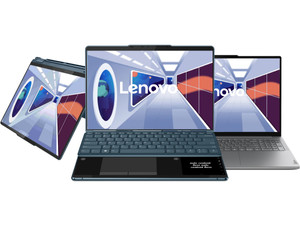
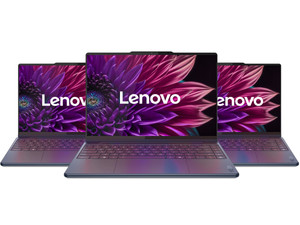
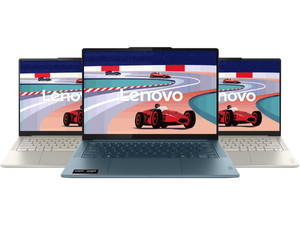
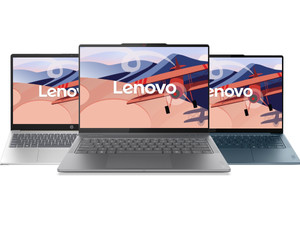
You view Lenovo laptops in the stores

View which stores have Lenovo laptops here
You can easily choose a laptop once you've actually seen it in the store. For example, you can see how large a laptop truly is, what you think of the color, and how well it suits you. You also receive advice from one of our experts. We're happy to welcome you to one of our stores. There's always a Coolblue store near you.

Advice from an expert
Make an appointment with our Windows laptop expert and visit one of our stores. With personal advice, we'll help you choose a laptop and you can experience the usage in the store right away. You can make an appointment with our expert every day of the week within our opening hours.

The benefits of viewing Lenovo laptops in the store
Visit one of our stores and ask your questions to our laptop experts. You can easily see the differences between the laptop sizes, keyboards, touchpads, and screens. That way, you can experience which laptop suits your wishes and needs in real life.
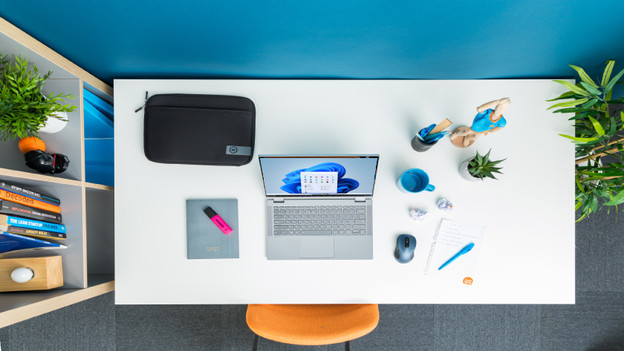
Complete your Lenovo laptop
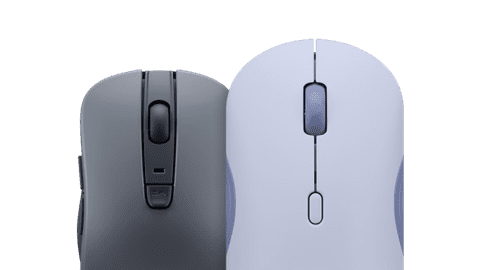
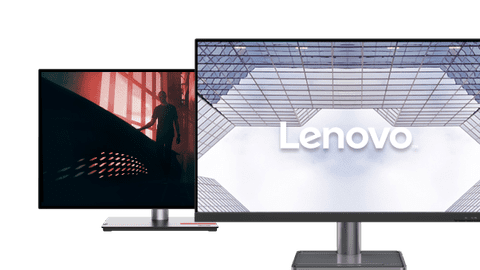
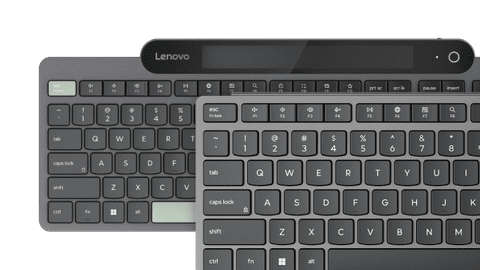
Complete your Lenovo setup with a mouse, keyboard, docking station, and monitor. Use a dock as the central connection point for all your accessories. That way, you just have to connect a laptop to get started with a mouse, keyboard, and extra screen right away. That's easy and increases your productivity. With a mouse and keyboard, you can work much faster. The monitor provides more screen space, which makes it easier to work in multiple programs at a time.