Curved gaming monitors ensure that you're even more immersed in the game you're playing. Because the image follows the shape of your eye, you have a natural position in relation to the image with a curved game monitor. If you want all frames per second that your video card sends out to appear on your screen, choose a gaming monitor with a refresh rate of 120Hz or more. Thanks to FreeSync or G-Sync, you prevent tearing or stuttering. Do you want to play at a high resolution? Choose a 4K curved gaming monitor to play in UHD.


Our choice for a 34-inch gaming monitor for demanding games|Refresh rate 175 Hz|34 inches|Quad HD (1440p)
603,-
Temporarily sold out


Refresh rate 144 Hz|49 inches|Quad HD (1440p)
733,-
Temporarily sold out

Refresh rate 165 Hz|32 inches|Quad HD (1440p)
231,-
Temporarily sold out


Refresh rate 280 Hz|34 inches|QD-OLED
849,-
829,-
Temporarily sold out


Refresh rate 180 Hz|34 inches|Quad HD (1440p)
301,-
Temporarily sold out
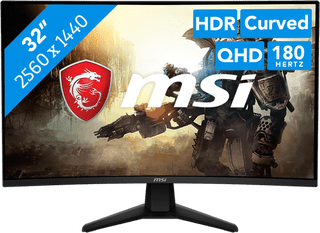
Refresh rate 180 Hz|31,5 inches|Quad HD (1440p)
207,-
Temporarily sold out
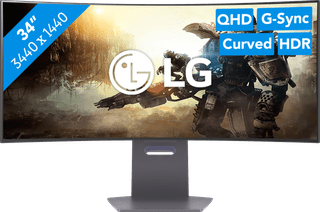

Refresh rate 240 Hz|34 inches|WQXGA
1.049,-
No longer available