Philips Evnia gaming monitors
Find the Philips Evnia gaming monitor that suits you
All Philips gaming monitors
Philips gaming monitors deals
Compare the Philips Evnia product series
Realistic colors and sharp images
Thanks to the OLED panel, you can game with high color contrasts and see even more differences between light and dark colors.
Thanks to the high refresh rate, you game with smooth images.
Enjoy atmospheric colors thanks to the Ambiglow lighting on the back of the monitor that reflects on the wall.
You can play games with realistic colors thanks to the OLED panel.
From
to469,-
799,-
Game with mood lighting
Thanks to the Philips Ambiglow lighting, your gaming setup looks more vibrant.
Thanks to the high refresh rate, you game with smooth images.
Enjoy atmospheric colors thanks to the Ambiglow lighting on the back of the monitor that reflects on the wall.
From
to185,-
529,-
Game with smooth images
You game with smooth images thanks to the high refresh rate, so you can see every opponent quickly and sharply.
Thanks to the high refresh rate, you game with smooth images.
From
219,-
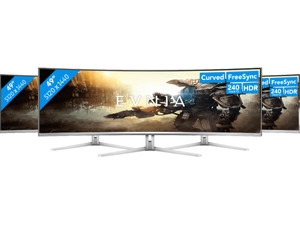
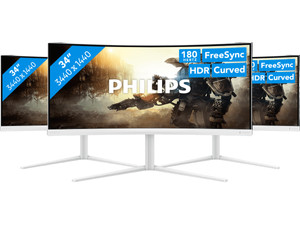
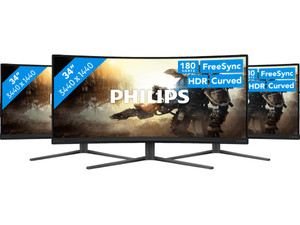
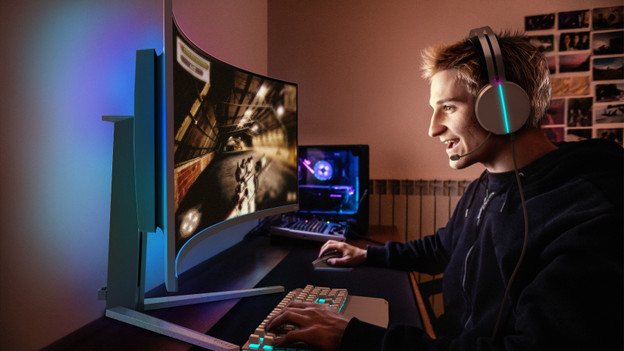
Philips Evnia monitor for immersive games
Play open world games on a Philips Evnia gaming monitor for immersive games. These monitors have a 4K or Quad HD resolution, so you can enjoy sharp images. This way, the details of your open world game look vibrant. You can also game with high color contrasts thanks to the OLED panel. You can see more differences between the light and dark colors this way.
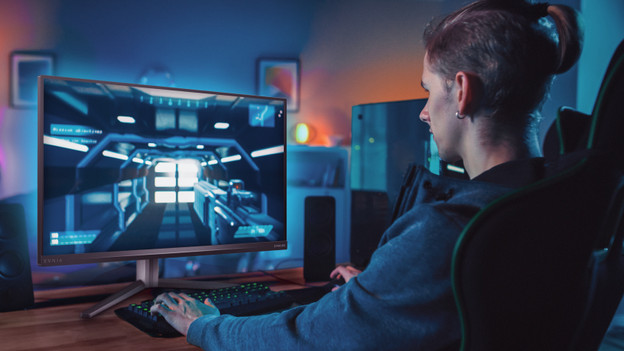
Philips Evnia monitor for competitive gaming
The Philips Evnia gaming monitors for competitive gaming have a 180Hz refresh rate. This way, you can play fast shooters or racing games with smooth images. Thanks to this, you can see every opponent appear on screen quickly and sharply. These monitors also have a low response time, so you're less bothered by screen tearing. Want a batter overview of your game? Choose a Philips Evnia monitor from 27 inches.
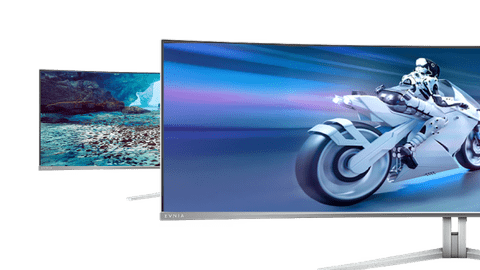
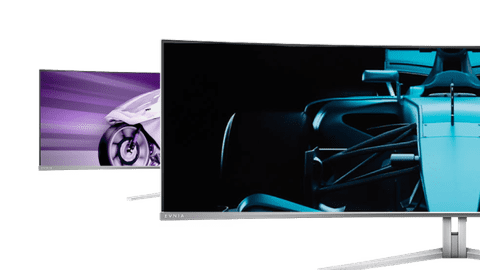
Choose the inch size that suits you
How do you choose a Philips gaming monitor?
The Philips gaming monitors have a high refresh rate from 144Hz. This means you can play shooters and racing games with smooth images. If you're a competitive gamer, choose a screen with a 240 or 280Hz refresh rate. For open world games, you can choose a screen with a high resolution. We'll explain what to keep in mind.
Why choose Philips Evnia
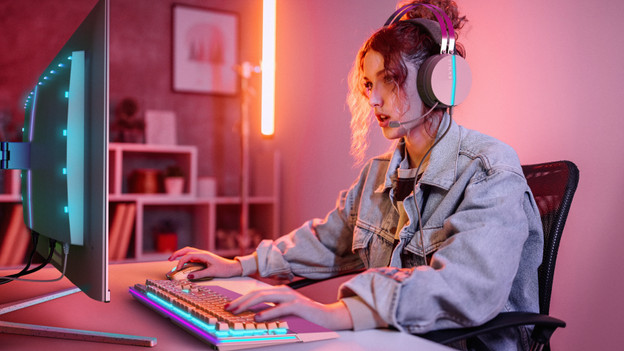
Choose a Philips Evnia monitor if you're a competitive gamer. These screens have a maximum 240Hz refresh rate. That's one of the highest speeds for a gaming monitor. You can game with the smoothest images, so you see every opponent quickly and sharply. We'll explain what the most important properties of a Philips Evnia gaming monitor are.
Highlighted Philips gaming monitor
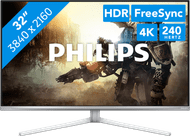
Philips 32M2N8900/00
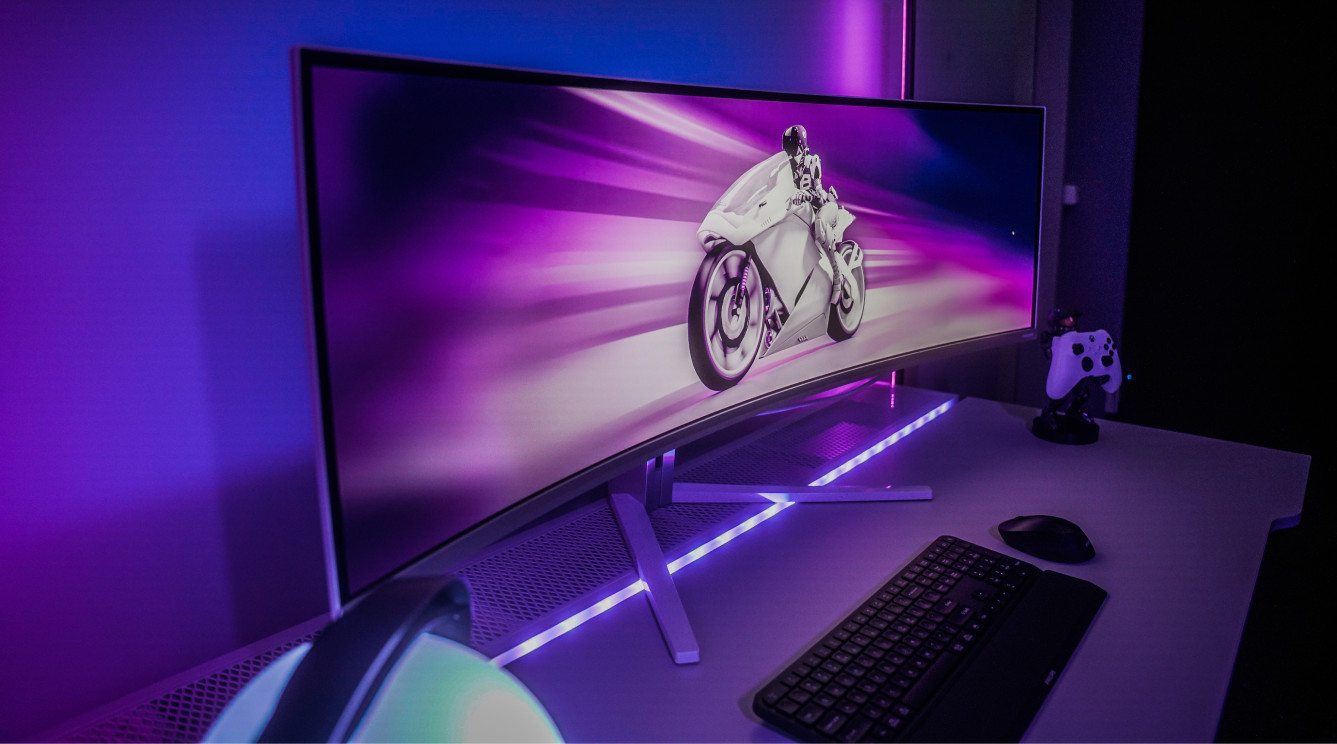
Thanks to the 4K resolution of the Philips 32M2N8900/00, every detail of your game looks razor-sharp. This monitor also has an ultrawide size, so you have an overview of the playing field.
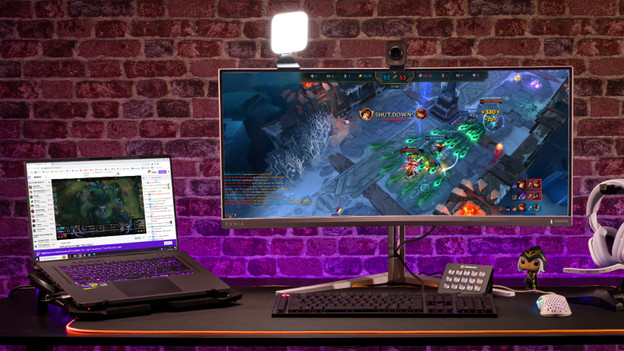
Complete your Philips gaming setup
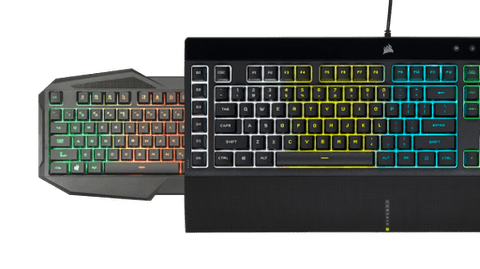
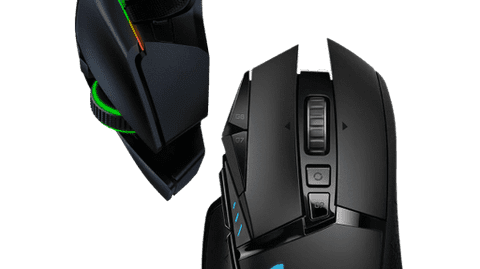
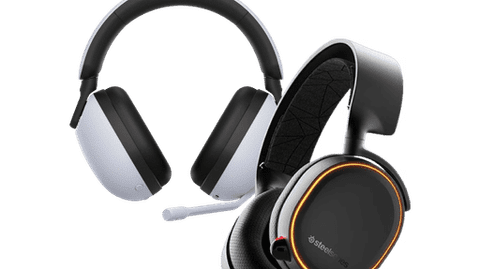
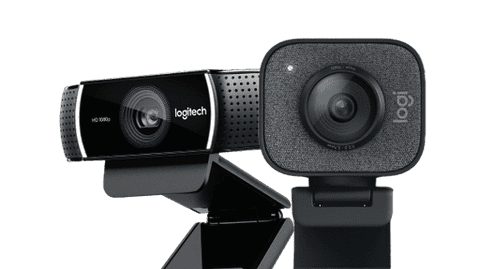
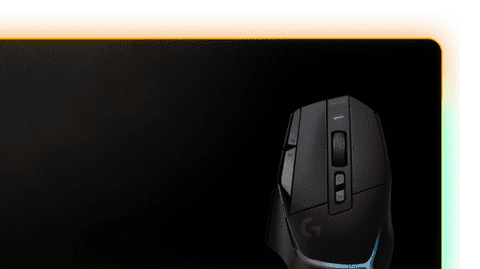
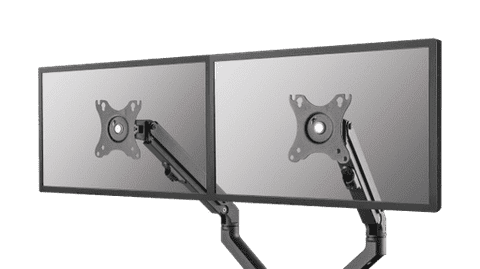
Your setup is really complete with a gaming accessory. For example, there are keyboards with RGB lighting or a webcam for your livestreams. Choose a gaming mouse with adjustable buttons, so you can react even faster to every action.
Frequently asked questions
Which HDMI or DisplayPort cable do I need?
Every HDMI and DisplayPort cable works with a gaming monitor. The higher the version, the more powerful the cable. You need an HDMI 2.1 for 4K 120Hz console gaming. In the next advice article, we'll explain more about the right cable for your gaming monitor.
How do you set the refresh rate of your gaming monitor?
You can manually set the refresh rate via the settings on your screen or the settings menu. Here, you can select your desired refresh rate. We'll help you on your way with the step-by-step plan in the following advice article.
How does a gaming monitor work with a console?
Your PlayStation 5, Xbox Series X|S, or Nintendo Switch work exactly the same as with a television, but benefit from a higher refresh rate. Via HDMI 2.1, you can even reach 120Hz in 4K. A television usually only reaches 60Hz.
How do I choose the best panel for my gaming monitor?
IPS has the best image quality with wide viewing angles. VA is a good average, but its disadvantage is high response times. OLED has the best light effects and sharp contrasts between light and dark colors.
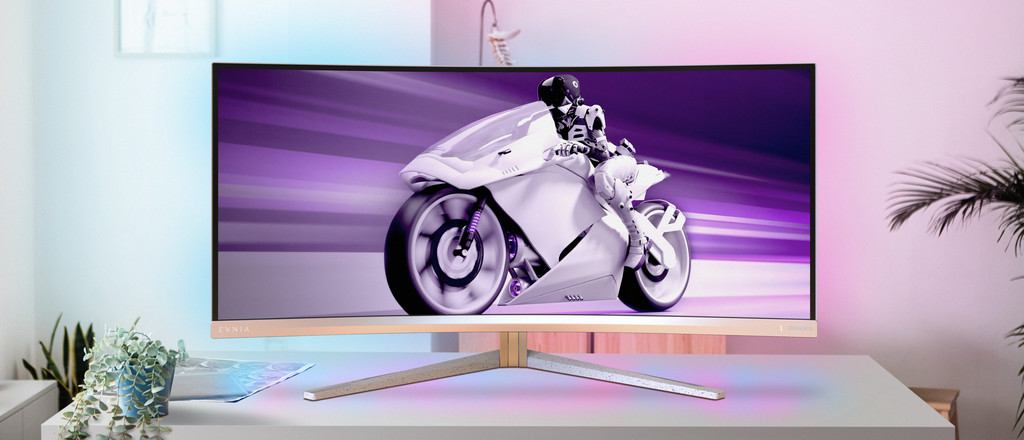
What are the advantages of a curved gaming monitor?
Thanks to the curve of the screen, the screen curls around your field of view. This panoramic effect lets you experience more depth and makes it look like you're right in the middle of the game. Tip: play games in first-person mode for the best effect.

Advice on Philips Evnia gaming monitors
Can't choose? View the advice from our expert.