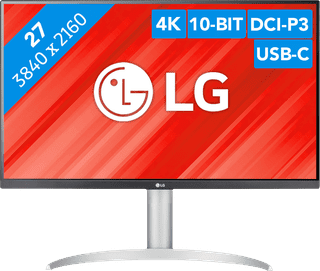
If you are a photographer or designer and do you edit photos and videos for work or as a hobby, then you choose a monitor for photo editing. This way, you're sure to get accurate color reproduction and a sharp image. A screen for photo and video editing is distinguished itself by supporting commonly-used color profiles such as sRGB, Adobe RGB, and DCI-P3. This lets you use your screen to achieve the exact result you want.
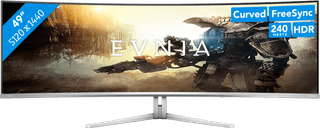

899,-
Delivered tomorrow
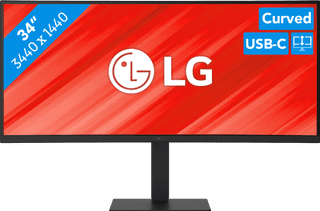

377,-
Delivered tomorrow


179,-
Delivered tomorrow
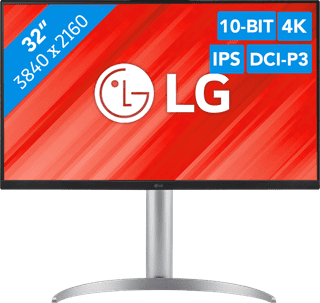
485,-
Delivered tomorrow
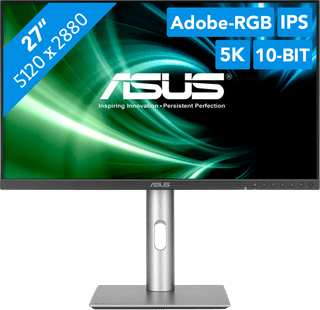

648,-
Delivered tomorrow


1.699,-
Delivered tomorrow


229,-
Delivered tomorrow
269,-
Delivered tomorrow

199,-
Delivered tomorrow

153,-
Delivered tomorrow
1.749,-
Delivered tomorrow

409,-
Delivered tomorrow
550,-
Delivered tomorrow
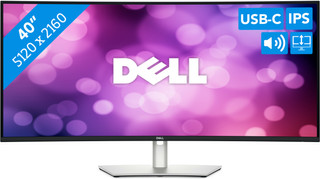

1.779,-
Delivered tomorrow
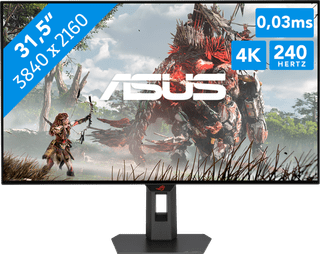
900,-
Delivered tomorrow
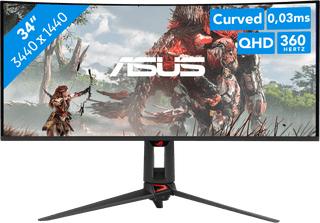
1.299,-
Delivered tomorrow
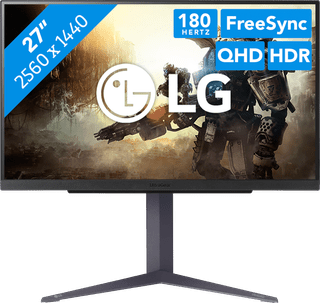
218,-
Delivered tomorrow

699,-
Delivered tomorrow
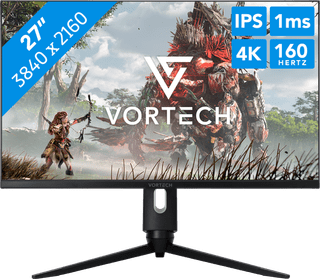
224,-
Delivered tomorrow
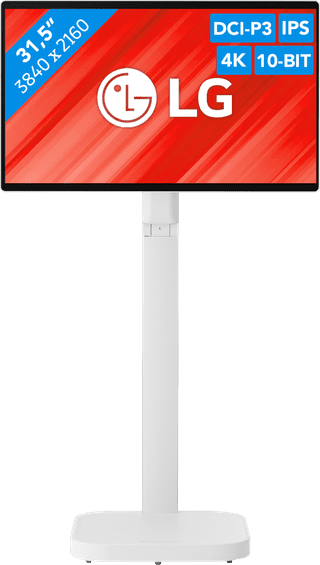
971,-
Delivered tomorrow
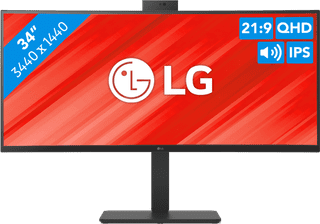
479,-
Delivered tomorrow

269,-
Delivered tomorrow