Ultrawide monitors for photo/video editing
An ultrawide monitor for photo and video editing offers a solution for any photo or video editor that works in multiple windows at the same time. Thanks to the extra wide screen, you have plenty of room for all your windows and you work more efficiently. This is useful, for example, when you have a folder of raw videos open, along with multiple windows from Adobe Premiere or Final Cut. An image editing screen is distinguished by a large coverage of commonly used color profiles such as sRGB, Adobe RGB, and DCI-P3. This way, your monitor displays the same color tones as your editing software and you can choose from many different colors. These monitors are pre-calibrated as standard or offer calibration options, so you can get started right away.
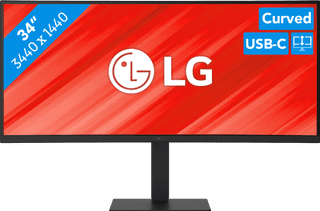

- The large ultrawide size allows you to open multiple windows side by side, such as an Excel sheet and a Word document.
- Thanks to the Quad HD resolution, you can see numbers in columns and rows more sharply.
- Thanks to the 100Hz refresh rate, you can smoothly scroll through long spreadsheets and web pages without the text becoming blurry.
377,-
Delivered tomorrow
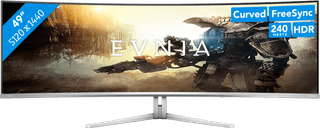

- Thanks to the curved ultrawide size, you can see even more of your favorite game and keep a good overview of the playing field.
- Thanks to the 240Hz refresh rate and 0.03ms response time, you see your opponents quickly and sharply without slowing down.
- Every detail of your game looks sharp thanks to the Quad HD resolution.
899,-
Delivered tomorrow
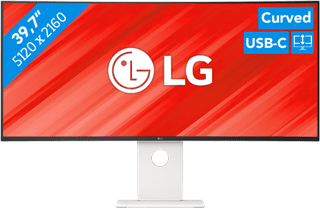
- Thanks to the large 40-inch screen size, you can open multiple programs at once, such as Adobe Photoshop and Premiere Pro.
- You can edit images with razor-sharp details thanks to the 5K resolution and DisplayHDR 600 support.
- You can enjoy high color contrasts thanks to the DCI-P3 color space, so you can see more differences between light and dark colors.
1.549,-
Delivered tomorrow