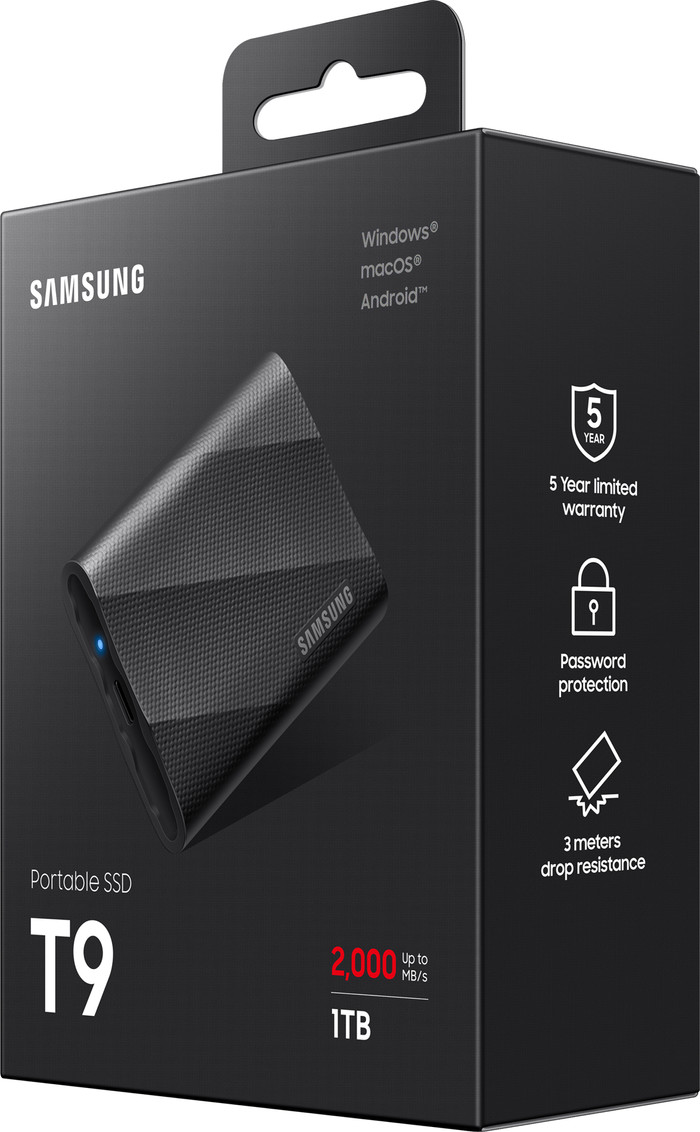
Samsung T9 Portable SSD 1TB Black

anything for a smile
1 TB
|
1
Reliability
Speed
Price-quality ratio
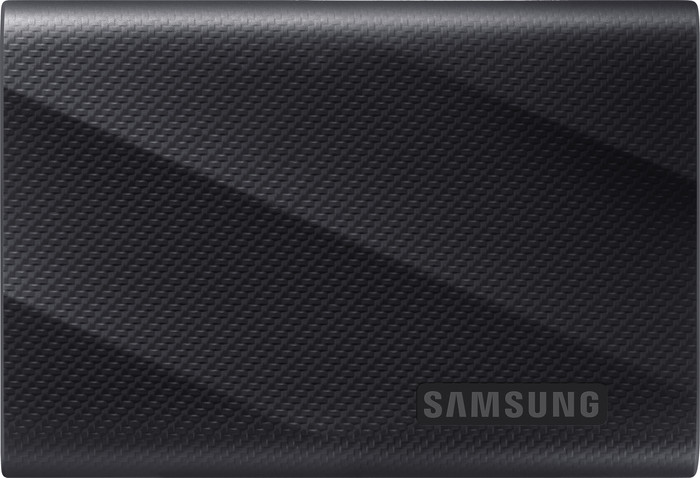
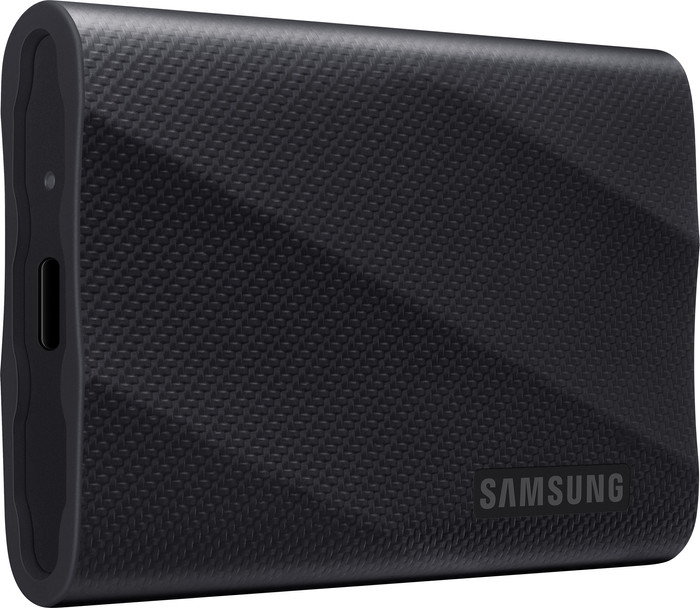
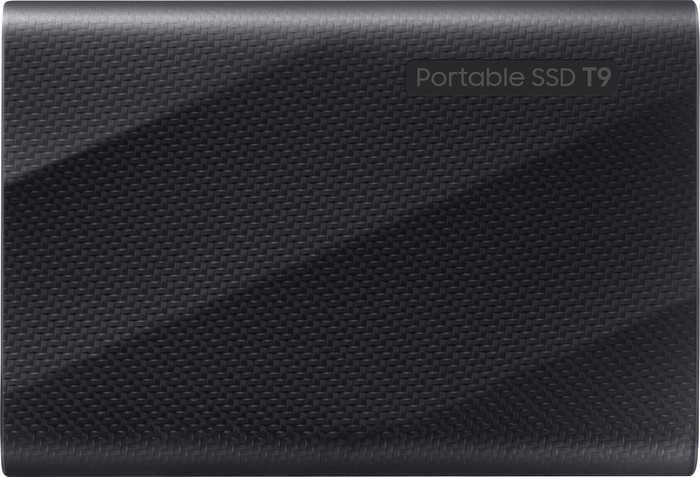
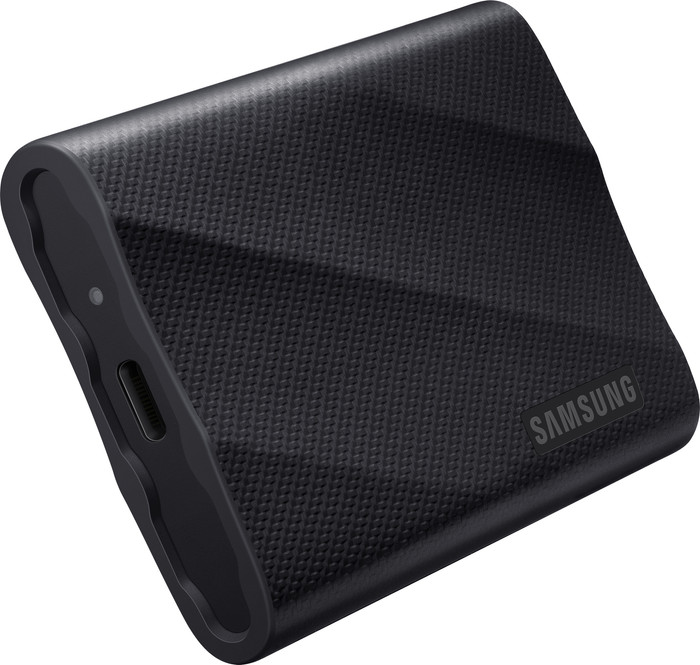
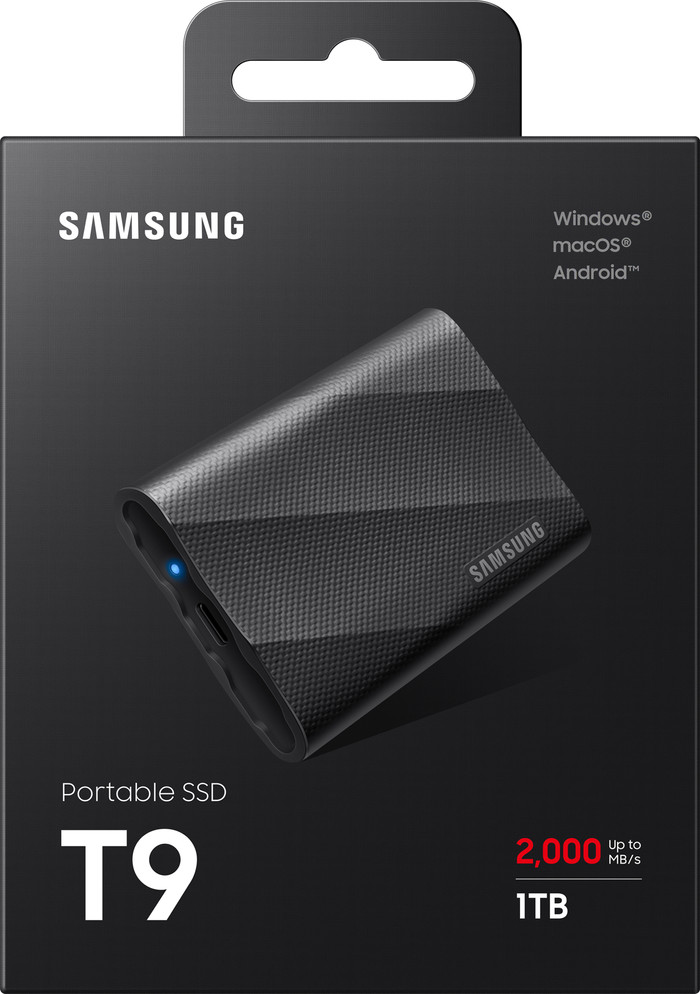
The Samsung T9 Portable is a top-class external SSD. It is above average fast and is protected against vibrations, dust and falls of up to 3 meters. You can connect it not only to Windows, macOS and Android devices, but also to game consoles, 12K cameras and the iPhone 15. However, the silicone cover of the T9 attracts dust quite quickly, so I have to wipe it every now and then.
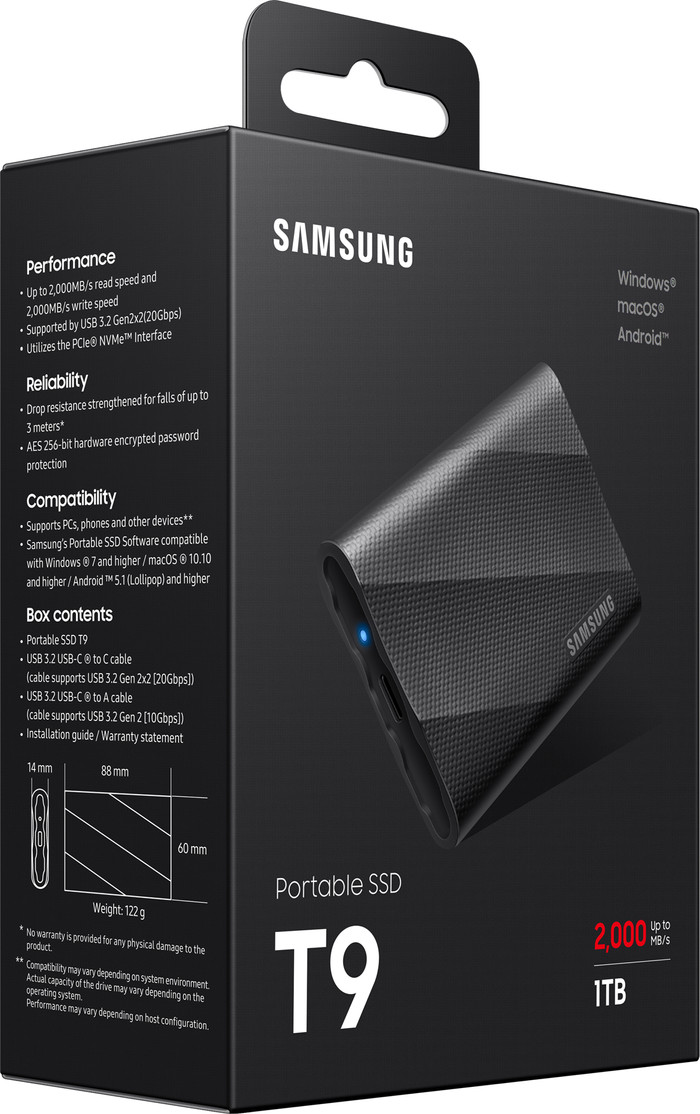
Transfer files quickly With the T9 Portable I transfer files even faster than with the T7 SSDs. Within a few seconds I transferred a nature documentary to the SSD. I get the highest speeds via USB C. The T9 is one of the fastest SSDs I've tested, making it a top-tier external SSD in terms of speed.
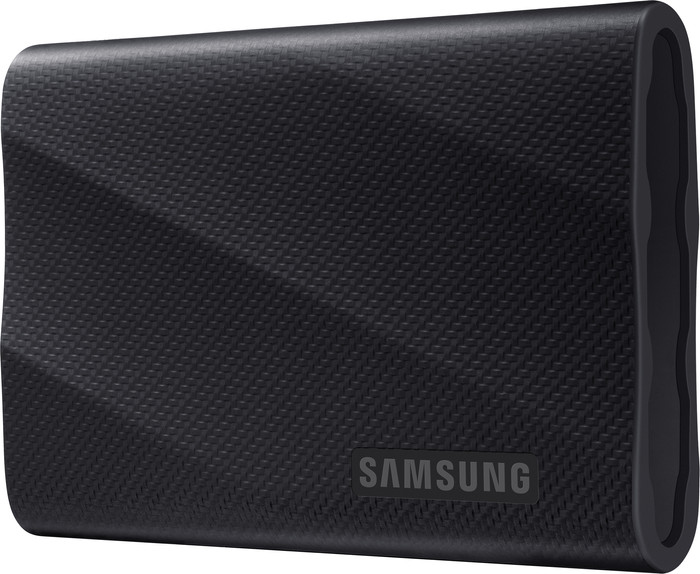
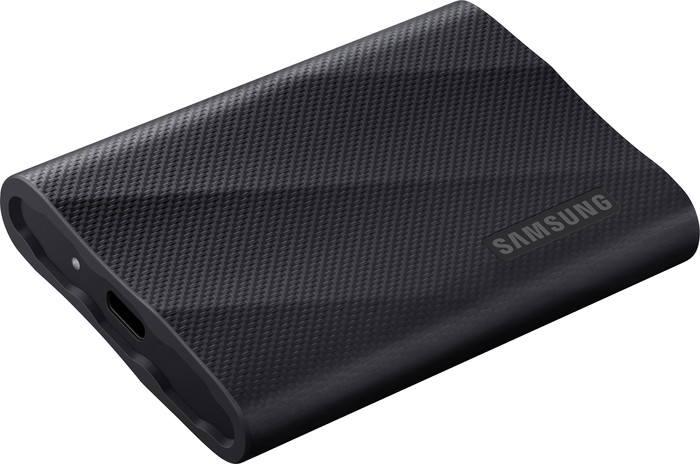
Protective cover Just like the T7 Shield, the T9 Portable has a silicone cover that protects against dust, vibrations and falls. Be aware that it is protected up to a maximum fall height of 3 meters. Compared to the T7 Shield, a possible disadvantage is that the T9 is not protected against splash water. So if you use your SSD in a lot of wet environments, you will be safer with the T7 Shield. Furthermore, the SSD with its cover fits comfortably in my hand and does not slip easily, thanks to the structure of the cover. I do have to wipe the case clean regularly, because it quickly attracts dust.
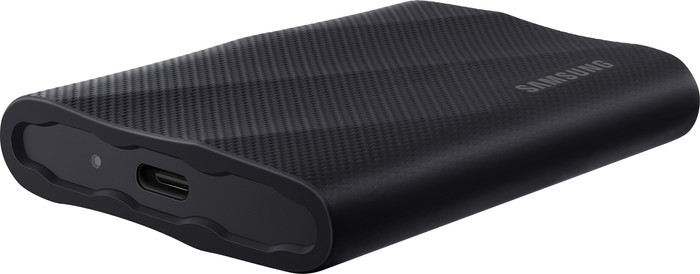
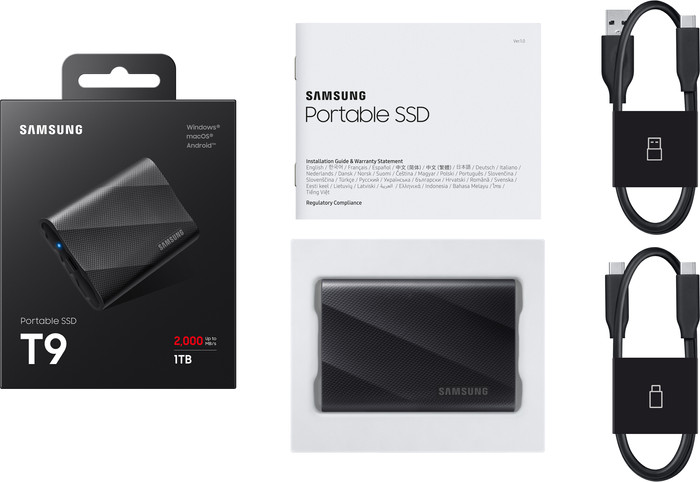
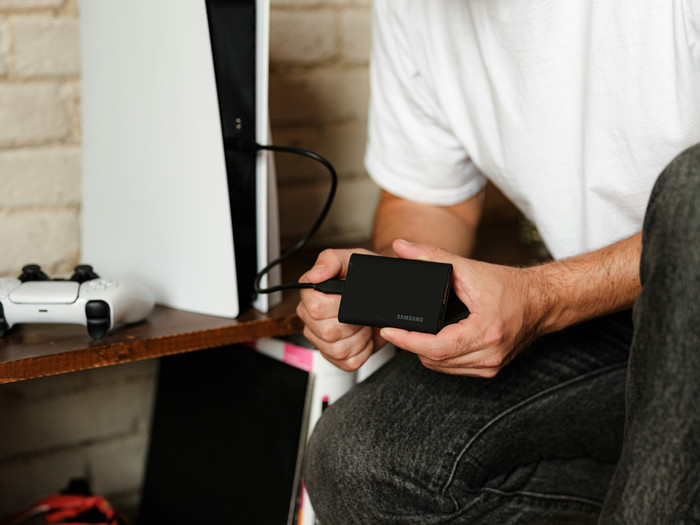
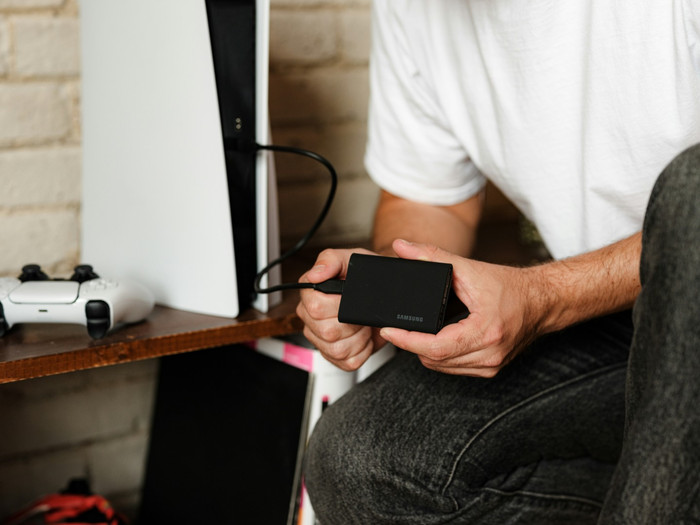
Suitable devices I tested the SSD myself with my Windows laptop and Android smartphone. This went smoothly via the supplied USB C to USB C cable. You also get a USB-C to USB-A cable, if your device does not have a USB-C port. In addition to Windows and Android devices, the T9 also works with macOS, game consoles and the iPhone 15. In addition, it is suitable for 12K cameras, unlike the T7 SSDs. So if you shoot professional films or photos, you can easily transfer them to the SSD.
In short: the Samsung T9 Portable is suitable for you if you are looking for a fast SSD for transferring many large files. It is protected against dust, vibration and falls and is suitable for many different devices.
Sam. Opslag specialist.
31 January 2024
Automatically translated from Nederlands
The main reason for purchasing this SSD was the high advertised speed (with all providers, so not specifically for CoolBlue). I use this drive in combination with the latest MacBook Pro M4 Pro and it turns out that USBC 3.2 (Gen. 2x2) is required to achieve the high speeds. Unfortunately, I found out afterwards that this USB C standard is not supported by the latest Macs and that there are also very few new Windows laptops that support it. In practice, the drive is therefore no faster than a comparable and cheaper Samsung T7 drive.
I cannot yet assess long-term reliability.
Eric
20 January 2025
Automatically translated from Nederlands
Tested on my PC the SSD T7 versus T9 with Samsung Magicion, read via USB is 438Mb/s against 441 Mb/s, Write 444Mb/s against 441 Mb/s, on USB C .. Read 939 Mb/s against 946 Mb/ s, Write ... 891 Mb/s against 890 Mb/s, the difference between Read Write and Read is minimal, the T7 is my preference due to the difference in price, this is for a moment... I only have one USB port on the PC so it Writing on T7 and T9 depends on the read speed of the SSD or hard drive that is internally or externally installed in or on the PC.
Carlo
29 January 2024
Automatically translated from Nederlands
Total storage capacity | 1 TB | |
|---|---|---|
Formatted for operating system | Android, ChromeOS, Linux, Mac, Windows, iOS, iPad OS | |
Type of USB port | USB-C | |
USB version | USB 3.2 Gen 2x2 | |
Maximum read speed | 2000 MB/s | |
Maximum write speed | 1950 MB/s | |
Data encryption | Hardware encryption, Software encryption | |
Color | Black |
According to our External SSD expert
For the largest files: thanks to the high write speed of 1,950MB/s, you can transfer the largest files quickly.
Enough space for average use: with 1 terabyte, you have enough space for media files and a few large games.
Extra secure files: your sensitive files are better protected against theft with password protection and data encryption.
Limited storage for 4K and RAW: if you have a lot of 4K or RAW media files and a lot of large games, you'll need more storage space.
No extra protection: this SSD doesn't have a rugged case that protects it from fall damage or splashes.
212,-
212,-
Product number | 937199 | |
|---|---|---|
Manufacturer code | MU-PG1T0B/EU | |
Brand | Samsung | |
Warranty | 5 years | |
Processing of your defect | Via Coolblue |
Total storage capacity | 1 TB | |
|---|---|---|
Cache memory | 22000 MB | |
Compatible with operating system | Android, Windows, iOS, iPadOS, macOS | |
Formatted for operating system | Android, ChromeOS, Linux, Mac, Windows, iOS, iPad OS | |
Backup feature | ||
Protected memory (USB) | ||
Protection type (USB) | Data encryption, Password | |
Data encryption | Hardware encryption, Software encryption | |
Maximum read speed | 2000 MB/s | |
Maximum write speed | 1950 MB/s |
Depth | 8,8 cm | |
|---|---|---|
Width | 6 cm | |
Height | 1,4 cm | |
Weight | 122 g | |
Color | Black | |
Material | Aluminum, Silicone | |
Rugged casing |
USB port | ||
|---|---|---|
Type of USB port | USB-C | |
USB version | USB 3.2 Gen 2x2 | |
Thunderbolt connector |
Current product
1 TB
2 TB
2000 MB/s
2000 MB/s
1950 MB/s
1950 MB/s
212,-
336,-
Delivered tomorrow
Delivered tomorrow
Receive more coverage in case of damage than with your standard warranty. Coolblue takes care of everything: from taking out the insurance to repairs. Is a repair not possible? You receive the purchase price as CoolblueCredit.
XCover is allowed to arrange and process insurances on behalf of the insurer. The insurances are governed by Belgium law. If you have a complaint, you can contact the or our customer service.
First, add your External SSD to your shopping cart. On the next page, choose the Protection Plan below. You always have a 30-day return window and pay no deductible in case of damage.
The insurance can be canceled every year, even if you have paid in advance. If you cancel earlier, you will receive a refund for the overpaid amount.