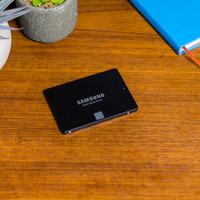
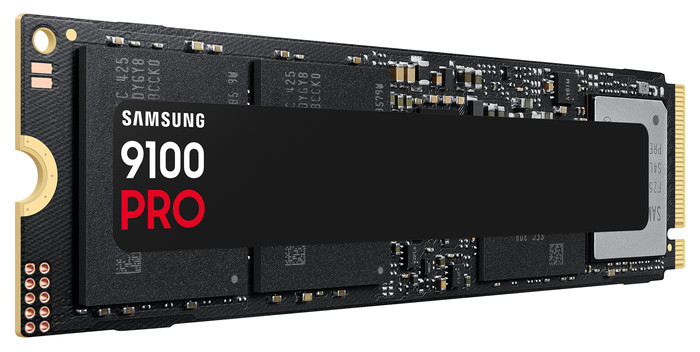
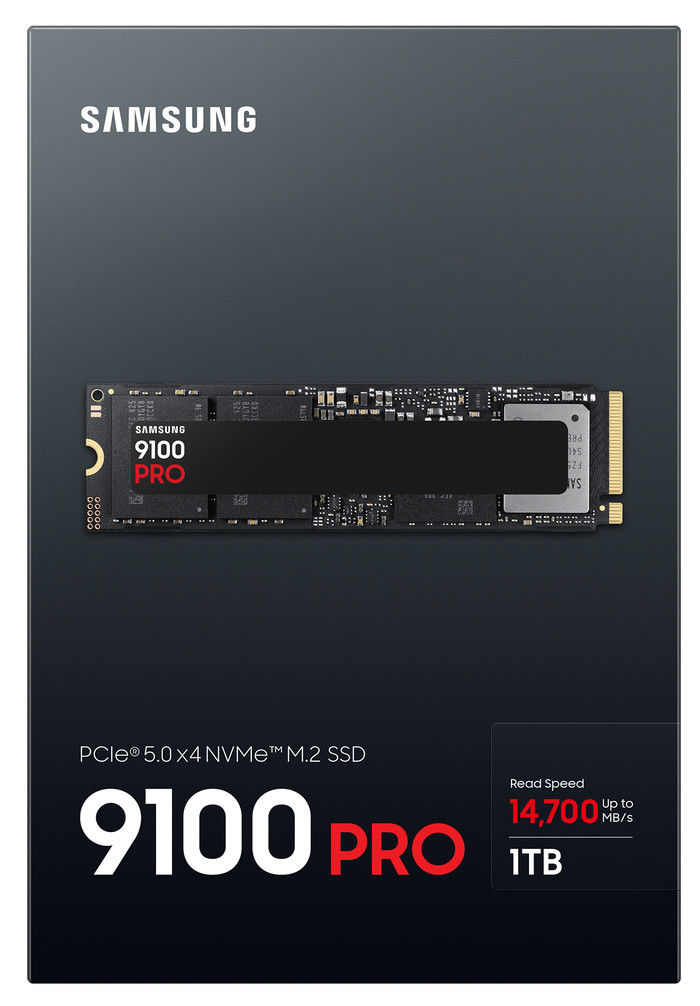
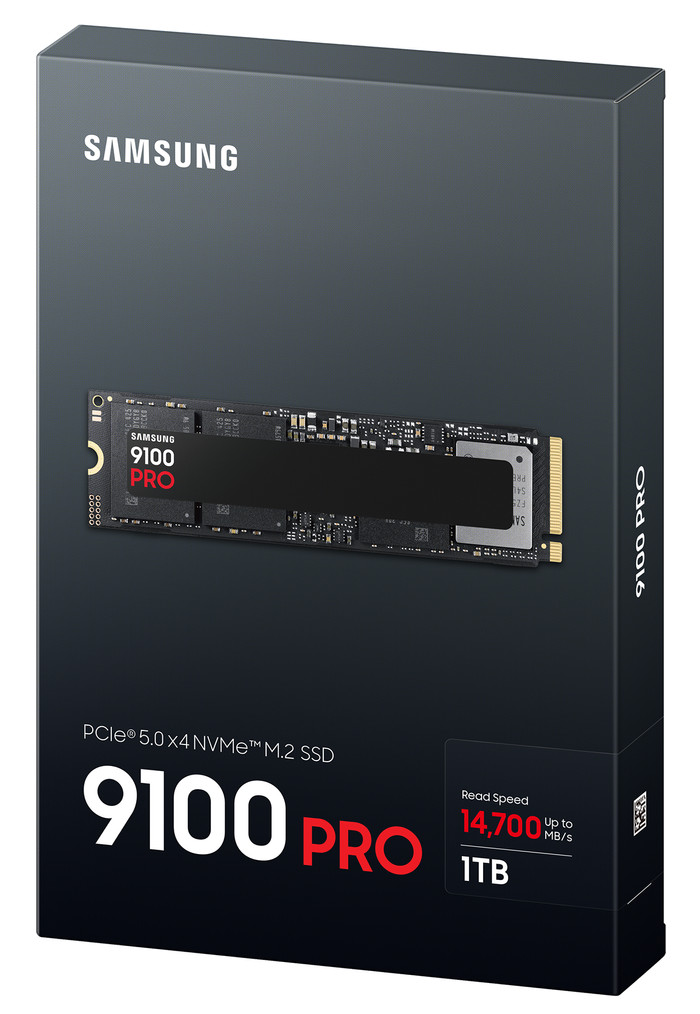
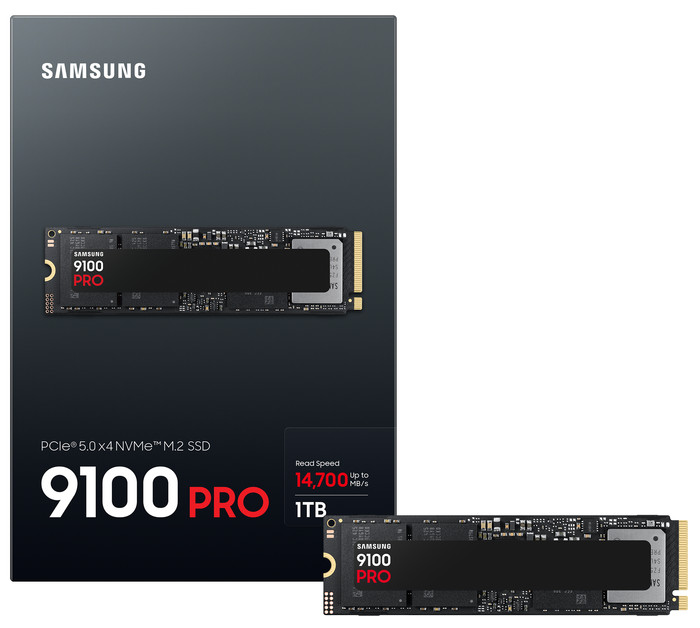
Samsung 9100 Pro 1TB PCIe 5.0 M.2 SSD
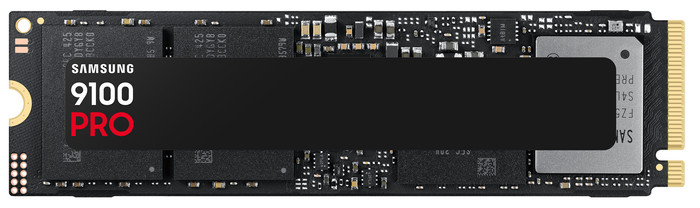
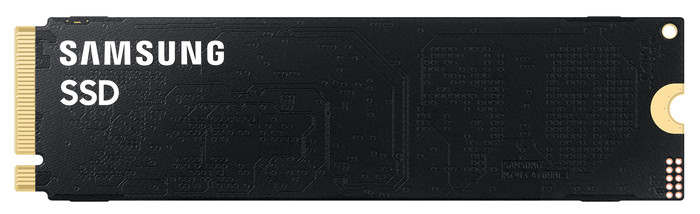
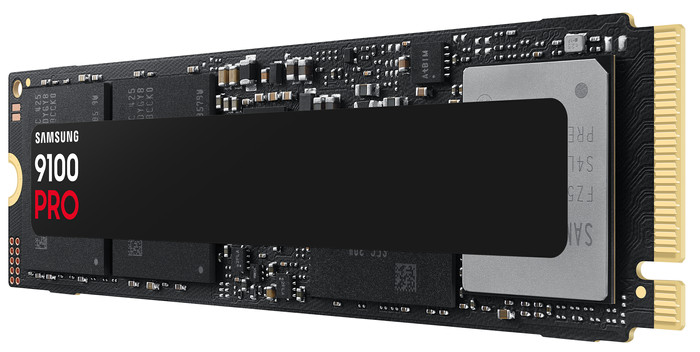

Choose your SSD
No
|
1 TB
Insure your solid state drive (SSD)
Receive more coverage in case of damage than with your standard warranty. Coolblue takes care of everything: from taking out the insurance to repairs. Is a repair not possible? You receive the purchase price as CoolblueCredit.
What am I insured for?
- Fall and impact damage
- Water damage
- Manufacturing defects outside the warranty
What am I not insured for?
- Damage you deliberately cause
- Damage that doesn't affect the product functioning (such as scratches)
- Damage due to gross negligence
XCover insurace
XCover is allowed to arrange and process insurances on behalf of the insurer. The insurances are governed by Belgium law. If you have a complaint, you can contact the or our customer service.
How do I insure my solid state drive (SSD)?
First, add your solid state drive (SSD) to your shopping cart. On the next page, choose the Protection Plan below. You always have a 30-day return window and pay no deductible in case of damage.
XCover Protection without theft cover
- 2-year advance payment7,99 one-time payment (4,- per year)
- 3-year advance payment9,99 one-time payment (3,33 per year)
The insurance can be canceled every year, even if you have paid in advance. If you cancel earlier, you will receive a refund for the overpaid amount.

Specifications
Product
Product number | 961458 | |
|---|---|---|
Manufacturer code | MZ-VAP1T0BW | |
Brand | Samsung | |
Warranty | 5 years | |
Processing of your defect | Via Coolblue |
Storage properties
Total storage capacity | 1 TB | |
|---|---|---|
Type of SSD | M.2 NVMe (PCIe) | |
M.2 PCIe version | 5.0 | |
SSD-controller | Samsung | |
Memory type (SSD) | Triple Level Cell (TLC) |
Connection and compatibility
M.2 SSD connector type | M | |
|---|---|---|
Formaat M.2 SSD | 22x80 | |
Compatible with product type | Consoles, Desktop, Laptop, Servers | |
Included by default | Installation software, Manual | |
With heatsink |
General properties
Depth | 8,015 cm | |
|---|---|---|
Height | 2,215 cm | |
Width | 0,238 cm | |
Color | Black | |
Year introduced | 2025 |
Speed and performance
Cache memory | 1000 MB | |
|---|---|---|
Maximum read speed | 14700 MB/s | |
Maximum write speed | 13300 MB/s | |
Output operations per second (IOPS) | 1850 | |
Input operations per second (IOPS) | 2600 | |
Mean Time Between Failure (MTBF) | 1,5 hour |
Security and software
Data encryption | Hardware encryption, Software encryption |
|---|
Power usage
Average power consumption | 7,6 W | |
|---|---|---|
Stationary power consumption | 4 W | |
Energy-efficient | ||
Minimum temperature | 0 °C | |
Maximum temperature | 70 °C |
This is the one