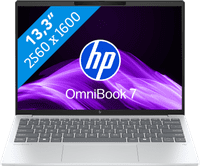
HP OmniBook 7 Aero Copilot+ PC 13-bg1970nb AZERTY



Choose your laptop
Ryzen AI 7 - 16GB - 1TB SSD
Choose your laptop
- Be the first to know when this product is in stock
Highlighted
How do you choose a Windows laptop?
Which laptop suits you, depends on what you use it for. Read how to choose a laptop here.Which laptop size suits you?
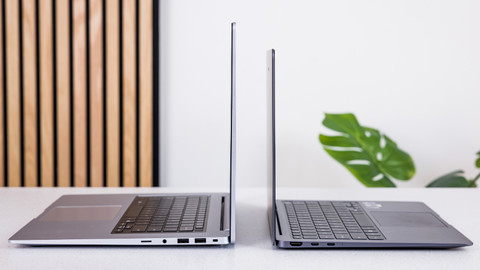
Choose a small laptop for on the go, a large one for on your desk, or a medium-sized one for both.What are the differences between the HP laptops?
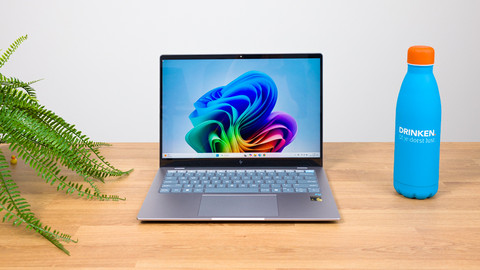
The difference is in the casing and speed. Want to know which HP laptop suits you? Read it here.What's Norton security software and what can you use it for?
With Norton, you can protect your laptop from viruses and spyware. Read what it is and how it works here.How do you choose a Microsoft Office software suite?
You can work in programs such as Word, PowerPoint, and Excel with Microsoft Office software.

Insure your laptop
Receive more coverage in case of damage than with your standard warranty. Coolblue takes care of everything: from taking out the insurance to repairs. Is a repair not possible? You receive the purchase price as CoolblueCredit.
What am I insured for?
- Fall and impact damage
- Water damage
- Manufacturing defects outside the warranty
- Theft(Optional)
What am I not insured for?
- Damage you deliberately cause
- Damage that doesn't affect the product functioning (such as scratches)
- Damage due to gross negligence
XCover insurace
XCover is allowed to arrange and process insurances on behalf of the insurer. The insurances are governed by Belgium law. If you have a complaint, you can contact the or our customer service.
How do I insure my laptop?
First, add your laptop to your shopping cart. On the next page, choose one of the Protection Plans below. You always have a 30-day return window and pay no deductible in case of damage or theft.
XCover Protection Plan with theft cover
- Can be canceled monthly11,49 per month (137,88 per year)
- 2-year advance payment144,- one-time payment (72,- per year)
XCover Protection Plan without theft cover
- Can be canceled monthly10,78 per month (129,36 per year)
- 2-year advance payment131,- one-time payment (65,50 per year)
You can cancel a monthly insurance every month. You can cancel an annual insurance every year, even if you paid in advance. Want to cancel it earlier? You receive a refund for the years you're not insured anymore.

Receive 1 year of Norton for free with a laptop or desktop
If you purchase of a laptop or desktop, you receive 1 year of Norton 360 Deluxe for free. One day after purchase, you'll receive an email with a personal voucher code. Go to the promotional Terms and Conditions for more information.

Specifications
Product
Product number | 962794 | |
|---|---|---|
Manufacturer code | BP6L1EA#UUG | |
Brand | HP | |
Warranty | 2 years | |
Processing of your defect | Via Coolblue |
Key properties
Operating system | Windows | |
|---|---|---|
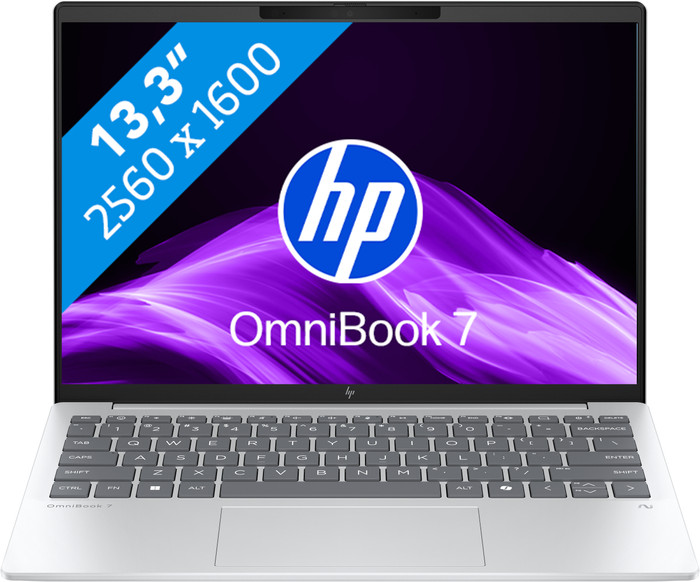
Screen size | 13,3 inches | |
Processor | AMD Ryzen AI 7 | |
Internal RAM | 16 GB | |
Total storage capacity | 1 TB | |
Touchscreen | ||
Recommended for use | Music production and DJing, On the go, Photo editing, School, Spreadsheets and presentations, Video editing | |
Speed class laptops | Very good | |
Build quality laptops | Basic | |
Screen quality: laptops | High-end |
Screen
Panel type | IPS panel | |
|---|---|---|
Sharpness | WQXGA | |
Resolution width | 2560 pixels | |
Resolution height | 1600 pixels | |
Refresh rate | 60 Hz | |
Aspect ratio | 16:10 | |
Screen reflection | Anti-glare | |
Color space | sRGB | |
sRGB color coverage percentage | 100 % | |
Adaptive Sync | ||
Type of adaptive sync | FreeSync | |
Brightness | 400 cd/m2 | |
HDR support | ||
Blue light filter |
Processor
Processor number | 350 | |
|---|---|---|
Processor generation | AI 300 Series | |
Processor code name | Krackan Point | |
Processor cores | Hexa-Core (6) | |
Clock speed | 2 GHz | |
Turbo speed | 4,8 GHz | |
Cache memory | 16 MB |
Neural Processing Unit (NPU)
Neural Processing Unit (NPU) | AMD Ryzen AI | |
|---|---|---|
TOPs | 50 | |
Microsoft Copilot+ PC | Yes |
RAM
Maximum internal memory | 16 GB | |
|---|---|---|
Memory composition | 1x 16GB | |
Memory slot 1 | 16 GB | |
Total number of RAM slots | 1 | |
RAM type (DDR type) | DDR5 | |
Number of replaceable RAM slots | 0 | |
Number of free RAM slots | 0 |
Storage
Storage type | SSD | |
|---|---|---|
SSD storage capacity | 1 TB | |
Hard drive type | NVMe | |
Number of replaceable storage slots | 0 | |
Number of free storage slots | 0 |
Video card
Video card brand | AMD | |
|---|---|---|
Type of video card | Shared |
Operating system
Windows OS version | Windows 11 Home | |
|---|---|---|
Operating system language | Multiple languages can be configured |
Physical properties
Laptop model | Laptop | |
|---|---|---|
Color | Silver | |
Material | Plastic | |
Material top of laptop | Plastic | |
Material keyboard casing laptop | Plastic | |
Material bottom of laptop | Plastic | |
Height | 1,65 cm | |
Width | 29,73 cm | |
Depth | 21,12 cm | |
Weight | 1 kg |
Wireless connections
Mobile data connection | No | |
|---|---|---|
WiFi standards | Wireless A (WiFi 2), Wireless AC (WiFi 5), Wireless AX (WiFi 6), Wireless B (WiFi 1), Wireless G (WiFi 3), Wireless N (WiFi 4) | |
Bluetooth | ||
Bluetooth version | 5.4 |
Wired connections
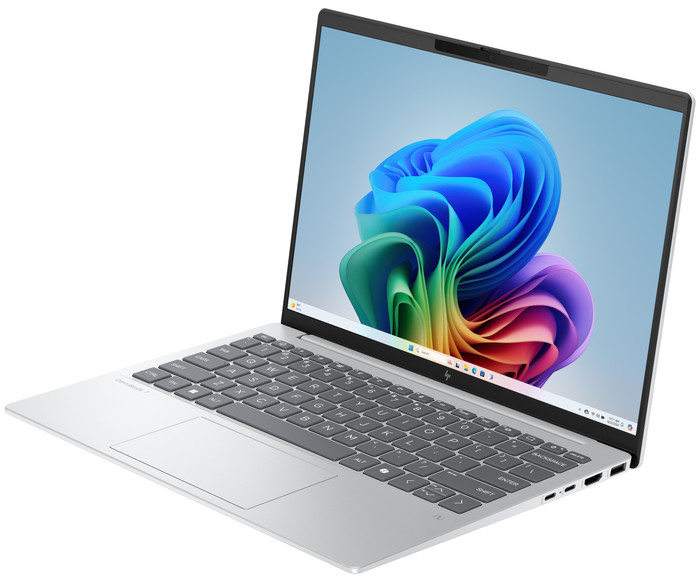
USB port | ||
|---|---|---|
Number of USB ports | 4 | |
Type of USB port | Standard USB-A, USB-C | |
Protocol Female USB-C port | DisplayPort Alternative Mode, USB, USB electricity | |
USB version Female USB-C port | 3.1 | |
Video output via USB-C possible | Yes | |
Number of female standard USB-A ports | 2 | |
Female standard USB-A port version | 3.0, 3.1 | |
Number of USB 3.1 Female USB-C port | 2 | |
HDMI connector | ||
Number of HDMI connectors | 1 | |
Female HDMI Type A port version | 2.1 | |
DisplayPort connector | ||
VGA connector | ||
Network connector | ||
Thunderbolt connector | ||
Headphone jack | ||
Memory card reader |
Keyboard and touchpad
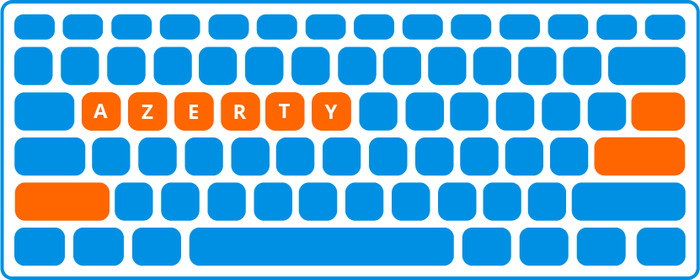
Keyboard layout | AZERTY | |
|---|---|---|
Physical keyboard layout | ANSI | |
Numeric keypad | ||
Spill-resistant | ||
Backlit keyboard | ||
Mechanical keyboard | ||
Programmable keys | ||
Copilot test |
Audio
Built-in microphone | ||
|---|---|---|
Number of speakers | 2 | |
Sound reproduction | Stereo | |
Integrated computer speakers brand | Poly Studio |
Webcam
Built-in camera | ||
|---|---|---|
Image definition webcams | 5MP (1920p) | |
Camera slider |
Battery
Battery capacity laptop | 43 Wh | |
|---|---|---|
Battery technology | Lithium polymer | |
Maximum battery life | 11,45 hours | |
Power connector input type (female) | USB Type C | |
Laptop wattage | 65 W | |
Charger included | ||
Charging cable included | ||
Power charger | 65 W |
Extra manufacturer's warranty
Manufacturer's warranty |
|---|
Security
TPM (Trusted platform module) | ||
|---|---|---|
TPM type | Firmware TPM | |
Kensington lock | ||
Windows Hello | ||
Fingerprint identity sensor | ||
Infrared camera | ||
Security class laptops | Basic | |
Built-in privacy screen |
Software
Extra installed software |
|---|
This is the one