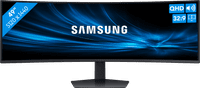
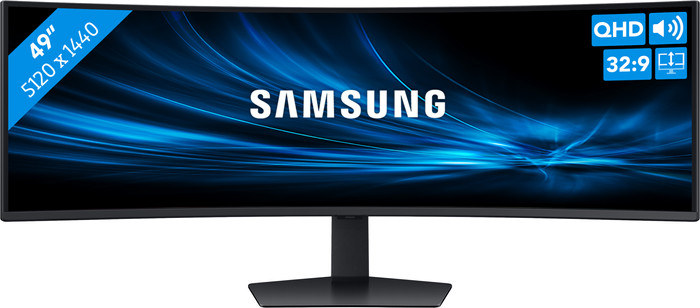
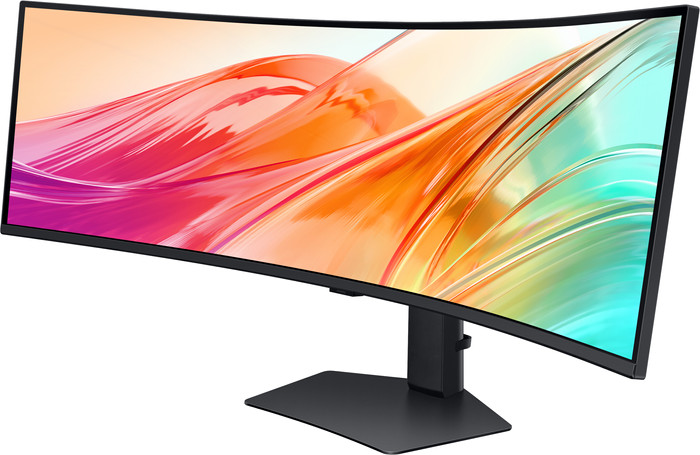
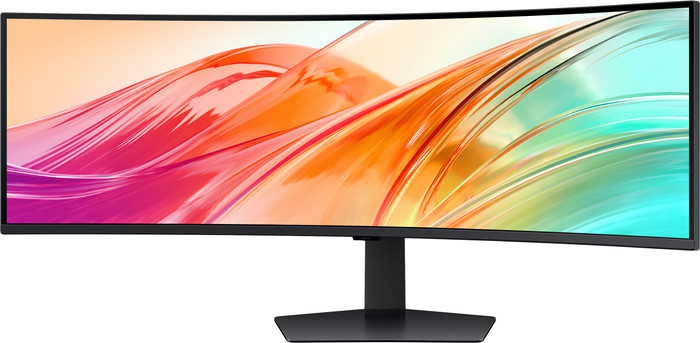
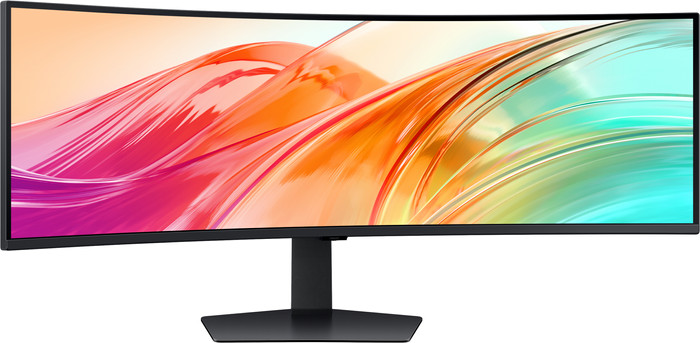
Samsung ViewFinity S95UF LS49F950UAUXEN Curved
5 stars
1
4 stars
1
3 stars
0
2 stars
0
1 star
0
880,-
880,-
Product number | 971958 | |
|---|---|---|
Manufacturer code | LS49F950UAUXEN | |
Brand | Samsung | |
Warranty | 2 years | |
Processing of your defect | Via Coolblue |
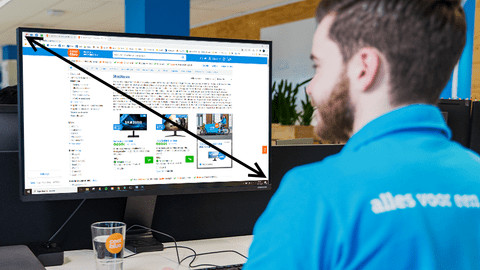
Screen size | 49 inches | |
|---|---|---|
Recommended display resolution | 5120x1440 | |
Sharpness | Quad HD (1440p) | |
Aspect ratio | Super ultrawide (32:9) | |
Refresh rate | 120 Hz | |
Response time | 5 ms | |
Panel type | VA panel | |
Brightness | 350 cd/m2 | |
Local dimming | ||
HDR support | ||
Contrast ratio | 3000 | |
Touchscreen | ||
Type of HDR | DisplayHDR 400 | |
Blue light filter | ||
Color depth | 1 billion colors (10-bit) | |
Resolution width | 5120 pixels | |
Resolution height | 1440 pixels | |
Horizontal viewing angle | 178 ° |
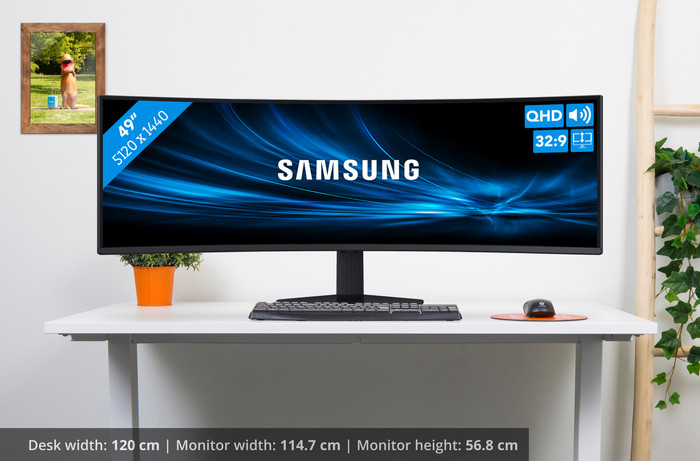
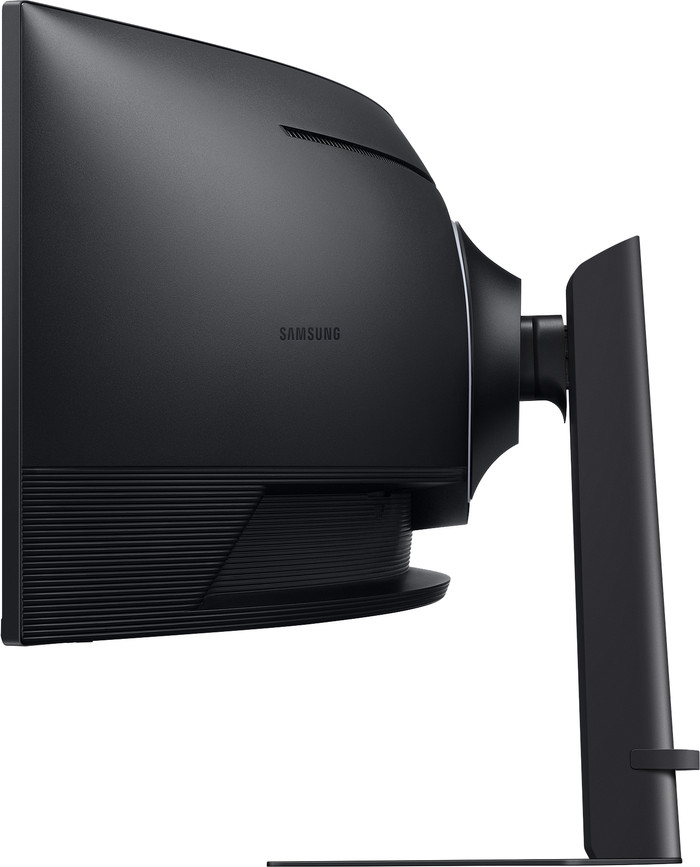
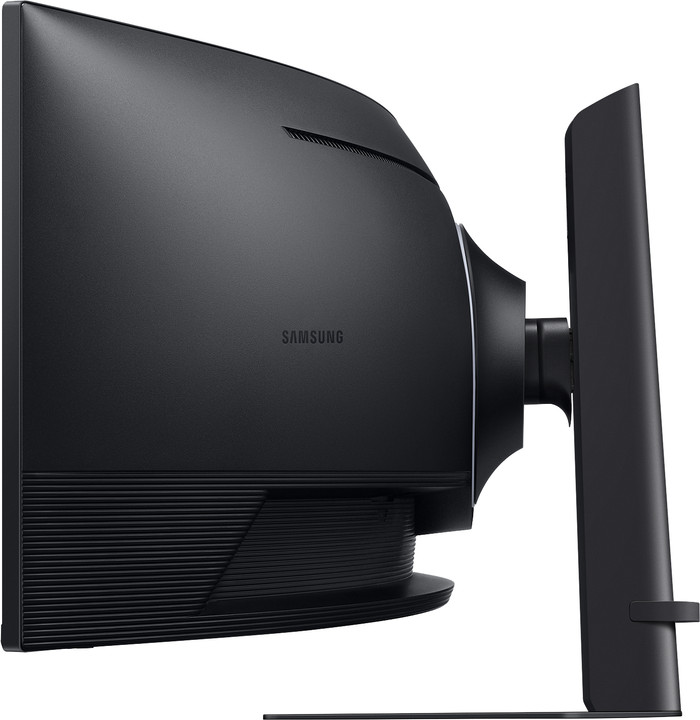
Height | 56,8 cm | |
|---|---|---|
Width | 114,7 cm | |
Depth | 42 cm | |
Weight | 15,6 kg | |
Color | Black | |
Including stand | ||
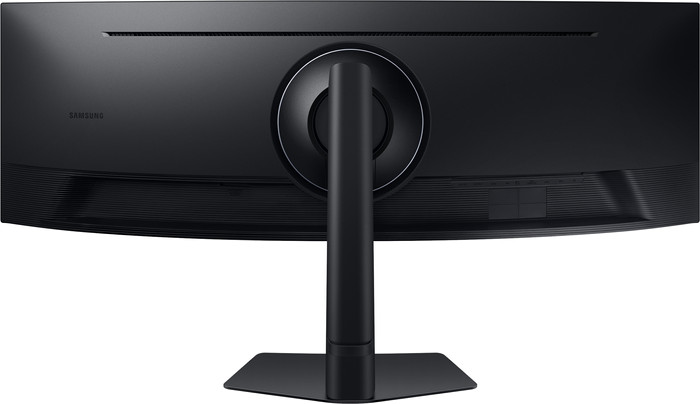
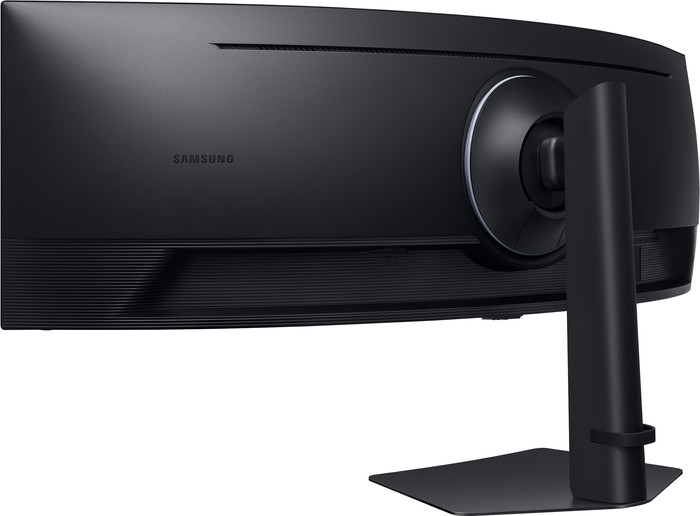
Cable management | ||
Appearance | Neutral | |
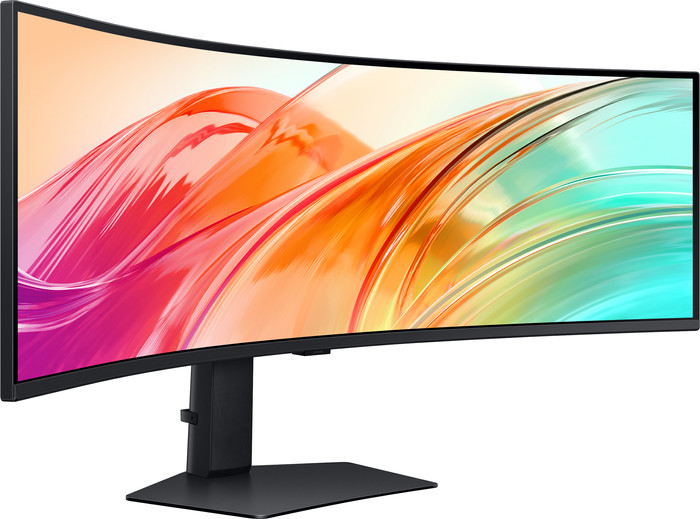
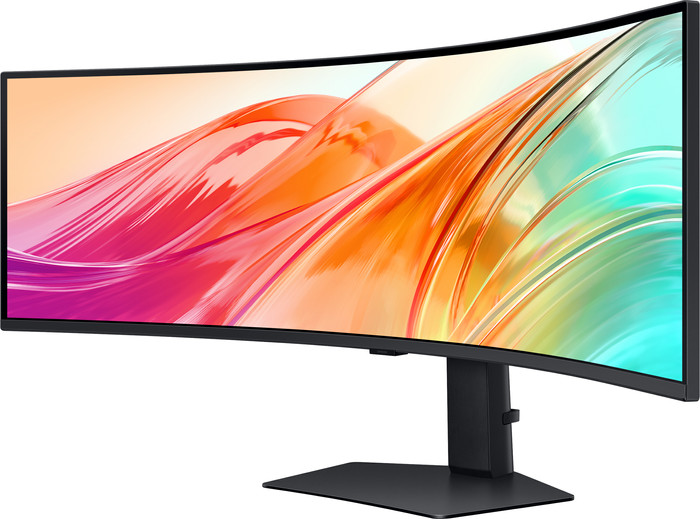
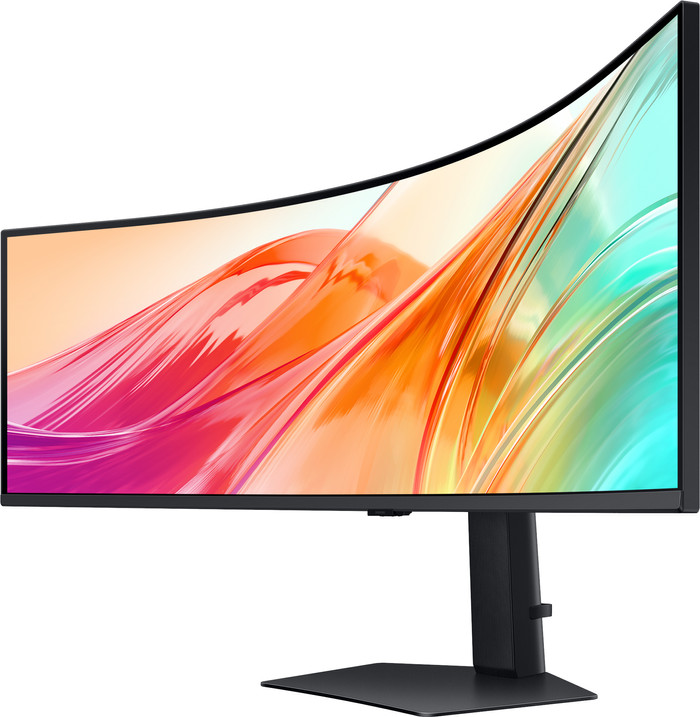
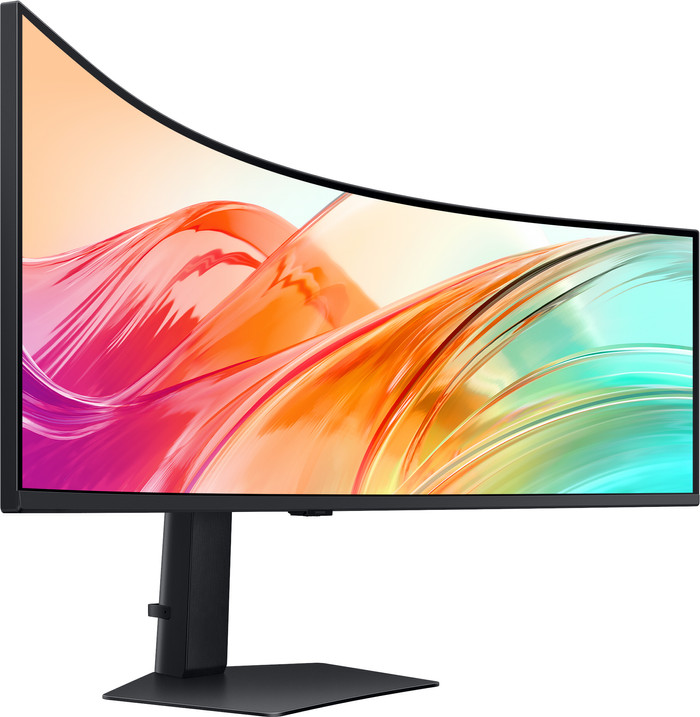
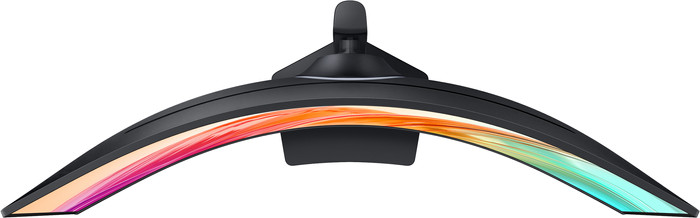
Curved | ||
Screen curve | 1000 R |
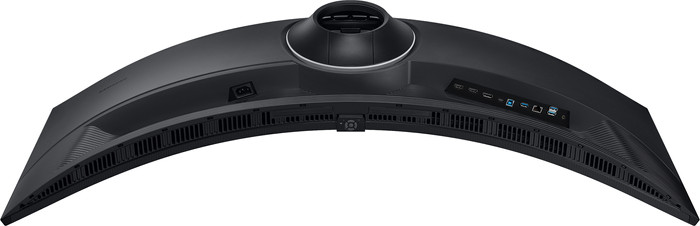
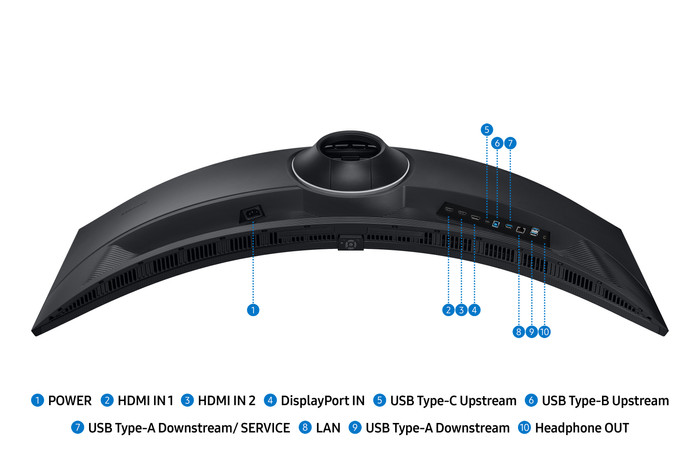
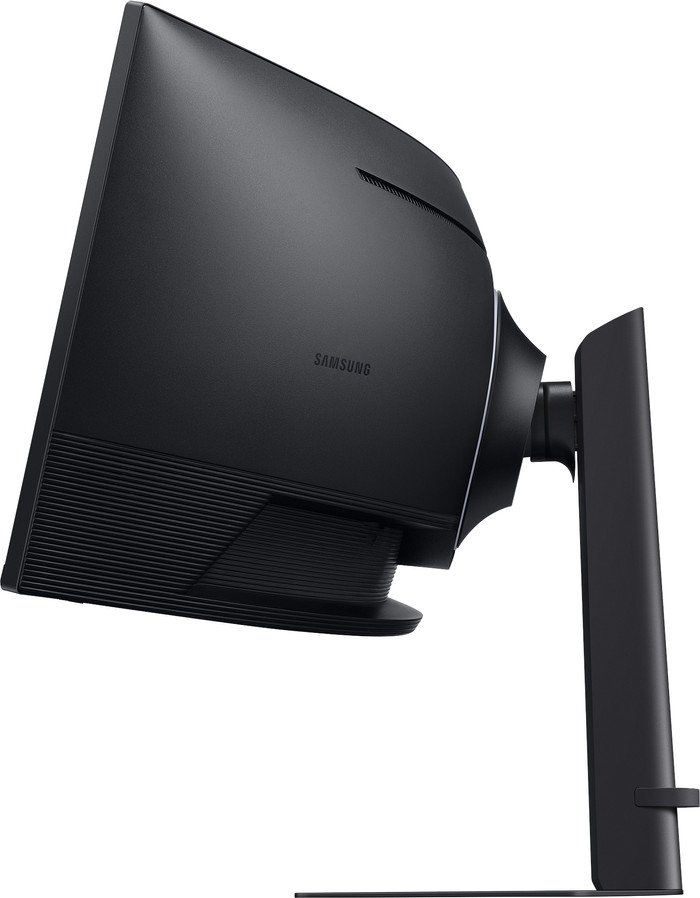
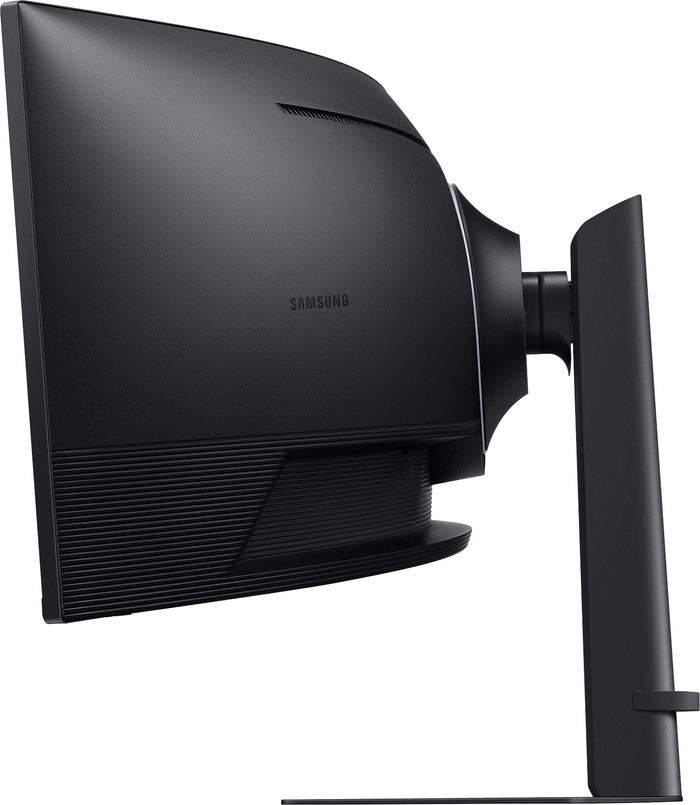
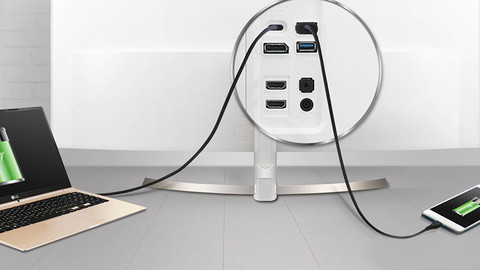
Number of HDMI connectors | 2 | |
|---|---|---|
Number of Female HDMI type A 2.0 ports | 2 | |
Number of headphone jacks | 1 | |
Type of headphone connection | 3.5mm (TRS) | |
Number of USB-C ports | 1 | |
Number of USB 3.0 Female USB-C ports | 1 | |
Number of Female Standard DisplayPort 1.4 ports | 1 | |
Number of female standard USB-A ports | 3 | |
Female standard USB-A port version | 3.0 | |
Number of female 3.5mm TRS Audio Jack ports | 1 | |
Number of female standard USB-B (3.0 form) ports | 1 | |
Number of Female RJ-45 ports | 1 | |
Type of USB port | Standard USB-A, Standard USB-B (3.0 form), USB-C | |
Number of USB ports | 5 | |
Suitable for daisy chaining | ||
USB-C dock |
Included by default | DisplayPort cable, HDMI cable | |
|---|---|---|
Not included by default | USB-C cable |
Adjustable in height | ||
|---|---|---|
Tiltable | ||
Pivotable stand | ||
Pivot function | ||
VESA mount option | ||
VESA mount | 100x100mm |
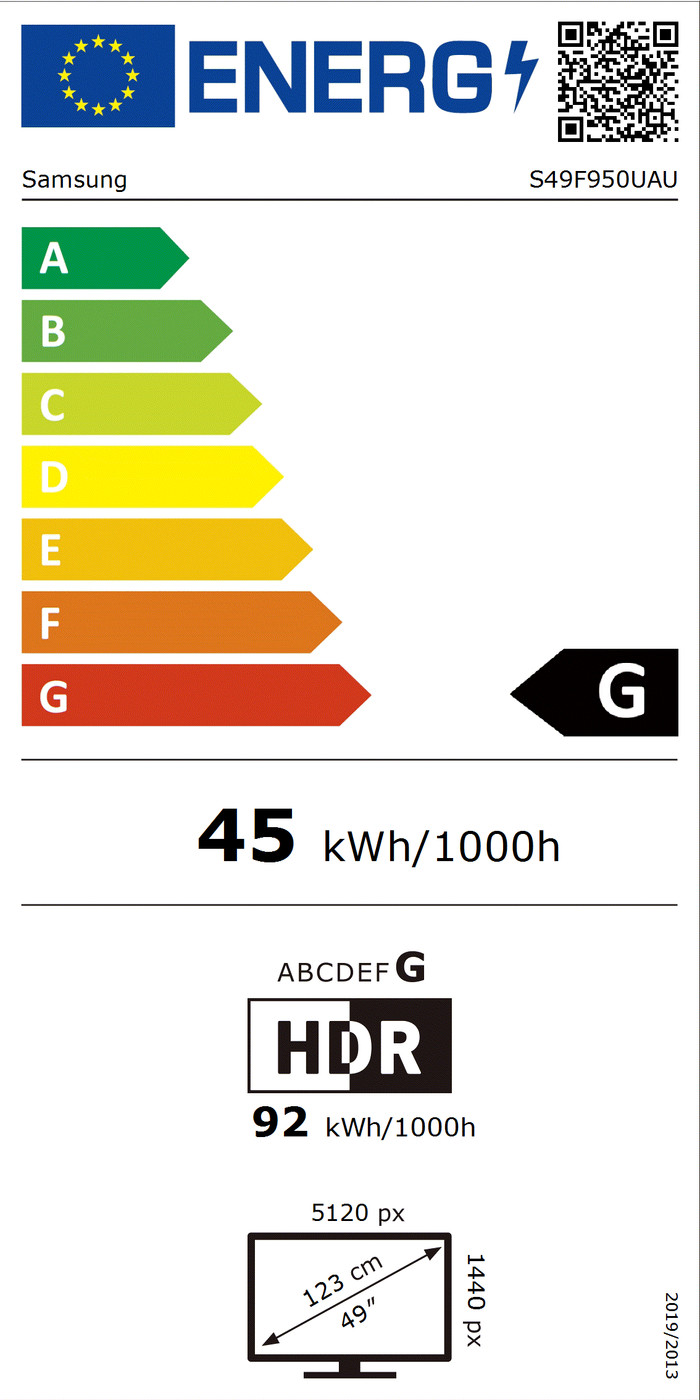
Energy label | G | |
|---|---|---|
Energy consumption standby | 0,5 W | |
Energy consumption active | 45 W | |
Energy consumption per 1000h | 45 kWh | |
Annual energy consumption | 65,7 kWh | |
Annual energy costs | 26,28 euros |
Built-in speakers | ||
|---|---|---|
Sound system | Stereo | |
Webcam | ||
Split screen | ||
Kensington lock |
Recommended for use | Image editing and graphic design, Internet, email, and text processing, Watching movies in Full HD |
|---|
Our digital expert will help you, but it can sometimes make mistakes, like humans do.
Super ultrawide (32:9)
Super ultrawide (32:9)
Standard (4:3)
Super ultrawide (32:9)
Standard (16:9)
120 Hz
75 Hz
70 Hz
75 Hz
240 Hz
5 ms
4 ms
4 ms
4 ms
0,1 ms
According to our monitor expert
Sharp images for details: you can work with sharp images thanks to the Quad HD resolution.
Work in more windows: use multiple windows or programs at the same time on the super ultrawide screen.
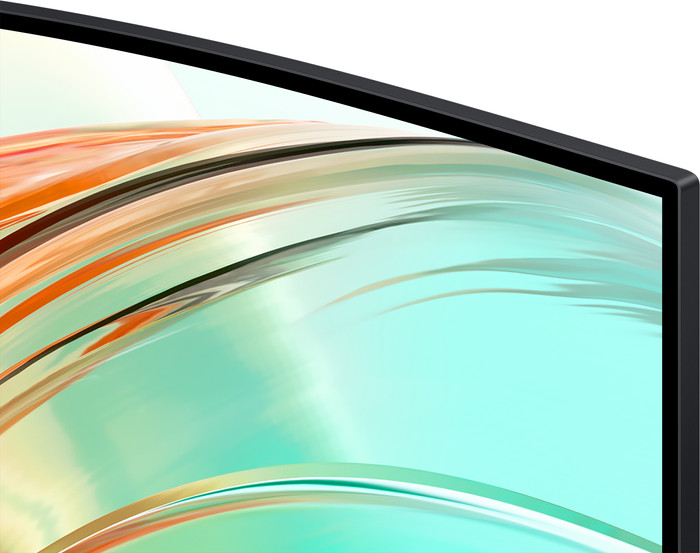
Less neck strain: the curved screen lets you work more ergonomically, so you’re less likely to get neck strain.
Not for small desks: a super ultrawide monitor takes up a lot of space, so your desk has to be large enough.
Smaller viewing angles: a VA panel has smaller viewing angles than other panel types.
Current product

880,-
949,-
999,-
799,-
1.349,-
Delivered tomorrow
Delivered tomorrow
Receive more coverage in case of damage than with your standard warranty. Coolblue takes care of everything: from taking out the insurance to repairs. Is a repair not possible? You receive the purchase price as CoolblueCredit.
XCover is allowed to arrange and process insurances on behalf of the insurer. The insurances are governed by Belgium law. If you have a complaint, you can contact the or our customer service.
First, add your monitor to your shopping cart. On the next page, choose the Protection Plan below. You always have a 30-day return window and pay no deductible in case of damage.
The insurance can be canceled every year, even if you have paid in advance. If you cancel earlier, you will receive a refund for the overpaid amount.