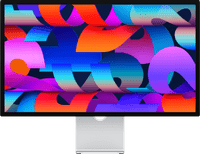
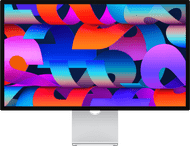
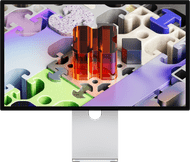
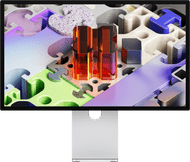
Apple Studio Display Nano-texture (2026) Tilt- and Height-adjustable Stand

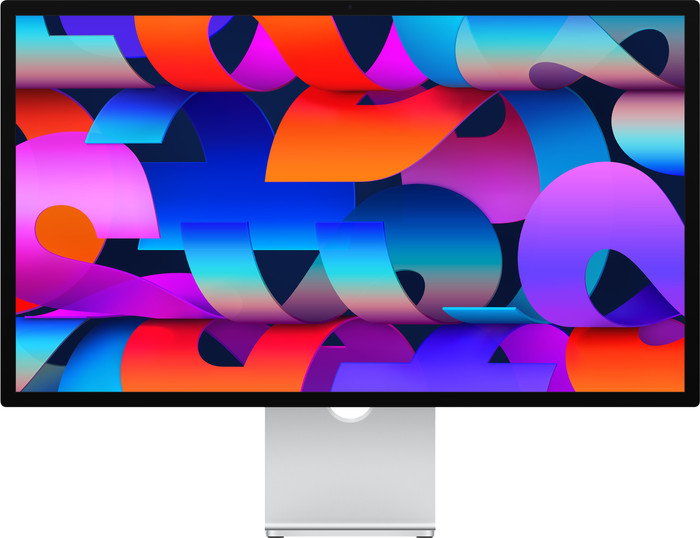
  • Apple Studio Display Nano-texture (2026) Tilt- and Height-adjustable Stand Main Image
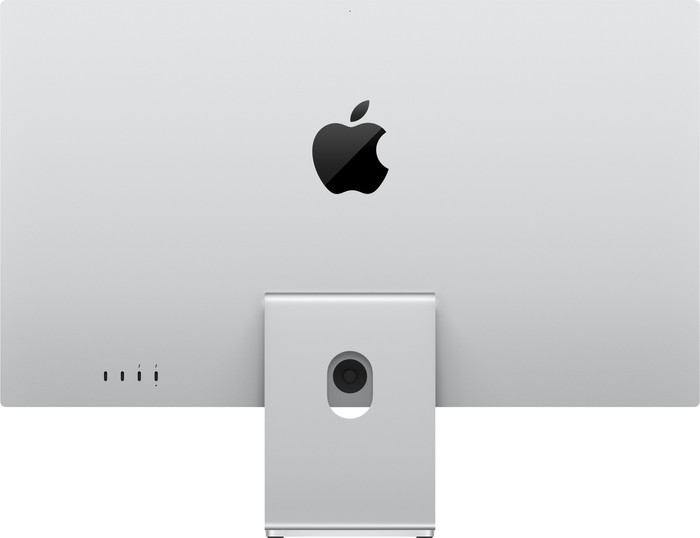
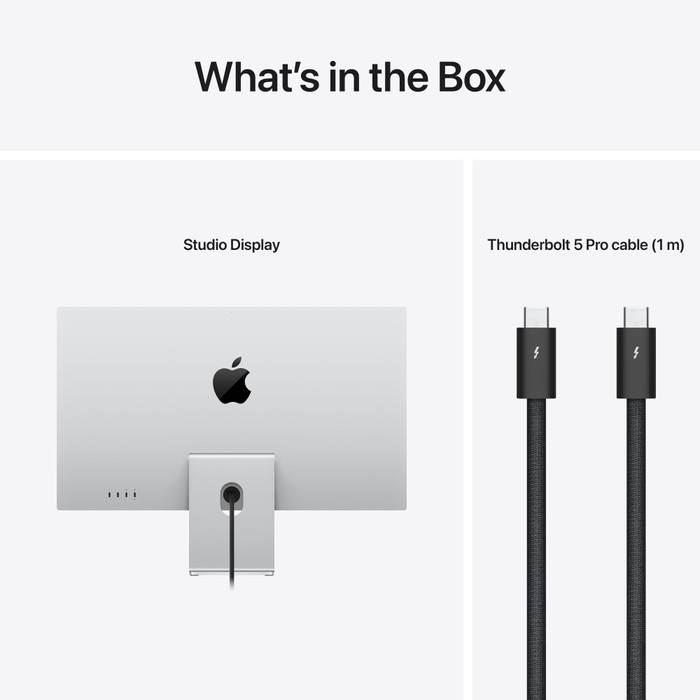
  • Apple Studio Display Nano-texture (2026) Tilt- and Height-adjustable Stand back
  • Apple Studio Display Nano-texture (2026) Tilt- and Height-adjustable Stand visual supplier
  • Apple Studio Display Nano-texture (2026) Tilt- and Height-adjustable Stand visual supplier
  • Apple Studio Display Nano-texture (2026) Tilt- and Height-adjustable Stand visual supplier
  • Apple Studio Display Nano-texture (2026) Tilt- and Height-adjustable Stand visual supplier
  • Apple Studio Display Nano-texture (2026) Tilt- and Height-adjustable Stand visual supplier
  • Apple Studio Display Nano-texture (2026) Tilt- and Height-adjustable Stand visual supplier
  • Apple Studio Display Nano-texture (2026) Tilt- and Height-adjustable Stand visual supplier
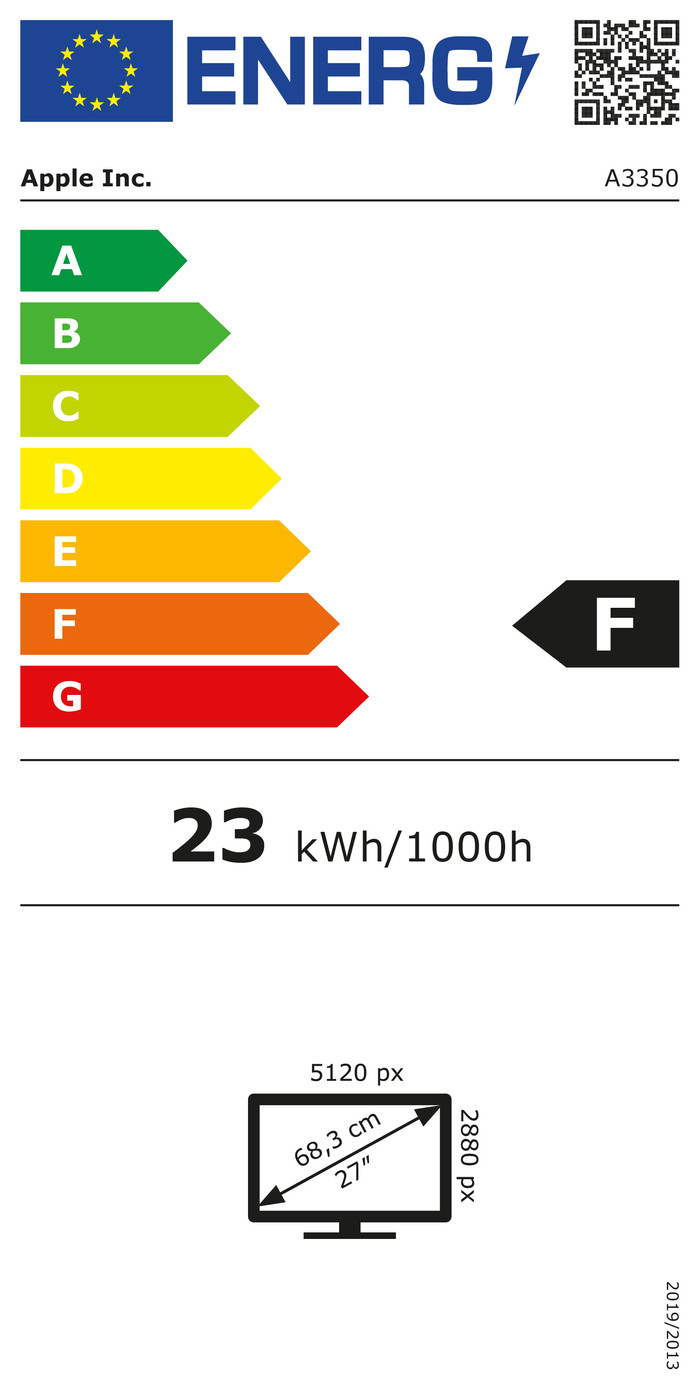
  • Apple Studio Display Nano-texture (2026) Tilt- and Height-adjustable Stand energy label
Select an option

Choose your monitor

Nano-texture - Tiltable + adjustable in height

Choose the better Studio Display with a better screen

Apple Studio Display XDR (2026) with Tilt- and Height-adjustable Stand
Apple Studio Display XDR (2026)

Better model

The Apple Studio Display XDR has a razor-sharp Retina XDR display with 120Hz refresh rate and supports HDR content.

Choose your monitor

Product Information sheet
Opens in new tab

2.399,-

Affordable Second Chance

from

2.232,-

Delivered tomorrow

Highlighted

  • What's a USB-C monitor and what can you use it for?

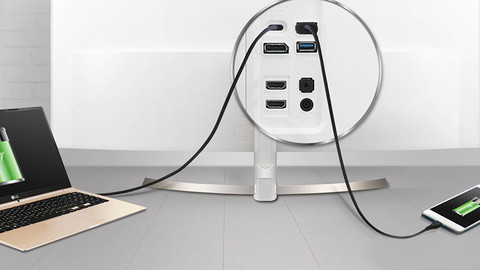
    If your business monitor has a USB-C port with a lot of power, you can combine 3 functions with 1 cable. You can read what the advantages of a USB-C monitor are here.
  • How do you choose the resolution of your monitor?

    The higher the resolution of your monitor, the sharper the images are. You can read which resolution you need for your work here.
  • How do I choose the best image size for my monitor?

    There are monitors for various usage situations. In this article, we'll explain which screen size suits you best.
  • How do you choose a monitor for your MacBook?

    When you're looking for more screen space next to your MacBook, a monitor is a good idea. This way, you can work at multiple windows at the same time. You can read which monitor suits your MacBook best here.

Insure your monitor

Receive more coverage in case of damage than with your standard warranty. Coolblue takes care of everything: from taking out the insurance to repairs. Is a repair not possible? You receive the purchase price as CoolblueCredit.

What am I insured for?

  • Fall and impact damage
  • Water damage
  • Manufacturing defects outside the warranty

What am I not insured for?

  • Damage you deliberately cause
  • Damage that doesn't affect the product functioning (such as scratches)
  • Damage due to gross negligence

XCover insurace

XCover is allowed to arrange and process insurances on behalf of the insurer. The insurances are governed by Belgium law. If you have a complaint, you can contact the or our customer service.

How do I insure my monitor?

First, add your monitor to your shopping cart. On the next page, choose the Protection Plan below. You always have a 30-day return window and pay no deductible in case of damage.

XCover Protection without theft cover

  • 5-year advance payment
    431,- one-time payment (86,20 per year)
  • 3-year advance payment
    245,- one-time payment (81,67 per year)

The insurance can be canceled every year, even if you have paid in advance. If you cancel earlier, you will receive a refund for the overpaid amount.

Apple Studio Display Nano-texture (2026) Tilt- and Height-adjustable Stand

Specifications

Product

Product

Product number

976950

Manufacturer code

MFF04FD/A

Brand

Apple

Warranty

2 years

Processing of your defect

Carry-in warranty

Screen

Screen

Screen size

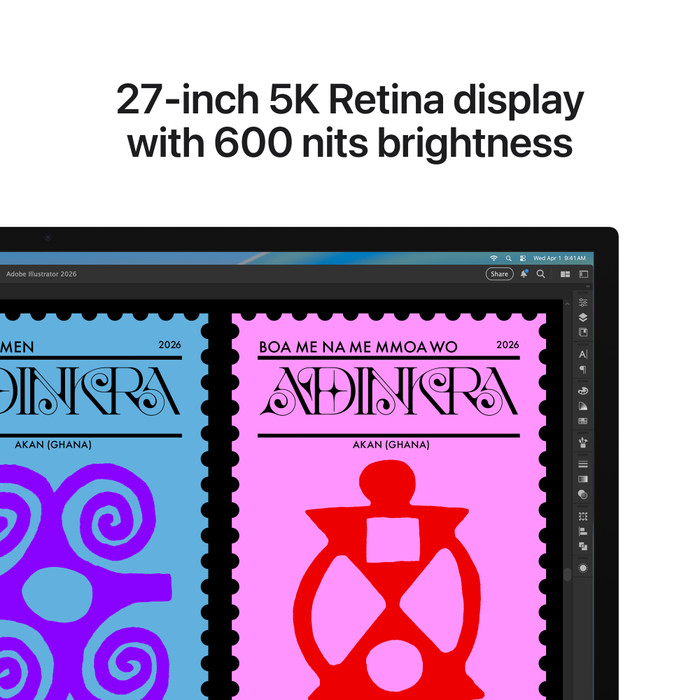
27 inches

Recommended display resolution

5120x2880

Sharpness

5K

Brand-specific image technology

Apple Retina

Aspect ratio

Standard (16:9)

Refresh rate

60 Hz

Response time

5 ms

Panel type

IPS panel

Brightness

600 cd/m2

Local dimming

HDR support

Touchscreen

Screen reflection

Anti-glare with nano-texture

Blue light filter

Flicker-free technology

Color space

DCI-P3

Color depth

1 billion colors (10-bit)

Adaptive Sync

Resolution width

5120 pixels

Resolution height

2880 pixels

Anti-reflection type

Nano

Physical properties

Physical properties

Height

36,2 cm

Width

62,3 cm

Depth

3,3 cm

Weight

7,6 kg

Color

Gray

Including stand

Material

Metal

Cable management

Appearance

Business, Neutral

Curved

Connectors and connections

Connectors and connections

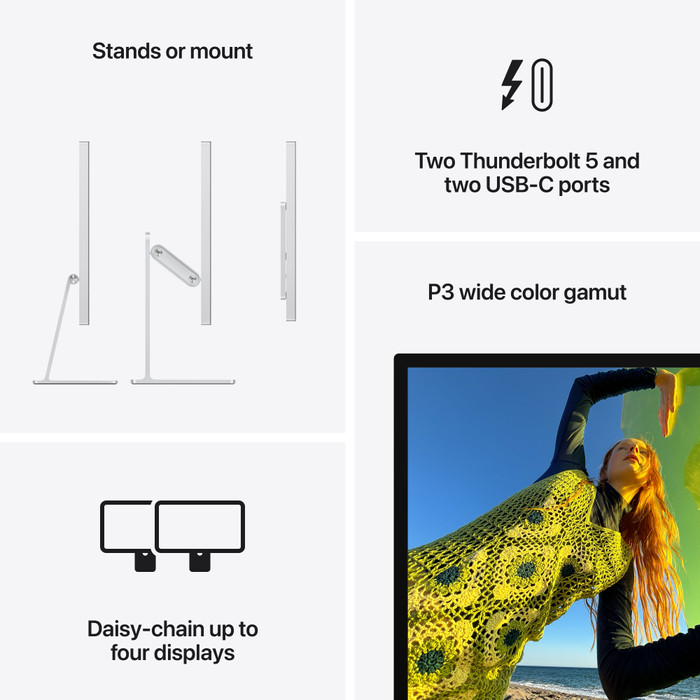
Number of USB-C ports

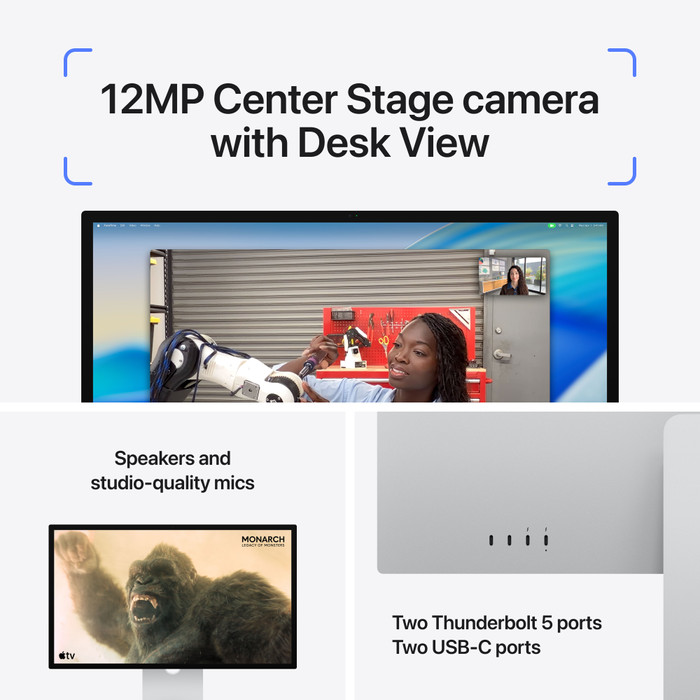
2

Number of Female RJ-45 ports

0

Type of USB port

USB-C

Number of USB ports

2

Suitable for daisy chaining

Included

Included

Included by default

Thunderbolt 5 cable

Not included by default

HDMI cable

Adjustability

Adjustability

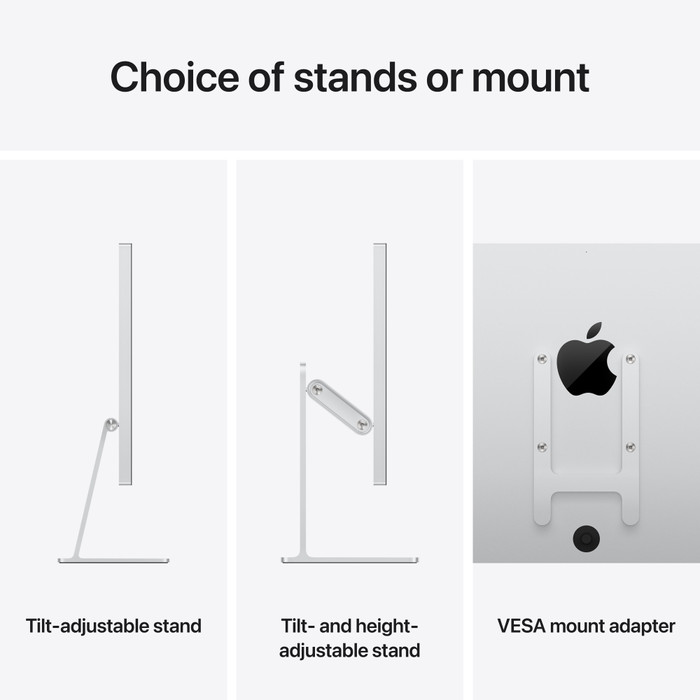
Adjustable in height

Tiltable

Pivotable stand

Pivot function

VESA mount option

Energy consumption

Energy consumption

Energy label

F

Energy consumption per 1000h

23 Wh

Other properties

Other properties

Built-in speakers

Sound system

Stereo

Webcam

Split screen

Kensington lock

Quality properties

Quality properties

Recommended for use

Image editing and graphic design, Internet, email, and text processing, Photo editing, Video editing, Watching movies in 4K, Watching movies in Full HD

This is the one

Apple Studio Display Nano-texture (2026) Tilt- and Height-adjustable Stand
Review is 9,5 out of 10, based on 7 reviews.
Apple Studio Display Nano-texture (2026) Tilt- and Height-adjustable Stand
Product Information sheet
Opens in new tab

2.399,-

Affordable Second Chance

from

2.232,-

Delivered tomorrow