Welcome to your environment! You can order everything from your assortment with your personal budget here.

You can always return to the normal Coolblue website by clicking here.

Your outstanding budget (incl. VAT) is always visible here, so you know exactly how much you can spend.

Coolblue home

Help with your product
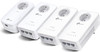
TP-Link TL-WPA8635PKITB 4-pack

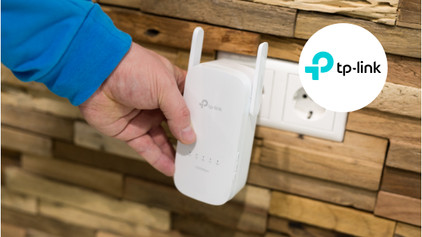
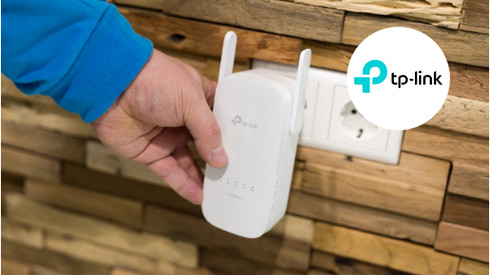
With the TP-Link TL-WPA8635PKITB Kit with 4 powerline adapters, you create a WiFi network with 3 stations in your home. As a result, you can go online both in your bedroom and in the attic. You do this by simply plugging the first adapter into the socket and connecting it to your router. You plug the other adapters into a socket wherever you want to create an extra WiFi network. For example, in your study or in the shed. Thanks to the 3 network ports on these adapters, you can also effortlessly connect a wired device. For example, a smart TV or network drive. Thanks to the built-in sockets, you don't have to miss a power outlet.

Read all tips here

Tips to improve the connection of your powerline adapter

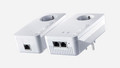
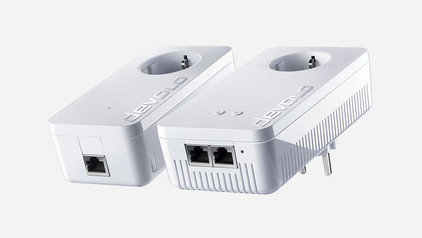
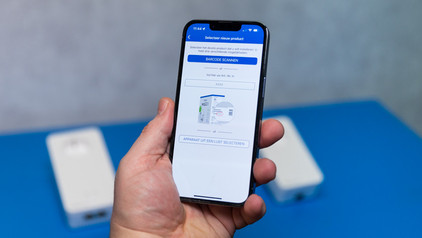
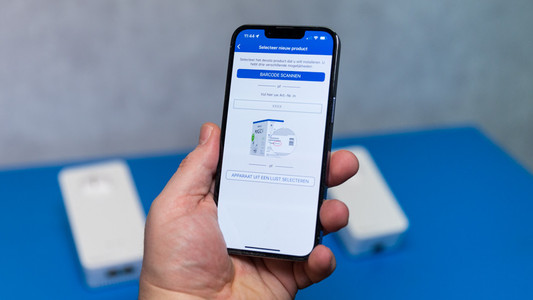
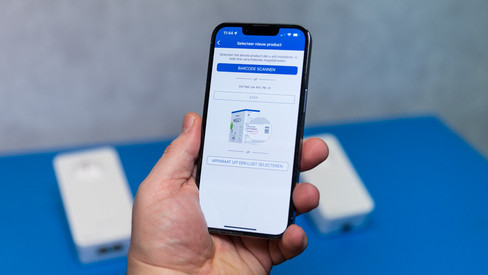
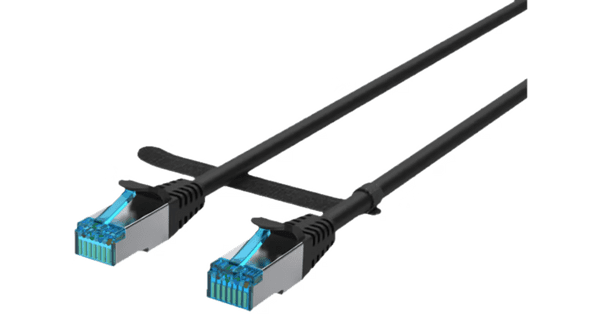
Isn't your powerline adapter fast enough, or does the connection fade? In this article, we'll explain what you can try to do. For example, check if all powerline adapters are plugged into a grounded socket. Or reconnect the stations. In this article, we'll give you 3 tips to improve the connection.

Tips to improve the connection of your powerline adapter

Isn't your powerline adapter fast enough, or does the connection fade? In this article, we'll explain what you can try to do. For example, check if all powerline adapters are plugged into a grounded socket. Or reconnect the stations. In this article, we'll give you 3 tips to improve the connection.

Tips to improve the connection of your powerline adapter

Isn't your powerline adapter fast enough, or does the connection fade? In this article, we'll explain what you can try to do. For example, check if all powerline adapters are plugged into a grounded socket. Or reconnect the stations. In this article, we'll give you 3 tips to improve the connection.

Tips to improve the connection of your powerline adapter

Isn't your powerline adapter fast enough, or does the connection fade? In this article, we'll explain what you can try to do. For example, check if all powerline adapters are plugged into a grounded socket. Or reconnect the stations. In this article, we'll give you 3 tips to improve the connection.

Subjects

Didn't find your answer?

Find an answer to your question quickly and easily via our customer service.

Coolblue specialist
Personal chat Digitalk.
You're now chatting with Coolblue customer service
This chat is closed
foo
Oeps File size is larger than 5MB. Upload a smaller file.