Welcome to your environment! You can order everything from your assortment with your personal budget here.

You can always return to the normal Coolblue website by clicking here.

Your outstanding budget (incl. VAT) is always visible here, so you know exactly how much you can spend.

Coolblue home

Help with your product
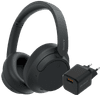
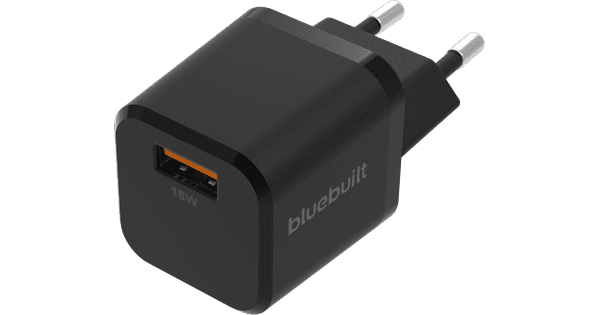
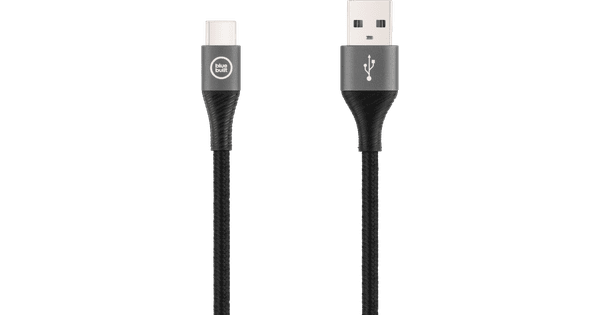
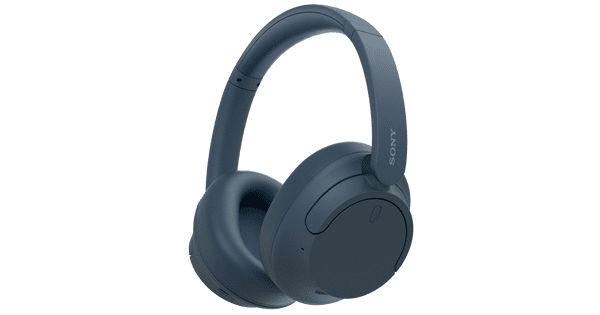
Sony WH-CH720N Black + BlueBuilt Quick Charge Charger with USB-A Port 18W Black

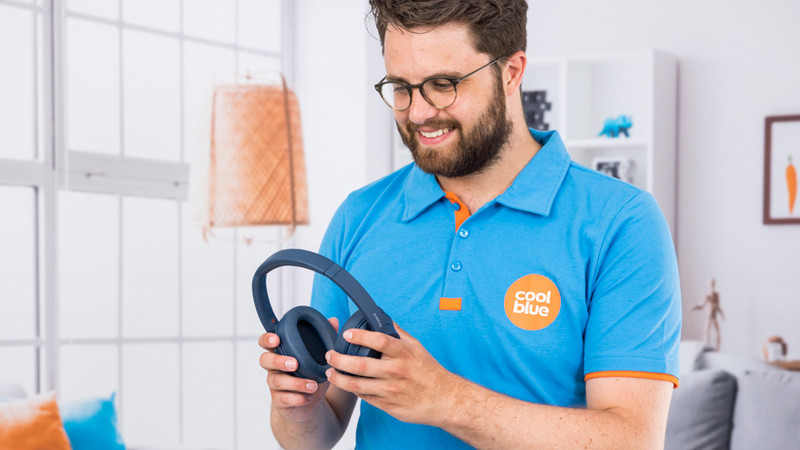
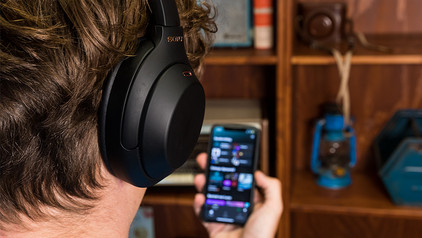
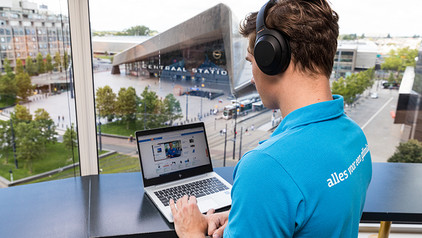
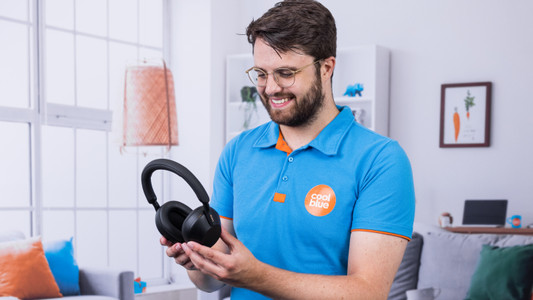
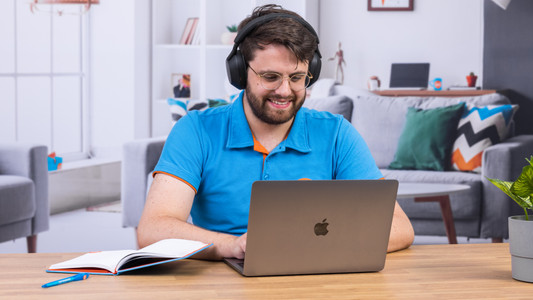
With the Sony WH-CH720N Black + BlueBuilt Quick Charge Charger with USB-A Port 18W Black bundle, you get headphones with a charger pack. Thanks to the V1 chip, you can enjoy good noise canceling. Sony also uses this chip for the Sony WH-1000XM5. The battery of the headphones lasts up to 35 hours. When the battery runs out, you can charge it for 3 minutes for 1 hour of extra music. With multipoint pairing, you can connect the Sony headphones to 2 devices at the same time. This allows you to listen to music via your laptop and answer calls with your smartphone, for example. The headphones automatically switch between connections. You can adjust your preferences with the Sony Sound Connect app. That way, you can amplify the bass and adjust the sound.

Read all tips here

Which product do you want to see articles about?

How do you solve uneven volume with your Sony headphones?

You want your Sony headphones to continue to work properly, so you don't want the headphones to have uneven volume. Check if you have any software updates, for example. These improve the performance of your headphones. We'll give you 4 tips on how to solve uneven volume with your Sony headphones.

Get started with Sony multipoint pairing

Your Sony headphones or earbuds automatically switch between 2 devices with multipoint pairing. You can do this via the Sony Headphones App. Connect your headphones to a smartphone that has this app, for example. You can then enable multipoint pairing and connect the headphones to the second device. You can read more about this in this article.

How do you adjust the sound of your Sony earbuds or headphones?

Via an equalizer, you can easily adjust the sound of your Sony earbuds or headphones. You can highlight the sound you find important and listen to a personalized sound. In this article, you can read how to use the equalizer in 4 steps.

How do you adjust the sound of your Sony earbuds or headphones?

Via an equalizer, you can easily adjust the sound of your Sony earbuds or headphones. You can highlight the sound you find important and listen to a personalized sound. In this article, you can read how to use the equalizer in 4 steps.

Get started with Sony headphones

You bought Sony headphones and want to listen to music as soon as possible. In this article, we'll show you how to get started with the headphones as soon and well as possible in 3 steps. That way, you can listen to music with a good connection and personalized sound.

Get started with Sony headphones

You bought Sony headphones and want to listen to music as soon as possible. In this article, we'll show you how to get started with the headphones as soon and well as possible in 3 steps. That way, you can listen to music with a good connection and personalized sound.

How do you safely listen to music with your headphones?

Your hearing is valuable. That's why you want to keep it healthy and not get tinnitus due to loud music. For example, turn on the volume limit on your phone. In this article, we'll give more tips on how to listen to your music safely.

Tips for charging your smartphone

You probably charge your smartphone every day. When you charge it the right way, your battery wears less and your device lasts longer. We'll explain why it's better not to charge your smartphone up to 100% and why fast charging is convenient here. That way, you'll know exactly how to properly charge your smartphone, tablet, or other device.

How do you solve uneven volume with your Sony headphones?

You want your Sony headphones to continue to work properly, so you don't want the headphones to have uneven volume. Check if you have any software updates, for example. These improve the performance of your headphones. We'll give you 4 tips on how to solve uneven volume with your Sony headphones.

Get started with Sony multipoint pairing

Your Sony headphones or earbuds automatically switch between 2 devices with multipoint pairing. You can do this via the Sony Headphones App. Connect your headphones to a smartphone that has this app, for example. You can then enable multipoint pairing and connect the headphones to the second device. You can read more about this in this article.

How do you adjust the sound of your Sony earbuds or headphones?

Via an equalizer, you can easily adjust the sound of your Sony earbuds or headphones. You can highlight the sound you find important and listen to a personalized sound. In this article, you can read how to use the equalizer in 4 steps.

How do you adjust the sound of your Sony earbuds or headphones?

Via an equalizer, you can easily adjust the sound of your Sony earbuds or headphones. You can highlight the sound you find important and listen to a personalized sound. In this article, you can read how to use the equalizer in 4 steps.

Get started with Sony headphones

You bought Sony headphones and want to listen to music as soon as possible. In this article, we'll show you how to get started with the headphones as soon and well as possible in 3 steps. That way, you can listen to music with a good connection and personalized sound.

Get started with Sony headphones

You bought Sony headphones and want to listen to music as soon as possible. In this article, we'll show you how to get started with the headphones as soon and well as possible in 3 steps. That way, you can listen to music with a good connection and personalized sound.

How do you safely listen to music with your headphones?

Your hearing is valuable. That's why you want to keep it healthy and not get tinnitus due to loud music. For example, turn on the volume limit on your phone. In this article, we'll give more tips on how to listen to your music safely.

Tips for charging your smartphone

You probably charge your smartphone every day. When you charge it the right way, your battery wears less and your device lasts longer. We'll explain why it's better not to charge your smartphone up to 100% and why fast charging is convenient here. That way, you'll know exactly how to properly charge your smartphone, tablet, or other device.

Tips for charging your smartphone

You probably charge your smartphone every day. When you charge it the right way, your battery wears less and your device lasts longer. We'll explain why it's better not to charge your smartphone up to 100% and why fast charging is convenient here. That way, you'll know exactly how to properly charge your smartphone, tablet, or other device.

Subjects

Didn't find your answer?

Find an answer to your question quickly and easily via our customer service.

Coolblue specialist
Personal chat Digitalk.
You're now chatting with Coolblue customer service
This chat is closed
foo
Oeps File size is larger than 5MB. Upload a smaller file.