Welcome to your environment! You can order everything from your assortment with your personal budget here.

You can always return to the normal Coolblue website by clicking here.

Your outstanding budget (incl. VAT) is always visible here, so you know exactly how much you can spend.

Coolblue home

Help with your product
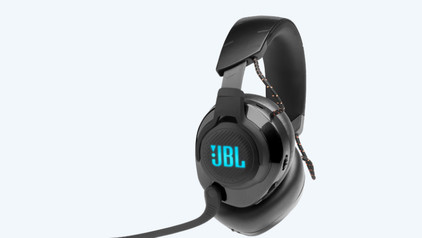
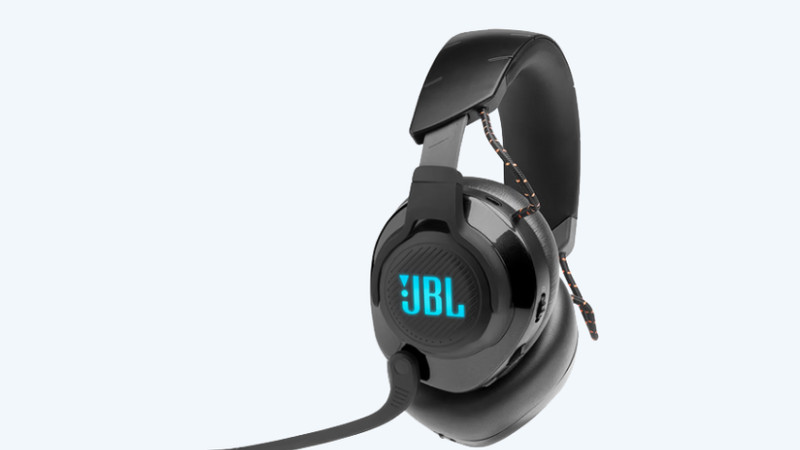
JBL Quantum 400 Black + JBL Clip 5 Black
0 reviews

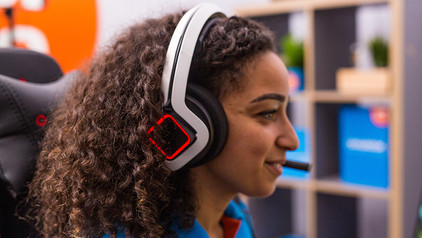
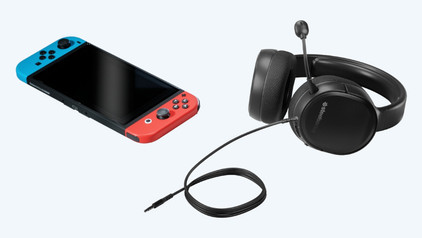
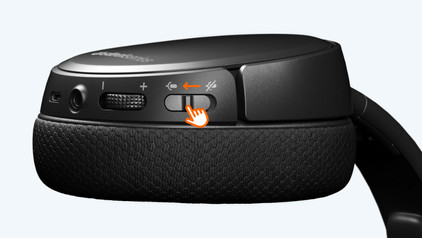
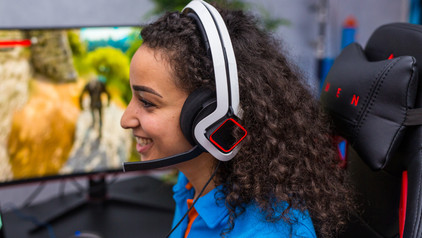
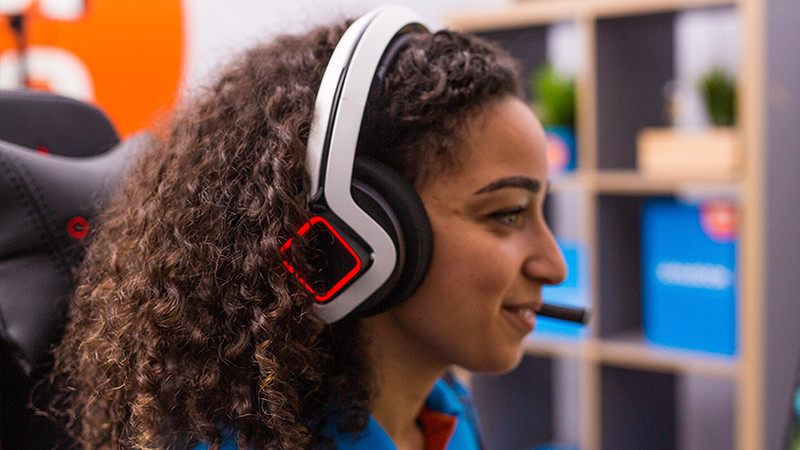
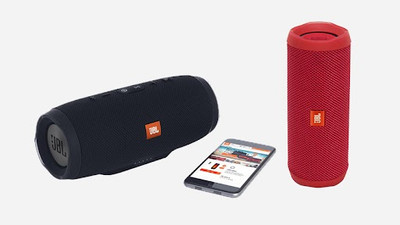
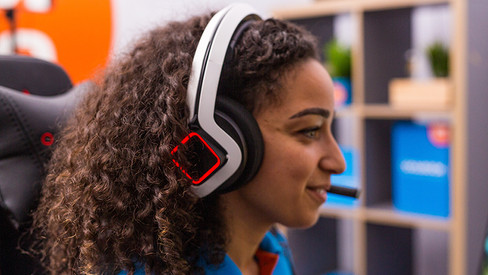
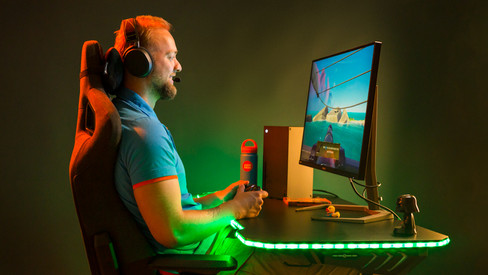
With the JBL Quantum 400 Black + JBL Clip 5 Black, you choose the best experience during gaming. With the JBL Clip 5 Black, you can bring your music everywhere. The speaker has a 12-hour battery life. You can connect the gaming headset via the 3.5mm audio cable. This means the headset is plug and play, so you can use it right away. Communicate online with friends without background noise thanks to the noise suppression in the microphone. This way, your message always comes across clearly. With surround sound, you can hear all the game audio in 360 degrees around you. This always lets you know where your opponents are coming from. If you often play by yourself or don't need a microphone, you can easily fold the headset microphone. That way, it isn't in your way and you can keep gaming undisturbed.

Read all tips here

Which product do you want to see articles about?

How do I connect JBL speakers to JBL connect?

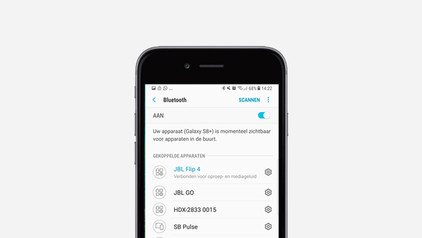
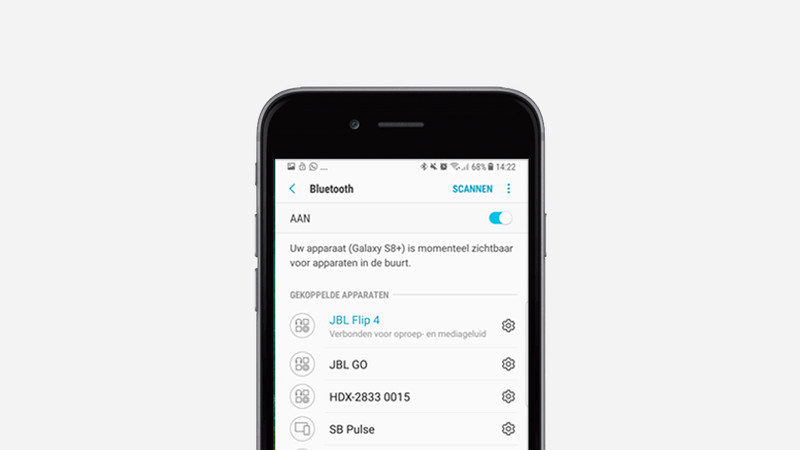
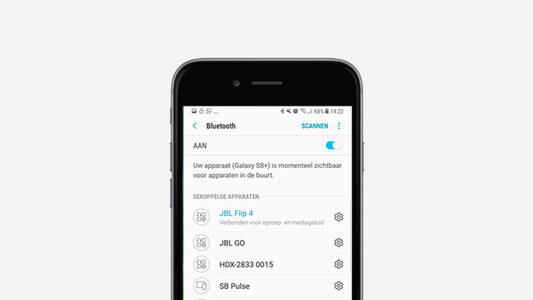
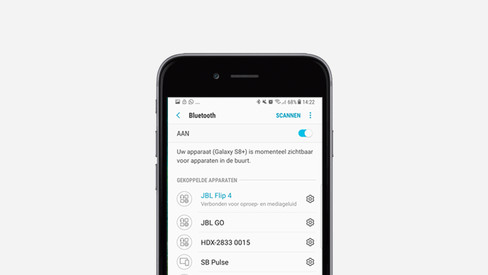
You can connect up to 100 JBL speakers wirelessly via Bluetooth. That way, you can increase the volume or listen to stereo sound. In this article, we'll explain how to connect multiple speakers with JBL Connect+ and JBL PartyBoost. Below, you'll see which speakers you can connect and how to do this.


How do you solve sound problems with your Xbox Series X and S gaming headset?

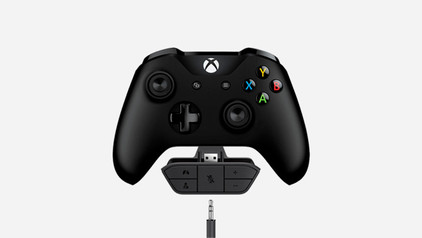
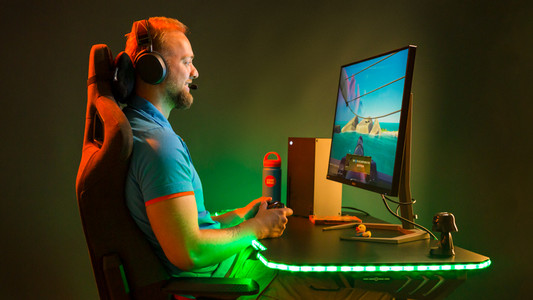
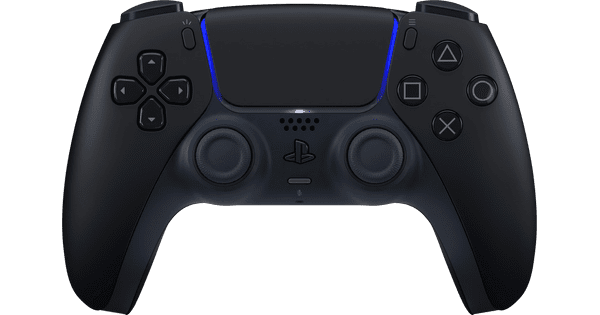
Do you notice that the sound stutters or even disappears? There are a number of solutions to these problems. For example, update your controller or restart your Xbox. In this article, we'll tell you exactly how to solve these sound problems. This way, you can quickly play games again with the sound you're used to.

How do you solve sound problems with your Xbox Series X and S gaming headset?

Do you notice that the sound stutters or even disappears? There are a number of solutions to these problems. For example, update your controller or restart your Xbox. In this article, we'll tell you exactly how to solve these sound problems. This way, you can quickly play games again with the sound you're used to.

Subjects
Didn't find your answer?

Find an answer to your question quickly and easily via our customer service.

Coolblue specialist
Personal chat Digitalk.
You're now chatting with Coolblue customer service
This chat is closed
foo
Oeps File size is larger than 5MB. Upload a smaller file.