Welcome to your environment! You can order everything from your assortment with your personal budget here.

You can always return to the normal Coolblue website by clicking here.

Your outstanding budget (incl. VAT) is always visible here, so you know exactly how much you can spend.

Coolblue home

Help with your product

SteelSeries Arctis Nova Pro Omni White+ Apex Pro TKL Gen 3 AZERTY White

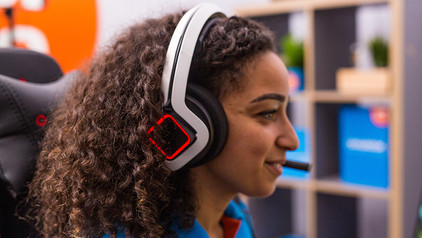
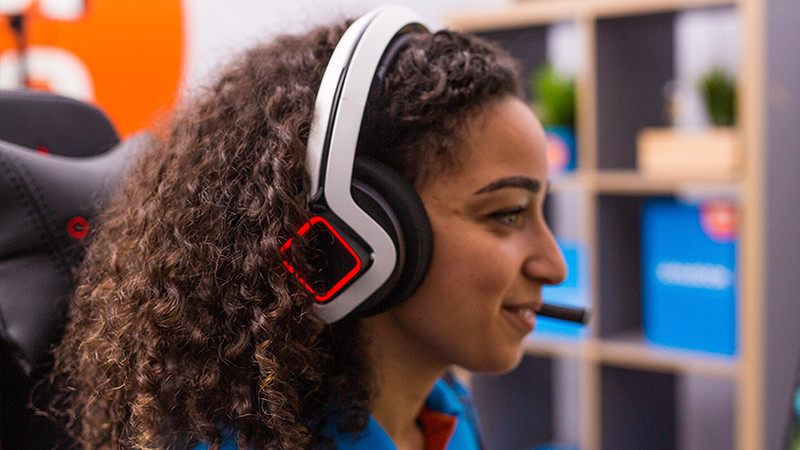
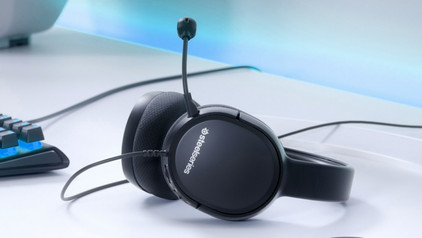
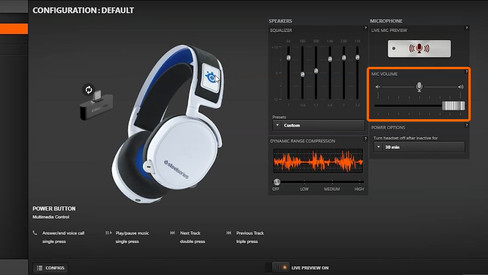
Enjoy a realistic gaming experience with the SteelSeries Arctis Nova Pro Omni Wit + Apex Pro TKL Gen 3 Azerty Wit. The Nova Pro Omni GameHub lets you easily switch between your PC, PlayStation, or Xbox. This gaming headset is Hi-Res Wireless certified. You hear your games clearly and accurately thanks to the 24-bit/96KHz transmission. This way, you hear up to 3 times more detail. You can quickly adjust all audio settings via the GameHub and the Arctis App. In addition, this keyboard has linear optical-mechanical keys. This means you don't hear or feel feedback when you press a key. This keyboard has an OLED smart display, so you can easily switch between profiles. You can also use it to adjust your settings, like the volume.

Read all tips here

Which product do you want to see articles about?

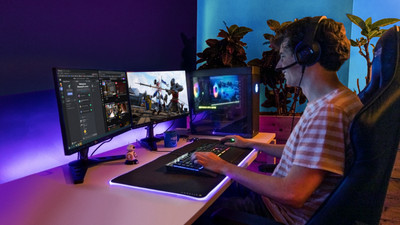
How do I use my keyboard and mouse for the PS5?

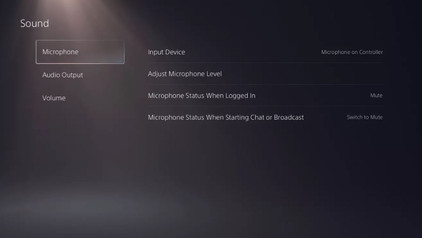
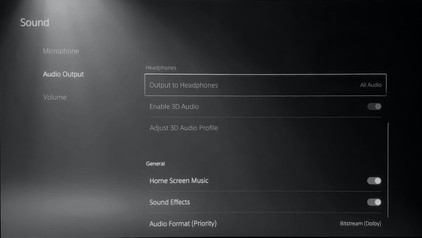
You can connect a gaming headset to your PlayStation 5, as well as a mouse and keyboard. This is a great solution when you're more of a PC gamer with a mouse and keyboard, because aiming is more difficult with a PS5 controller. In this article, we'll explain how to connect a mouse and keyboard to your PlayStation 5.

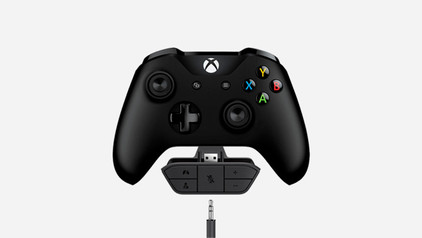
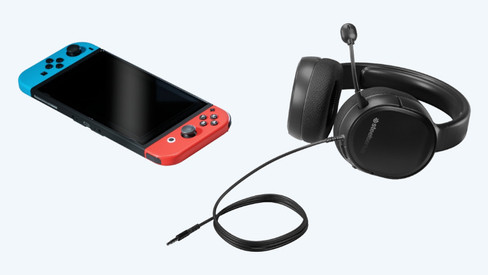
How do you solve sound problems with your Xbox Series X and S gaming headset?

Do you notice that the sound stutters or even disappears? There are a number of solutions to these problems. For example, update your controller or restart your Xbox. In this article, we'll tell you exactly how to solve these sound problems. This way, you can quickly play games again with the sound you're used to.

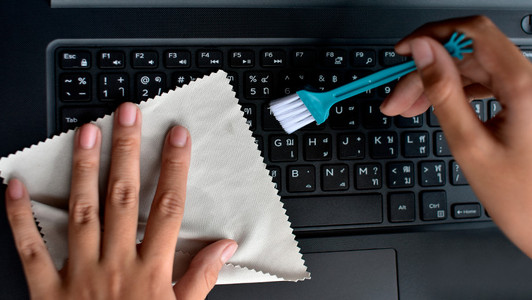
How do I clean my keyboard?

Cleaning your keyboard isn't one of the most fun chores, but if your fingers stick to your keyboard, you'll have to face the music. In this article, I'll explain how to clean a separate keyboard, and you'll read how to clean the keyboard of your laptop.

How do I use my keyboard and mouse for the PS5?

You can connect a gaming headset to your PlayStation 5, as well as a mouse and keyboard. This is a great solution when you're more of a PC gamer with a mouse and keyboard, because aiming is more difficult with a PS5 controller. In this article, we'll explain how to connect a mouse and keyboard to your PlayStation 5.

How do I clean my keyboard?

Cleaning your keyboard isn't one of the most fun chores, but if your fingers stick to your keyboard, you'll have to face the music. In this article, I'll explain how to clean a separate keyboard, and you'll read how to clean the keyboard of your laptop.

How do you solve sound problems with your Xbox Series X and S gaming headset?

Do you notice that the sound stutters or even disappears? There are a number of solutions to these problems. For example, update your controller or restart your Xbox. In this article, we'll tell you exactly how to solve these sound problems. This way, you can quickly play games again with the sound you're used to.

Subjects
Didn't find your answer?

Find an answer to your question quickly and easily via our customer service.

Coolblue specialist
Personal chat Digitalk.
You're now chatting with Coolblue customer service
This chat is closed
foo
Oeps File size is larger than 5MB. Upload a smaller file.