Welcome to your environment! You can order everything from your assortment with your personal budget here.

You can always return to the normal Coolblue website by clicking here.

Your outstanding budget (incl. VAT) is always visible here, so you know exactly how much you can spend.

Coolblue home

Help with your product

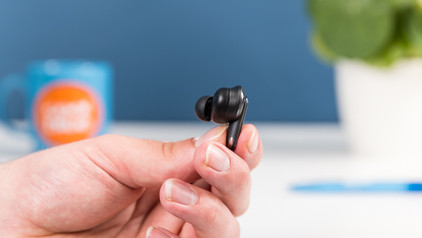
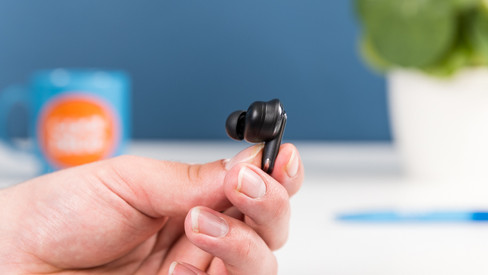
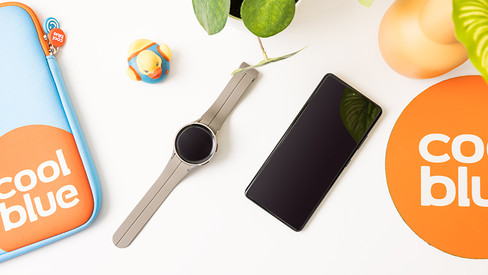
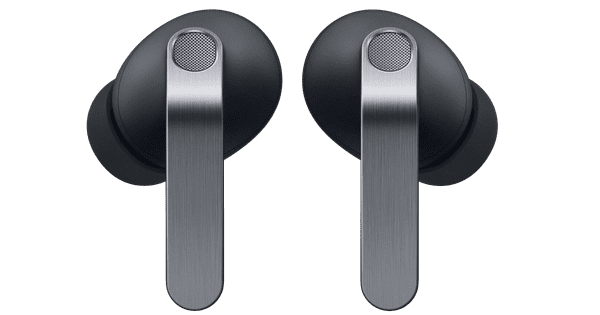
Samsung Galaxy Watch 9 Black 44mm + Samsung Galaxy Buds4 White
0 reviews

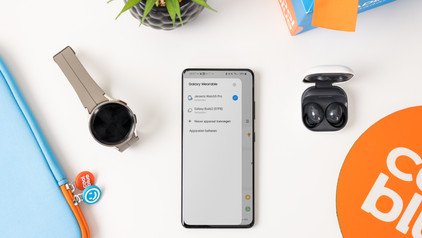
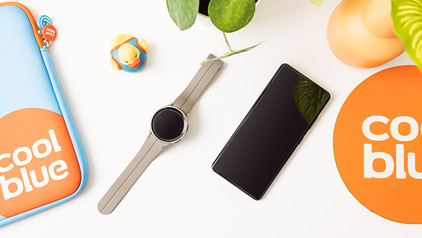
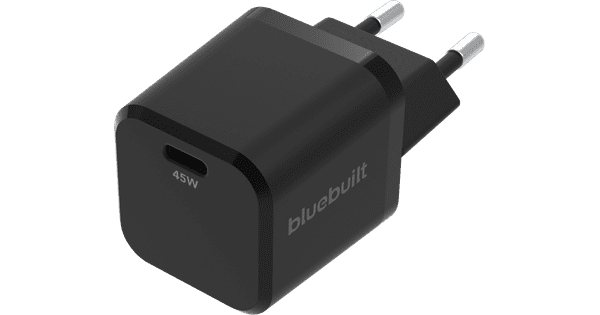
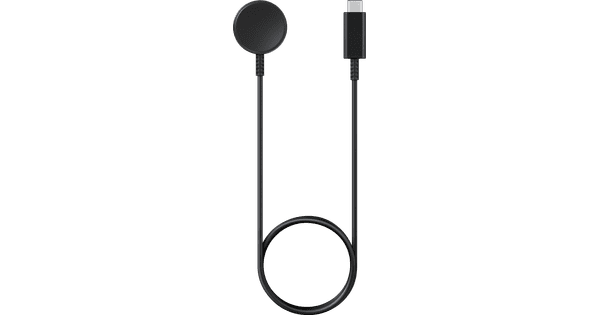
Listen to your favorite music or podcasts while working out with the Samsung Galaxy Watch 9 Black 44mm + Samsung Galaxy Buds4 White. The watch provides insight into your sleep pattern, your heart's condition, your daily stress levels, and more. Thanks to AI, you get customized tips and can improve yourself both mentally and physically. For example, you'll receive suggestions for a breathing exercise or a short walk after a stressful day. You can control the watch with your voice via AI assistants Gemini or Bixby. For example, opening an app or setting a reminder. The battery life of the Samsung Galaxy Watch 9 is 1.5 days, so you have to charge it regularly. This watch is recommended for a wrist circumference of 15 to 17cm. Note: a charger adapter isn't included. Want to charge the watch via a socket? Use the charger adapter of your smartphone or order a separate charger adapter.

Read all tips here

Which product do you want to see articles about?

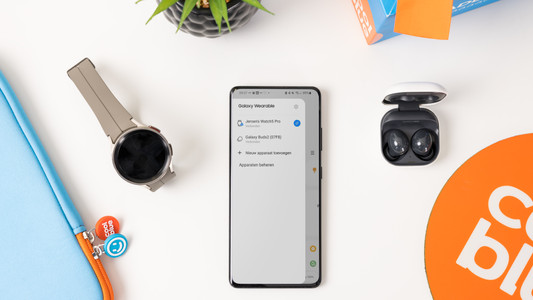
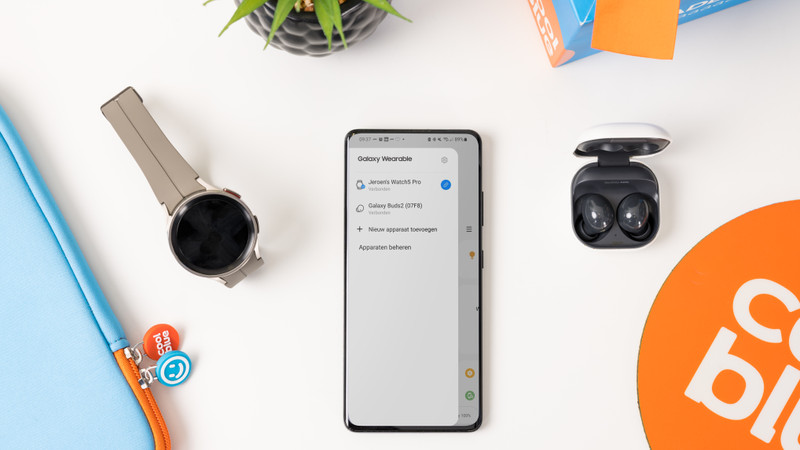
How do you connect your Samsung Watch to your Galaxy Buds?

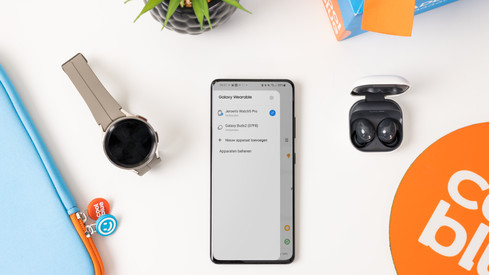
Easily listen to your favorite music with your Samsung Galaxy Buds via your Samsung Galaxy Watch. You can easily connect your Samsung earbuds to your Samsung account. This allows you to smoothly switch between your Galaxy Watch and your smartphone with your Galaxy Buds. In this article, we'll explain how you automatically connect your Samsung Galaxy Buds to your Galaxy Watch.


How do you put in your earbuds?

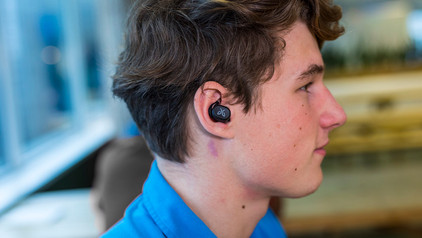
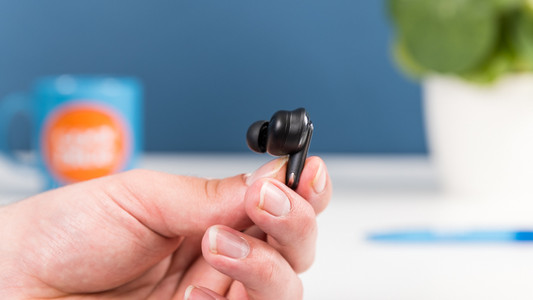
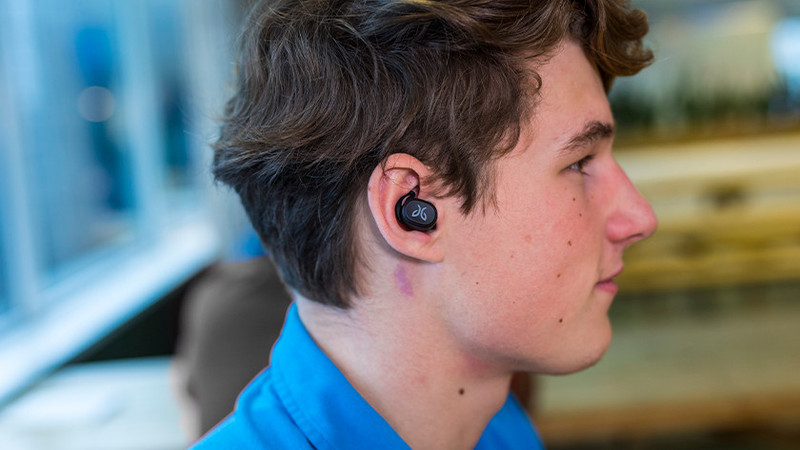
To enjoy music, you have to put your new earbuds in your ears well. This ensures higher sound quality and the earbuds fit in your ears better. In this article, we show you how to put the earbuds in your ears for each wearing method.

How do you put in your earbuds?

To enjoy music, you have to put your new earbuds in your ears well. This ensures higher sound quality and the earbuds fit in your ears better. In this article, we show you how to put the earbuds in your ears for each wearing method.

How do you put in your earbuds?

To enjoy music, you have to put your new earbuds in your ears well. This ensures higher sound quality and the earbuds fit in your ears better. In this article, we show you how to put the earbuds in your ears for each wearing method.

How do you solve uneven volume with your earbuds?

An uneven volume when you're listening to music is annoying. You'd much rather hear the same volume from both earbuds. To solve this problem, it's good to clean your earbuds regularly. We'll tell you what else you can do in this article.

Get started with your fully wireless earbuds

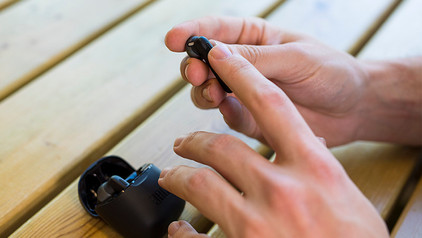
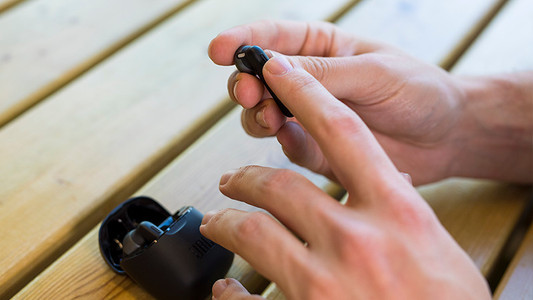
WIth wireless earbuds, you can listen to music without a cable in your neck or along your body. The advantage is that you have a lot of freedom of movement. In this article, you can read how to get started with your earbuds. That way, you can enjoy your favorite music as soon as possible.

How do you clean your earbuds?

If you buy earbuds, you want them to work well. That's why it's important to regularly clean your earbuds. This way, you can enjoy the same quality of your music or podcast for longer. We'll explain how to clean the different parts of your wireless earbuds.

Get started with your smartwatch

Smartwatches have all kinds of useful functions. Sometimes, it's difficult to understand what exactly you can do with them. We're happy to help you make optimal use of your smartwatch. For example, we'll give you some tips for extra user-friendliness and we'll tell you more about certain properties. In the tutorials, we'll explain how to set up or adjust certain functions on your smartwatch.

How do you put in your earbuds?

To enjoy music, you have to put your new earbuds in your ears well. This ensures higher sound quality and the earbuds fit in your ears better. In this article, we show you how to put the earbuds in your ears for each wearing method.

How do you put in your earbuds?

To enjoy music, you have to put your new earbuds in your ears well. This ensures higher sound quality and the earbuds fit in your ears better. In this article, we show you how to put the earbuds in your ears for each wearing method.

How do you put in your earbuds?

To enjoy music, you have to put your new earbuds in your ears well. This ensures higher sound quality and the earbuds fit in your ears better. In this article, we show you how to put the earbuds in your ears for each wearing method.

How do you solve uneven volume with your earbuds?

An uneven volume when you're listening to music is annoying. You'd much rather hear the same volume from both earbuds. To solve this problem, it's good to clean your earbuds regularly. We'll tell you what else you can do in this article.

Get started with your fully wireless earbuds

WIth wireless earbuds, you can listen to music without a cable in your neck or along your body. The advantage is that you have a lot of freedom of movement. In this article, you can read how to get started with your earbuds. That way, you can enjoy your favorite music as soon as possible.

How do you clean your earbuds?

If you buy earbuds, you want them to work well. That's why it's important to regularly clean your earbuds. This way, you can enjoy the same quality of your music or podcast for longer. We'll explain how to clean the different parts of your wireless earbuds.

How do you connect your Samsung Watch to your Galaxy Buds?

Easily listen to your favorite music with your Samsung Galaxy Buds via your Samsung Galaxy Watch. You can easily connect your Samsung earbuds to your Samsung account. This allows you to smoothly switch between your Galaxy Watch and your smartphone with your Galaxy Buds. In this article, we'll explain how you automatically connect your Samsung Galaxy Buds to your Galaxy Watch.

How do you connect your Samsung Watch to your Galaxy Buds?

Easily listen to your favorite music with your Samsung Galaxy Buds via your Samsung Galaxy Watch. You can easily connect your Samsung earbuds to your Samsung account. This allows you to smoothly switch between your Galaxy Watch and your smartphone with your Galaxy Buds. In this article, we'll explain how you automatically connect your Samsung Galaxy Buds to your Galaxy Watch.
Get started with your smartwatch

Smartwatches have all kinds of useful functions. Sometimes, it's difficult to understand what exactly you can do with them. We're happy to help you make optimal use of your smartwatch. For example, we'll give you some tips for extra user-friendliness and we'll tell you more about certain properties. In the tutorials, we'll explain how to set up or adjust certain functions on your smartwatch.

Subjects

Didn't find your answer?

Find an answer to your question quickly and easily via our customer service.

Coolblue specialist
Personal chat Digitalk.
You're now chatting with Coolblue customer service
This chat is closed
foo
Oeps File size is larger than 5MB. Upload a smaller file.