How does Apple TV work with Apple devices?
Slideshow from iPhone

You can show your holiday photos to your family right away when you connect your iPhone to the Apple TV. Via AirPlay, you can effortlessly send your photos and videos to your Apple TV. You can also use your iPhone as a remote for Apple TV. This saves you an extra remote on the coffee table. Want to explain to your grandma how to install an app? Mirror your iPhone screen to Apple TV. Open Control Center on your iPhone and click 'Mirror'. Your iPhone screen is now visible live on your television.
Share MacBook screen on Apple TV
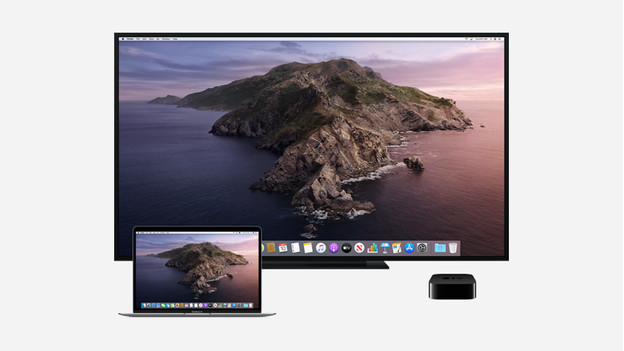
You can also easily connect your MacBook to your Apple TV wirelessly. Click the AirPlay icon at the top of the toolbar. If you select your Apple TV, the screen will be mirrored on your television. That way, you can easily use your television as a second screen. This is useful when you're booking a holiday with your partner and don't want to look at a small screen together, for example.
Pause movies with your Apple Watch
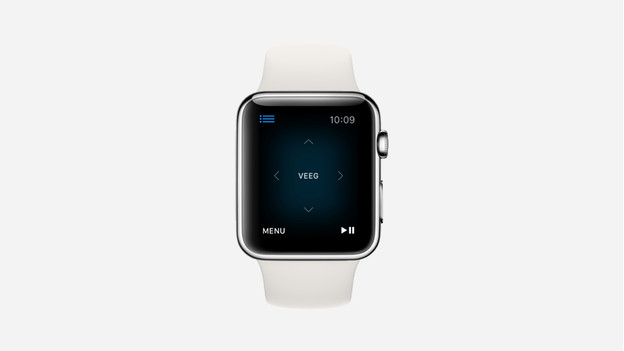
With Siri, you can easily rewind a movie on your Apple TV if you couldn't follow what was being said. If you prefer not to use voice commands with your remote, you can also use your Apple Watch. During the movie, a pause/play button and a rewind/fast forward button appear on your watch. You can easily pause your movie to grab some popcorn or rewind if you didn't catch something the first time. You can also pause your Apple TV music with your Apple Watch.
Gaming on Apple TV
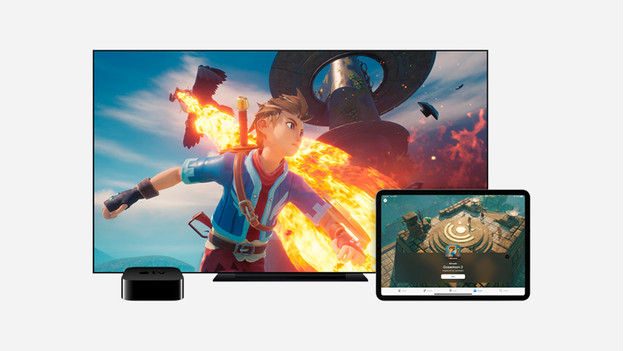
Apple TV provides access to the Apple Arcade gaming service. You can also find this service in the App Store on your iPhone or iPad. This gives you access to dozens of games. Did your iPad break down halfway through your favorite game? You can continue playing on your Apple TV. Simply use the included remote to navigate through all the levels. You can also safely connect your favorite controller to your Apple TV for the ultimate gaming experience.