Written by Kasper
Edited on
21 March 2025
·
16:32
How much storage do you need in your desktop?
When you buy a desktop, it's useful to ask yourself how much storage you need. For example, do you have a lot of files, photos, or movies? In that case, you want a lot of storage so you can store all that data. But how much storage do you need for what kind of files? I'll explain that and more in this article.
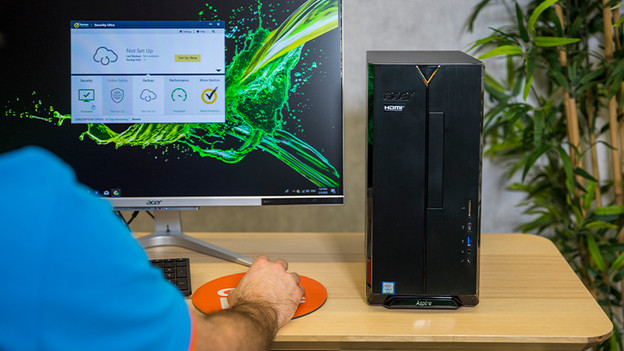
Choose desktop storage
There are many different types of storage for desktops. To choose the right type and amount of storage, ask yourself the following:
- How much storage do you need?
- Do you want files to load quickly or at a normal pace?
- Do you find the option of an SSD in combination with a regular hard drive interesting?
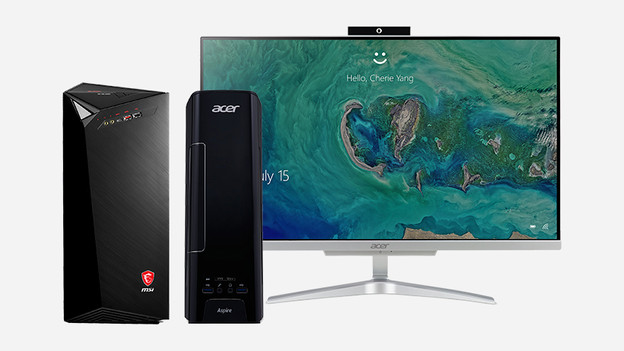
1. How much do you want to store?
To determine how much storage you need, it's useful to ask yourself what you want to store. For example, photos, games, and movies take up more space than music or text files. That is why it's also recommended to choose at least 2TB of storage if you have or want to store a lot of movies and other large files. If you mainly store text files and occasionally some images, 1TB of storage is sufficient.
How much data do you keep?
| 1TB | 2TB | 3TB | 4TB |
|---|---|---|---|
| 100 FHD movies | 200 FHD movies | 300 FHD movies | 400 FHD movies |
| 20,400 high-resolution photos | 40,800 high-resolution photos | 61,200 high-resolution photos | 81,600 high resolution photos |
| 17,000 hours of music | 34,000 hours of music | 51,000 hours of music | 68,000 hours of music |
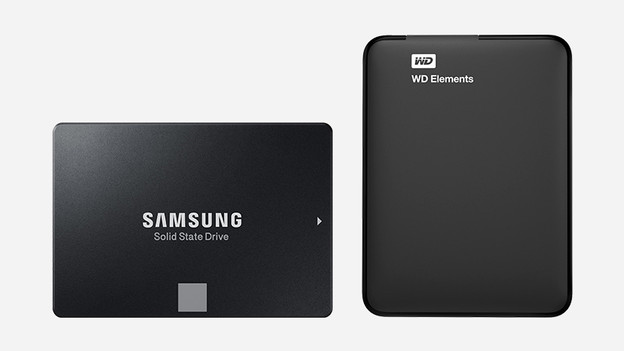
2. SSD or HDD: which one do you choose?
When it comes to storage media, there are hard drives and SSDs for computers. The advantage of SSDs is that they read files up to 10 times faster than hard drives, they're more silent, and wear-resistant. Nowadays, SSDs with a large storage capacity are still relatively expensive compared to hard drives. So, if you need a lot of storage space and you have a limited budget, a hard drive is in most cases the most affordable alternative. In other cases, choose an SSD.
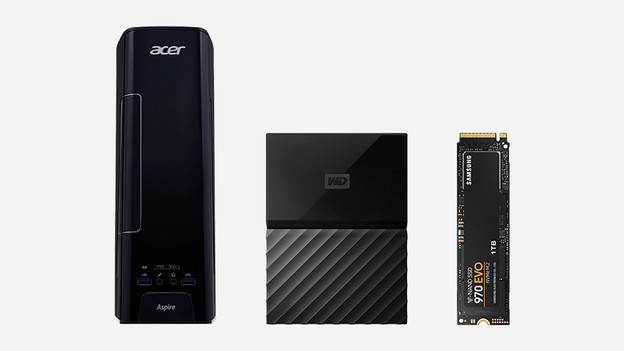
3. SSD + HDD combo: the best of 2 worlds
Nowadays, many desktops have an SSD and an HDD combo. This gives you an SSD to quickly boot your most important programs and files, while the HDD offers a lot of space for the rest of your data. This way, you benefit from the best of both worlds in your computer.
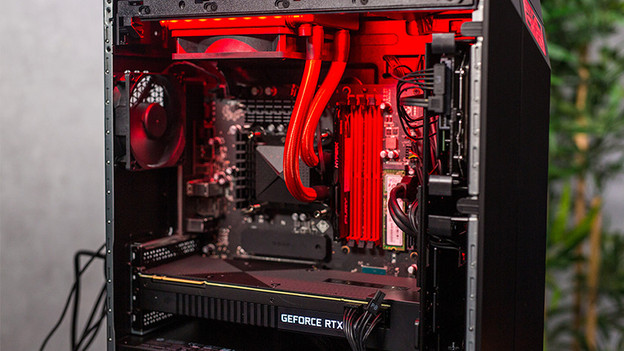
4. How much storage space do you need for games?
How much storage space you'll need for games depends on the number of games you play. Do you just play a couple of different games? You'll have enough with 512GB of storage. If you often play multiple games, a minimum storage capacity of 1TB is recommended. Keep in mind that many games nowadays take up more space. That's why we recommend you to choose more than enough storage space.
5. Conclusion
If you mainly want to store text files and photos, 1TB of storage is enough. But if you want to store a lot of movies, games, and other large files on your PC, it's wise to reserve at least 2TB of storage space in your computer. This way, you have enough space for now without having to buy extra storage in the short term. And if you want to load files from your computer very quickly, go for an SSD instead of an HDD.
Article by Kasper
Desktop Expert.