Written by Lucas
Edited on
12 July 2024
·
15:23
Get started with the Jabra Elite 65t and Jabra Elite Active 65t
The Jabra Elite 65t and Jabra Elite Active 65t are fully wireless earbuds. That means you can enjoy a lot of freedom of movement when you listen to music. In this article, we'll explain how you can connect the earbuds to the app and the best way to put them in your ears.
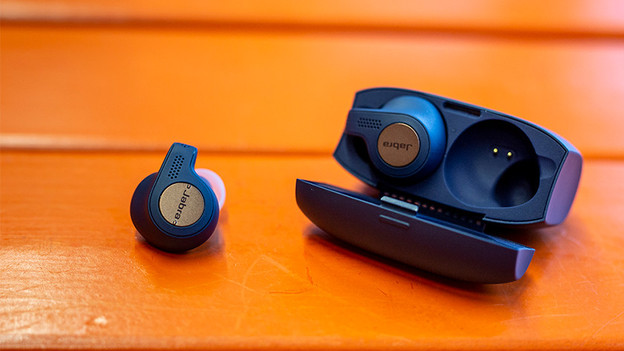
Get started in 4 steps
Read how to get started with the Jabra Elite 65t and Jabra Elite Active 65t as soon as possible in 4 steps.
Step 1: pair with your phone
Step 2: put in your earbuds
Step 3: download the app
Step 4: ensure a good connection
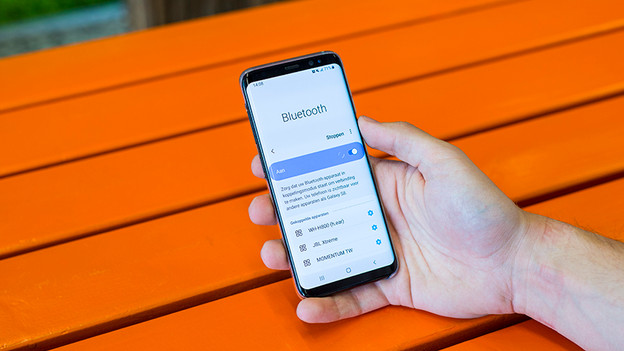
Step 1: connect to your phone
You'll want to start playing songs right away, but you'll have to make a Bluetooth connection first. In the article below, you'll find a step-by-step explanation about how to create a wireless Bluetooth connection. This way, you'll be able to listen to your favorite music in no time.
Step 2: put the earbuds in your ears
With new earbuds, you always have to figure out the best way to put them in your ears. The Jabra Elite 65t and Jabra Elite Active 65t are both in-ear earbuds. They go directly into your ear canal. Can't get the earbuds in your ears properly? Try different earbud sizes. These are included by default.


Step 3: download the app
Get more out of your fully wireless Jabra earbuds with the Jabra Sound+ app. Via the equalizer, you can adjust the sound of the earbuds to your liking. For example, choose to increase the bass when you listen to dance music. Do you want to hear your surroundings better? Enable that via the app as well. If you turn on HearThrough, you amplify the ambient noise.

Step 4: ensure a good connection
If you want to listen to your favorite music for hours on end, it's important for the earbuds to have a stable connection. To ensure a good connection, you can follow a number of steps. We've listed some steps in the article below to help you with any connection problems you may have.
Article by Lucas
Audio Expert.