Written by Lucas
Edited on
12 July 2024
·
15:23
How do you ensure a good connection with the Jabra Elite 65t and Jabra Elite Active 65t?
To enjoy your favorite music with your Jabra Elite 65t or Jabra Elite Active 65t for as long as possible, you need a stable connection. We'll explain how to ensure a good connection in this article, so you can listen to music for hours on end without any interruptions.
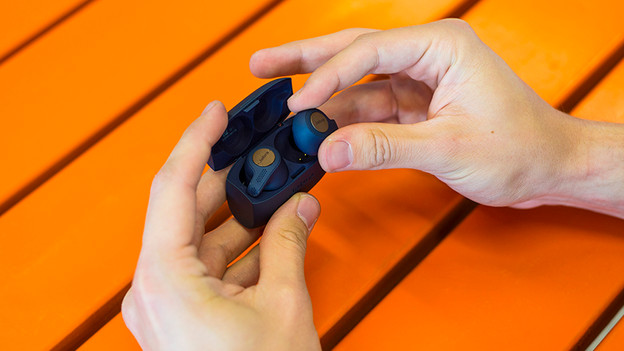
Step 1: turn the earbuds off and on again
The first step to get a good connection with your Jabra Elite earbuds, is turning them off and on again. Do so by putting the earbuds back in the charging case. When you take them out again, the earbuds turn on.
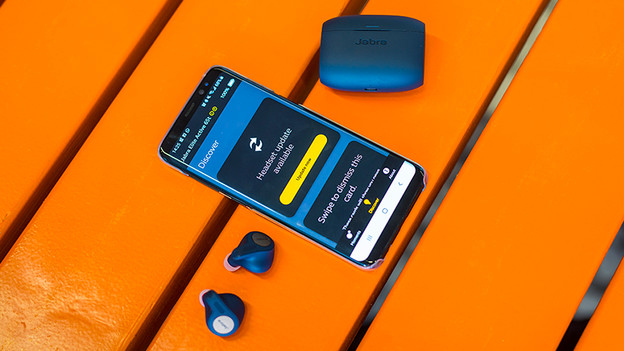
Step 2: download an update
A stable connection with your earbuds requires the latest updates. Download the Jabra Sound+ app and connect your earbuds. In the Discover menu, you can see whether there's an update available right away. If that's the case, download it and test the connection again.
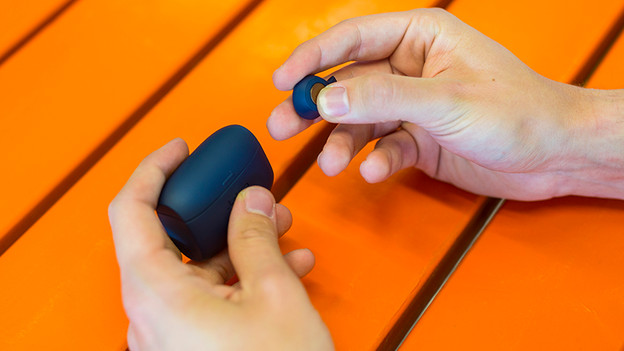
Step 3: reset the earbuds
If the previous steps didn't ensure a stable connection, reset the earbuds by pressing and holding the button of the right earbud for 10 seconds. When the purple indication light starts blinking, the earbuds have been reset. After that, you can connect the earbuds to your phone via Bluetooth. If you're not sure how to do that, read the article below. We'll explain what to do step by step.
Article by Lucas
Audio Expert.