Written by Kasper
Edited on
24 October 2025
·
12:59
How do you transfer files to a new PC?
Do you still have files on your old PC that you'd like to have on your new one? It's time to transfer this data. That way, you can also use these files on your new desktop. But how do you transfer data from one computer to the other? In this article, we'll explain how to do this.
Transfer files to a new PC
- Determine how many files you want to transfer
- If you have few files, use WeTransfer or a USB flash drive
- If you want to transfer more files, choose an external hard drive or SSD
1. How many files do you want to transfer?
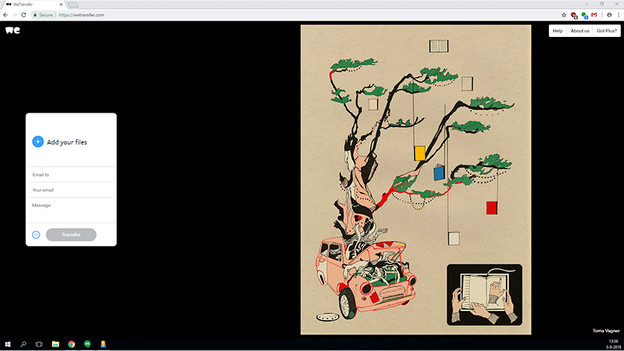
Before you transfer data, it's important to find out exactly how much data you want to transfer. It's also a distinct opportunity to delete old, unnecessary files. You don't have to transfer this. The amount of data is important when you choose a method to transfer your files. Are your files altogether not even 2GB in size? Then use an online program such as WeTransfer or a USB flash drive. If you have more than 2GB of files that you transfer, using an external hard drive is recommended.
2. Transfer data via an external hard drive
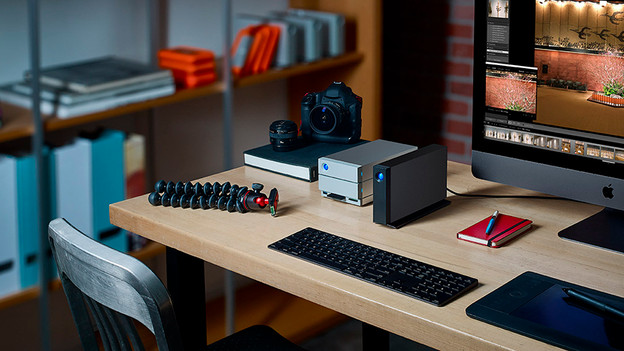
To transfer data via an external hard drive, you first need to connect it to your old PC via USB. After that, select which files you want to transfer. Next, copy it to the external hard drive. When the data is copied, disconnect the hard drive. Finally, connect it to your new computer and copy your files to the hard drive or SSD of your new PC. Now, all your old files have been transferred to your new desktop.
Do you prefer to transfer your data in a different way? On the internet you will find various programs for transferring data from one PC to another.
Article by Kasper
Desktop Expert.