
Written by Maurits
Edited on
23 June 2025
·
13:51
Get started with your Sony earbuds
Whether you have wireless earbuds with noise canceling or wired earbuds, with your new Sony earbuds you can listen to music anytime, anywhere. In this article, you can read how to get started with your new earbuds. That way, you can listen to your favorite songs without problems.
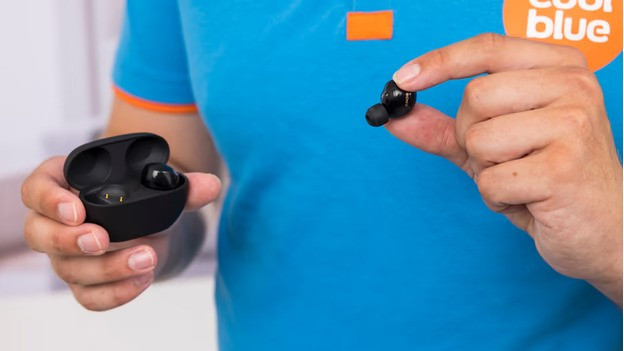
Get started with your Sony earbuds
With these 4 tips, you can get started with your Sony earbuds as well as possible.
Tip 1: connect to your phone
Tip 2: put in your earbuds
Tip 3: make sure you have a good connection
Tip 4: download the app

Step 1: connect to your phone
The first step to listening to music is connecting the earbuds to your phone. When you turn on the earbuds for the first time, they usually switch to pairing mode right away. Can't get them to work? In the article below, we explain how to connect the earbuds to your smartphone step by step.
Step 2: put the earbuds in your ears
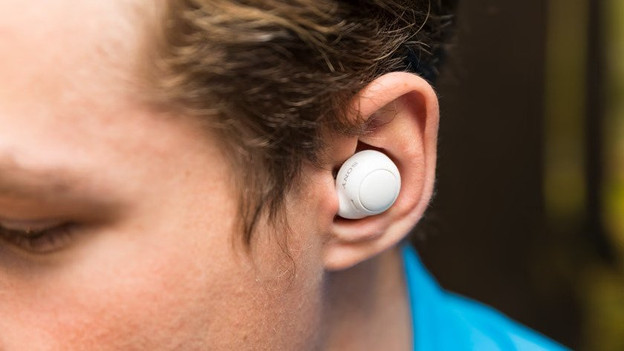
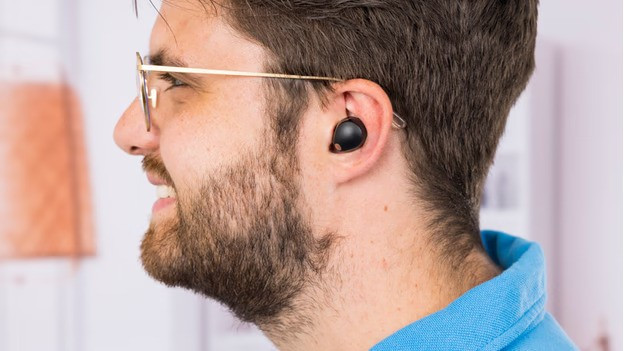
Sony earbuds have different earbud sizes. Most earbuds are in-ear. These earbuds go into your ear canal. Other earbuds are regular earbuds. These keep your ear canal free.
Step 3: make sure you have a good connection
Does the sound stutter due to a bad connection? Try the following things:
- Turn off all Bluetooth devices near you.
- Don't stand too close to appliances like fridges and microwaves, since these interfere with the wireless Bluetooth signal.
- Hold your smartphone in your hands or put it in your front pocket, not in your bag or back pocket.
- Turn the earbuds off and on again.
If this doesn't help, you can reset the Sony earbuds. Check the manual of your model to learn how.
Step 4: download the app
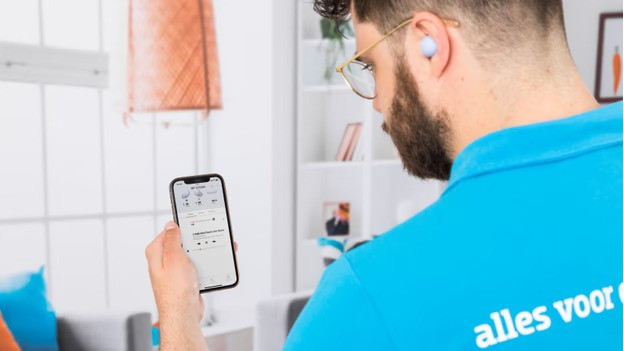
In the Sony Sound Connect app for both Android and iOS, you can adjust the settings of your earbuds. You can adjust the sound via an equalizer, for example. This allows you to listen to a personalized sound reproduction. We'll explain how to adjust the sound.
Article by Maurits
Audio Expert.
