Written by Stefan
Edited on
22 July 2026
·
14:40
What's macOS?
The operating system of all Apple Mac devices is macOS. With this, you can quickly and smoothly work on your MacBook, iMac, Mac mini, or Mac Studio. Because the operating system is specially made for these devices, you can be sure that everything works optimally. In this article, you can read everything on macOS.
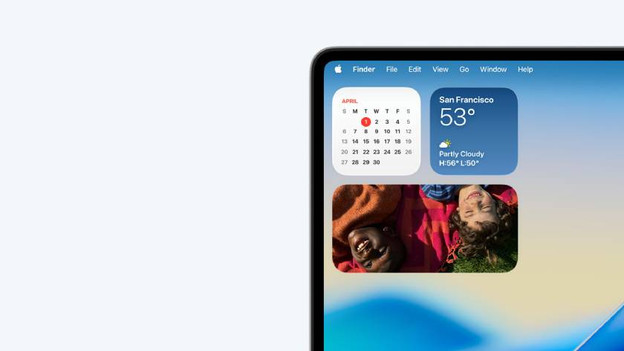
What's macOS?
The operating system macOS runs on all your Apple Mac devices. This is the software that lets you control all programs and features on these devices. This way, you can smoothly work in your MacBook, iMac, Mac mini, and Mac Studio. Thanks to the user-friendly design, you can get to work without any issues. You can navigate through files, open apps, and use the functions that you're used to from other Apple devices. Thanks to macOS, your Mac also seamlessly work together with other Apple devices.
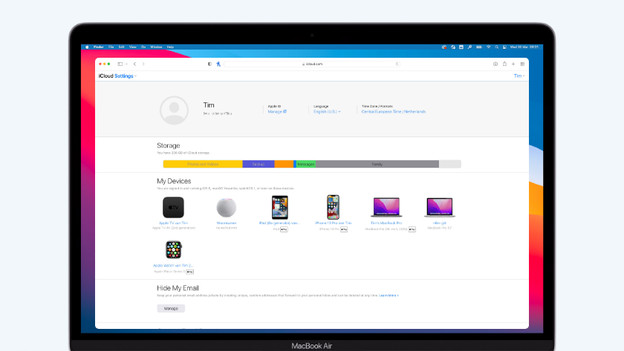
What's the latest macOS version?
In June 2026, Apple announced the latest version of macOS: macOS Golden Gate. This update is mostly aimed at improvements to the existing functions instead of announcing new functions. Being the scenes, apps and functions work faster so you can work more smoothly. Apple also announced a new and smarter Siri: Siri AI. You can talk to this like you're used to with other chatbots. MacOS Golden Gate is expected in September 2026. We don't know when Siri AI will be available in the Netherlands yet.
What's the difference between Windows or ChromeOS?
There are a few important points that make macOS differ from other operating systems like Windows or ChromeOS. A few important advantages of macOS:
- You're less likely to get viruses, so files and data are more secure.
- You can work with useful Apple programs for free, like Pages, Keynote, and Numbers.
- You can easily store files in iCloud, so you have them at hand anytime and anywhere.
Which macOS versions are there?
| macOS version | Release year | Most important improvements |
|---|---|---|
| macOS Mojave | 2018 | Introduction dark mode on Mac, quickly view files with Quick Look |
| macOS Catalina | 2019 | Use an iPad as a second screen with Sidecar, control your Mac with voice controls |
| macOS | 2020 | Enjoy a new design an support for Apple silicon processors |
| macOS Monterey | 2021 | Work with concentration with Focus, stream content to other devices with AirPlay |
| macOS Ventura | 2022 | Keep an overview with Stage Manager, use your iPhone as a webcam with Continuity Camera |
| macOS Sonoma | 2023 | Add widgets to your desktop, use Game Mode for better performance |
| macOS Sequoia | 2024 | Use the smart functions of Apple Intelligence, control your iPhone from your Mac with iPhone Mirroring |
| macOS Tahoe | 2025 | Enjoy the new Liquid Glass design, find files and apps faster with improved Spotlight |
| macOS Golden Gate | 2026 | Ask all your questions to Siri AI, and work faster on Mac with improved performance |