Written by Kasper
Edited on
27 February 2025
·
15:41
Which processor do you need in your laptop?
The processor is the brain of the laptop. It's the central part that largely determines how fast your notebook is and what you can do with it. On this advice page, we'll compare processors and help you find out which processor you need for which usage situation.
Which processor best suits my use?
Processors are available in many versions. The most important question when you're looking for the right laptop is, what are you going to use your laptop for? Do you recognize yourself in one of the situations on this page? Check which processor we recommend for this specific situation. On the page with all laptops, you can select your usage situation on the left of the page at Recommended for use.
In short
| Usage situations | Can be done with… |
|---|---|
| Internet, email, and word processing | Any processor |
| On the go | Any processor |
| School | AMD Ryzen 3, Intel Core i3 or higher |
| Photo editing | AMD Ryzen 5, Intel Core i5, or higher |
| Video editing | AMD Ryzen 7, Intel Core i7 or more |
| Play games | AMD Ryzen 5, Intel Core i5 or higher (+ video card) |
Internet, email, text processing, and on the go
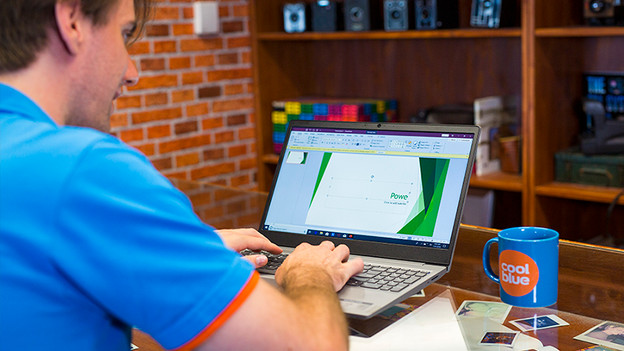
Internet, email, and text processing
These are simple tasks that you can perform on every laptop. If you fall into this category, you don't have to focus on the processor specifically. An Intel Pentium or Celeron processor is enough. You can do more things at the same time with a better processor. So you'll be able to browse the internet, listen to music, check your email, and download a movie all at the same time.
- Suitable processor: all processors
- Recommended: AMD Ryzen 3 / Intel Core i3 or better

On the go
Laptops for on the go are up to 15.6 inches and weigh up to 1.5kg. Every processor is suitable for use while on the go. This means the Intel Celeron or Pentium processor too. It's more important to check the weight and dimensions of the laptop.
- Suitable processor: all processors
- Recommended: AMD Ryzen 3 / Intel Core i3 or better
Student use and photo editing

Laptop for student use
As a student, you want a laptop with enough processing power that's still easy to take with you. A processor like this is recommended, like an Intel Core i3. This allows you to search for information with 20 tabs open at the same time or work with analyzing programs like SPSS or Excel.
- Suitable processor: AMD Ryzen 3 / Intel Core i3 or higher
- Recommended: AMD Ryzen 3 / Intel Core i3
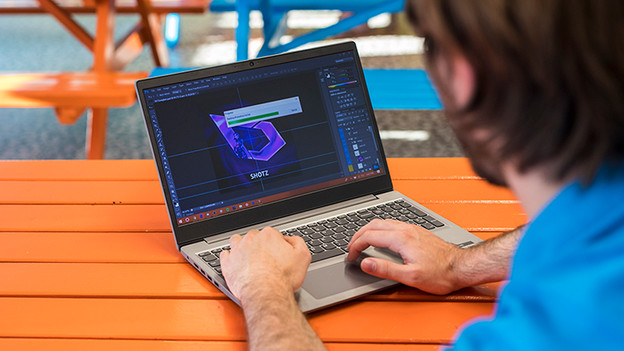
Photo editing
Programs like Photoshop demand more processing power of your laptop, and so a better processor. If you want to edit photos regularly, choose an Intel Core i5 or AMD Ryzen 5 processor. Also choose at least 8GB RAM.
- Suitable processor: AMD Ryzen 5 / Intel Core i5 or higher
- Recommended: AMD Ryzen 5 / Intel Core i5
Video editing and playing games
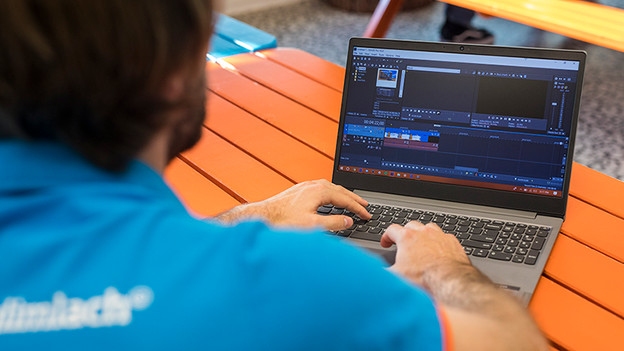
Video editing
Editing videos asks a lot from your laptop. Especially during rendering or with editing files with a high resolution. Software like Adobe Premiere Pro can use all processor cores, so you can definitely benefit from a Quad-Core processor. In addition, 8GB is recommended. Do you want videos to render faster? Go for a laptop with a dedicated video card like the NVIDIA GeForce GTX 1650.
- Suitable processor: AMD Ryzen 5 / Intel Core i5 or better
- Recommended: AMD Ryzen 7 / Intel Core i7
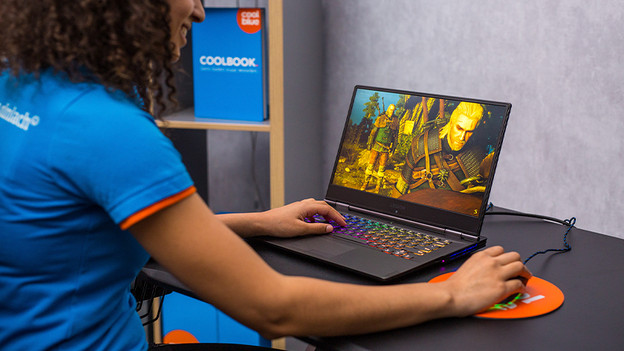
Play games
Pretty much any laptop will allow you to play a game of Candy Crush or Angry Birds. If you want to play more recent and more demanding games, you'll need a model with a powerful processor. Keep in mind that a good video card is essential for playing demanding games. An entry-level gaming video card starts with the NVIDIA GeForce GTX 1650. Do you want to play more demanding games? Choose an RTX video card like NVIDIA GeForce RTX 3060.
- Suitable processor: AMD Ryzen 5 / Intel Core i5 or better
- Recommended: AMD Ryzen 7 / Intel Core i7
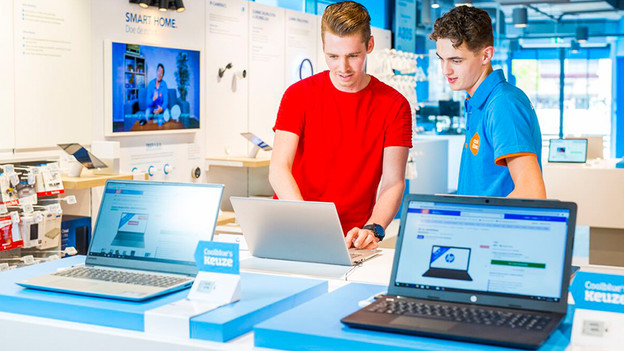
Personal advice in the stores
Do you want to hold or test a couple of laptops first? Or would you like personal advice from an expert? Make an appointment to visit our store. We'll take our time to help you out. And if you've made up your mind, we'll set up your new laptop for you right away.
Article by Kasper
Laptop Expert.