Large business monitors (27 - 29 inches)
A 27-inch monitor is considered large. If you convert it, 27 inches is 69cm in diameter. There are also 28 and 29-inch monitors. For professional purposes, a large monitor offers a lot of possibilities. Think of professional photo or video editing, for example. Or working in multiple windows at the same time, which you need a lot of screen space for. Keep in mind that a larger monitor also needs a higher resolution to display sharp images. A large Full HD monitor can look a bit grainy up close. To ensure that you work ergonomically, choose an adjustable, tiltable, and rotatable screen. Want to work the entire day without getting tired? With a built-in blue light filter, you prevent strained eyes and sleeping problems.

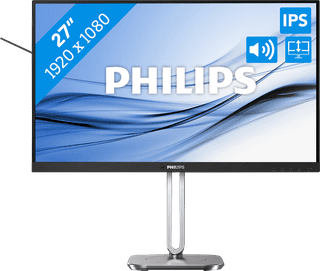


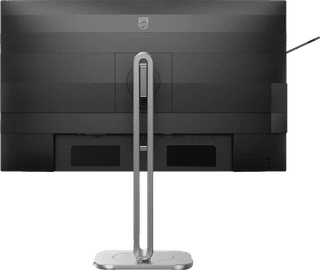

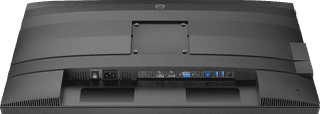


Our choice for a 27-inch monitor for your (home) office|None DisplayPort connector|None USB-C connector|1080 pixels
- The Philips LightSensor and PowerSensor adjust the screen brightness automatically, so the energy consumption decreases.
- You have a better overview of your work, can open more windows side by side, and you can multitask better on the large 27-inch screen.
- You can rotate, tilt, and adjust the screen in height for a comfortable sitting posture.
169,--18%
139,-


Our choice for a 27-inch monitor for your studies|DisplayPort connector|USB-C connector|1440 pixels
- Connect your laptop to the monitor via the USB-C port and use 1 cable for image, power, and data.
- You can tilt, turn, or adjust the monitor in height for a comfortable sitting posture, so you can work on your projects for longer.
- Thanks to the Quad HD resolution, every detail looks sharp on the screen
249,--20%
199,-
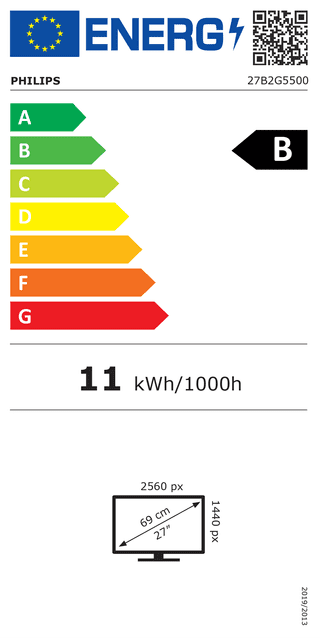


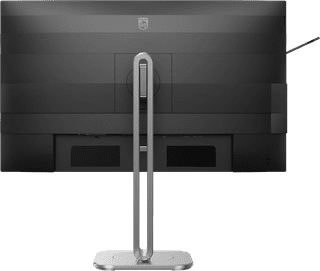
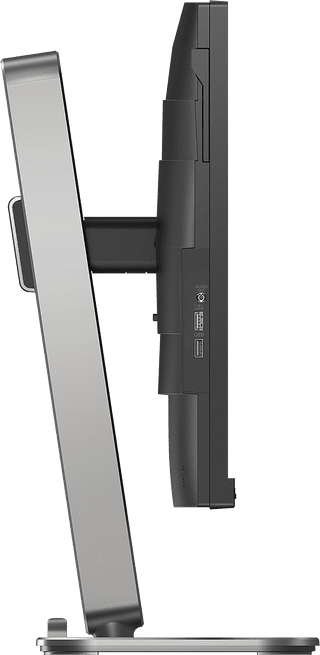

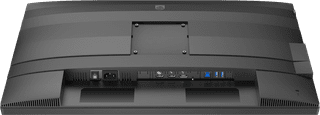
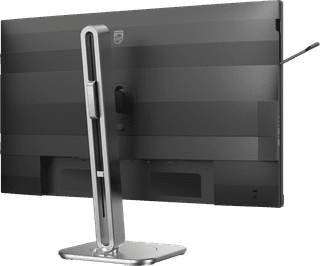
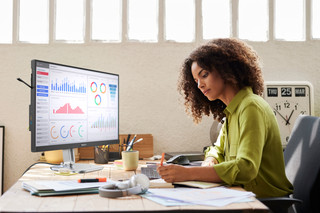
Our choice for a 27-inch monitor that's energy-efficient|DisplayPort cable, HDMI cable|DisplayPort connector|None USB-C connector
- You can save on energy costs thanks to the B energy label and low energy consumption.
- Thanks to the light and power sensor, you can adjust the brightness automatically and save on energy costs.
- This monitor is made of recycled plastics, which makes it more sustainable.
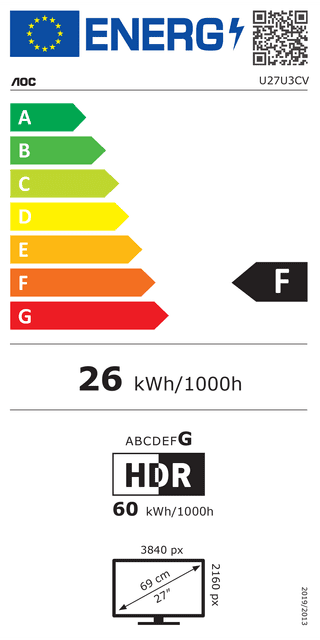

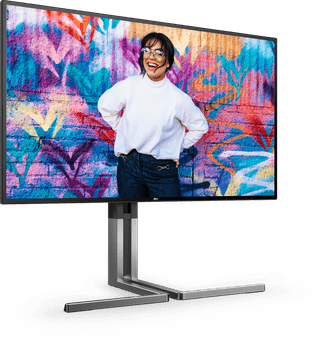
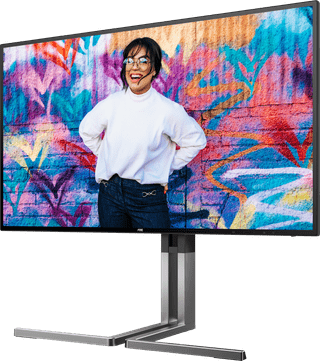
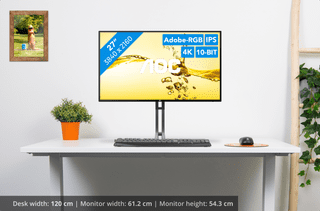

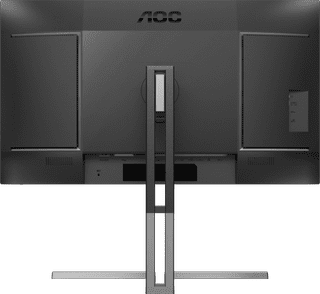
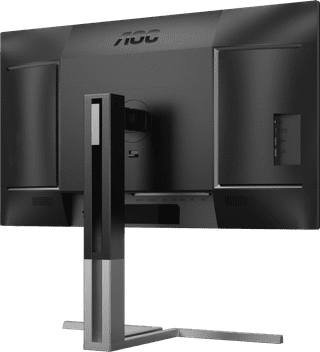
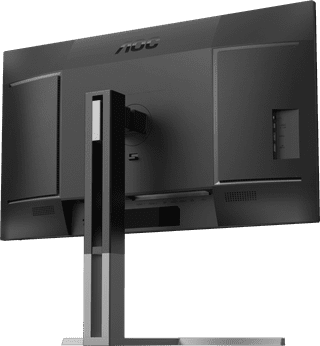
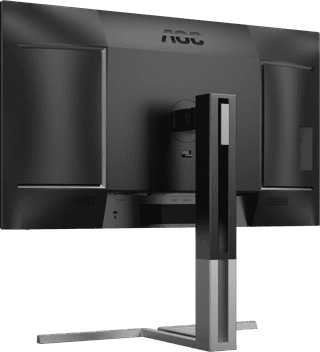

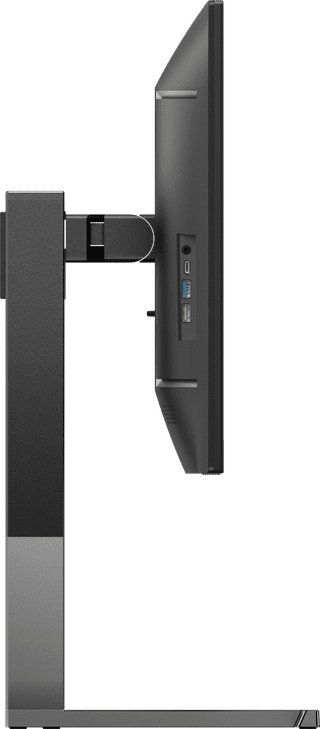


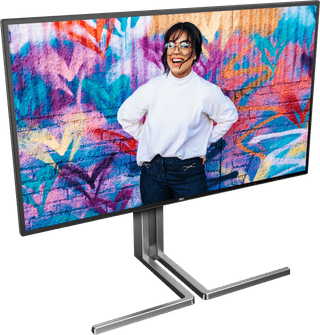
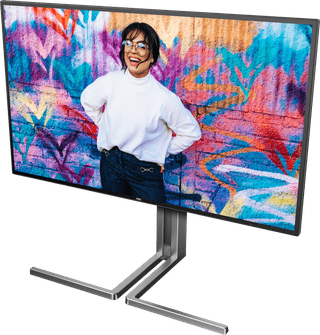
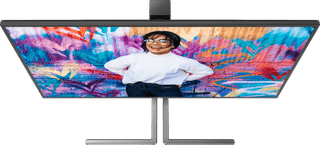

Our choice for a 27-inch monitor for photo and video editing|DisplayPort connector|USB-C connector|2160 pixels
- You can edit the tiniest details of photos and videos thanks to the 4K resolution, DisplayHDR 400 support, and DCI-P3 color coverage.
- Thanks to the IPS panel, you can see bright colors and sharp images from every viewing angle.
- Thanks to the USB-C dock, you can charge your laptop, transfer data, and transmit image signals with 1 cable.