Advice on business monitors
For a long working or school day, you want to be comfortable. The right business monitor can really contribute to this, for example when it's ergonomically adjustable. Or, you can organize your entire desk with a USB-C monitor, which allows you to transfer image signals, charge your external device, and transfer data. With these advice articles, we're happy to help you on your way with choosing a business monitor.
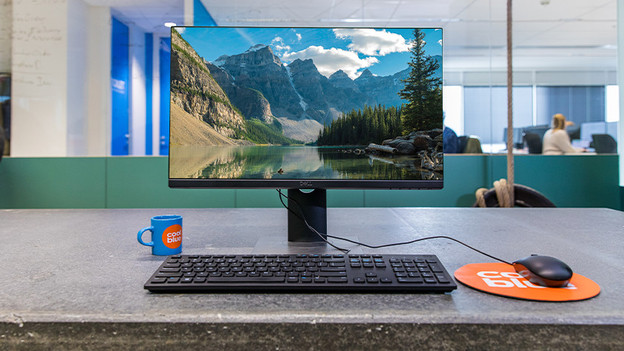
What should you keep in mind when choosing a business monitor?
A good business monitor is indispensable on your desk, no matter if it's at home, the office, or school. There are different requirements and specifications it needs to meet. With an adjustable monitor, for example, you can prevent neck and back complaints. Or, what about a blue light filter and flicker-free technology to prevent strained eyes? In the following article, we'll explain everything to keep in mind.
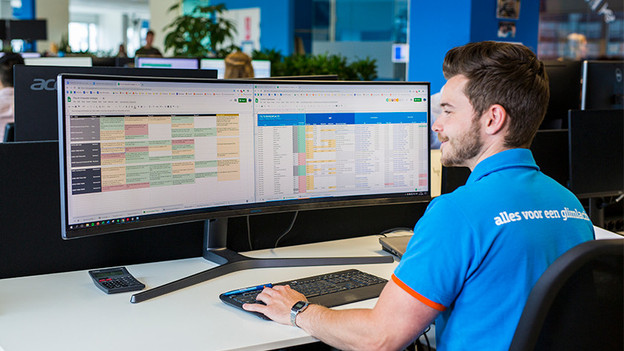
Types of business monitors
There isn't just one business monitor. There are different types of business monitors, each with unique advantages. For example the adjustable monitor, which allows you to sit with the right posture. With an ultrawide monitor, you can open different tabs and windows side-by-side. Or do you prefer a USB-C monitor that allows you to organize your entire desk at once? We'll explain all the different types of business monitors here.
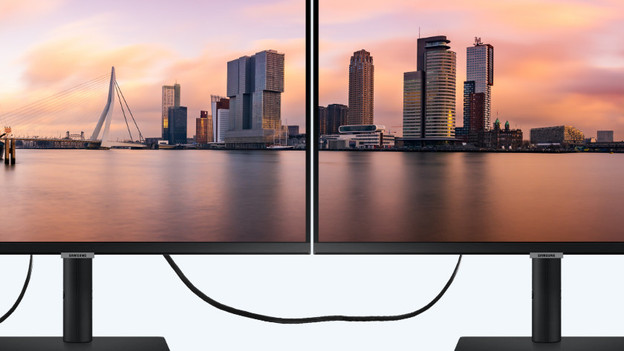
Specifications of business monitors
Business monitors are characterized by various specifications. For example, do you choose a 24-inch or 27-inch monitor? And what resolution do you want your monitor to have? These different specifications have a big influence on your final choice and options. In the following advice articles, we'll explain everything to you. That way, you can make the right choice.
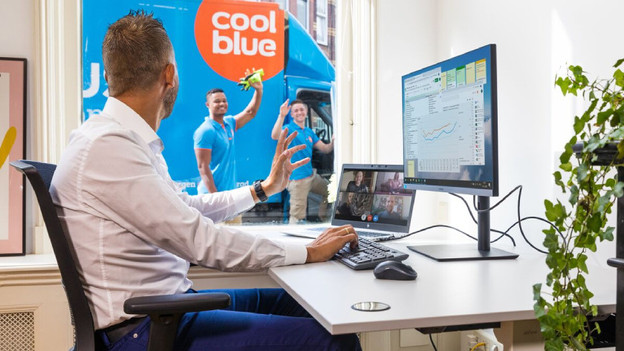
Work ergonomically
A long working or school day easily lasts about 8 to 9 hours. When you sit behind your screen for that long, you want to be comfortable. To help you get started with an ergonomically responsible working day, we've listed various articles for you. That way, you can avoid neck, back, and eye complaints.
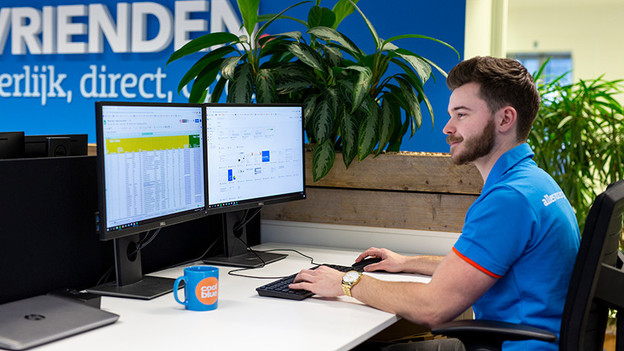
Set up your workplace
Business monitors are characterized by various specifications. For example, do you choose a 24-inch or 27-inch monitor? And what resolution do you want your monitor to have? These different specifications have a big influence on your final choice and options. In the following advice articles, we'll explain everything to you. That way, you can make the right choice.
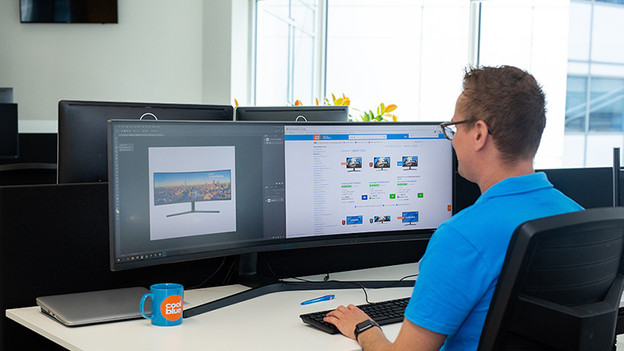
Expert reviews and comparisons between monitors
Do you want to know more about a specific business monitor? Our experts tested various models and compared them to other business monitors. That way, you'll always have the right information at hand when you want to make a decision.
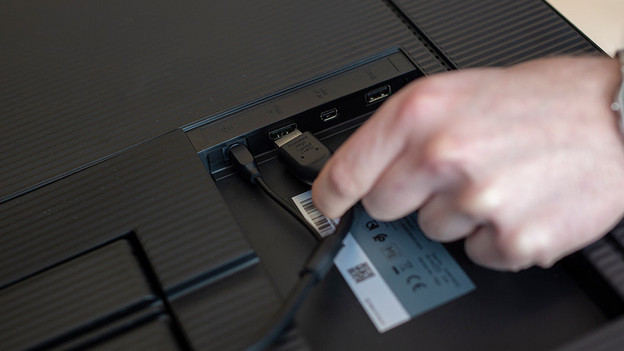
Set up
You're about to buy a monitor, but you want to know how to set it up of course. No worries, we're happy to help you. In the following article, we'll explain how to connect the monitor to your appliance without problems step-by-step.
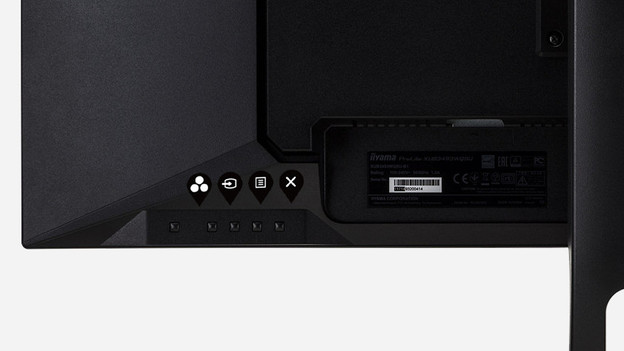
Solve problems
Isn't your business monitor working as desired? For example, doesn't your second screen show an image? We're happy to help you solve these problems. Check the following advice articles and follow the steps.