HDR monitors for photo/video editing
Search results and filtering
27monitors
With an HDR monitor for photo and video editing, you work with a wide range of colors and high brightness. For example, the colors look more vivid and you adjust the brightness so that they correspond to reality. An image editing screen is also distinguished by a large coverage of commonly used color profiles such as sRGB, Adobe RGB and DCI-P3. This way, your monitor displays the same color tones as your editing software and you can choose from many different colors. These monitors are pre-calibrated as standard or offer calibration options, so you can get started right away.


Our choice for a gaming monitor for competitie gameplay|DisplayPort cable, HDMI cable|None USB port|Metal, Plastic
179,--6%
169,-
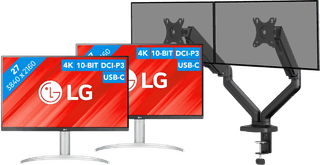
No accessories|USB port|Plastic

No accessories|USB port|Plastic

DisplayPort cable, HDMI cable|USB port|Metal, Plastic
399,--10%
359,-
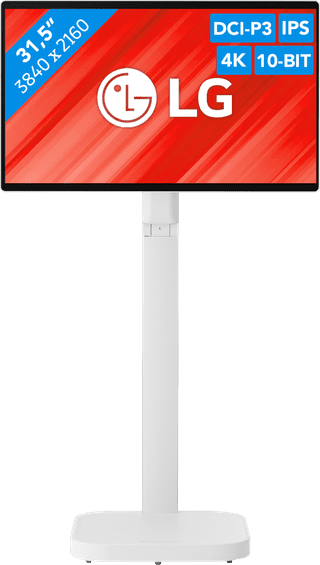
USB port|Plastic|None thunderbolt connector
971,--18%
799,-


DisplayPort cable, HDMI cable|USB port|Metal, Plastic
575,--8%
529,-
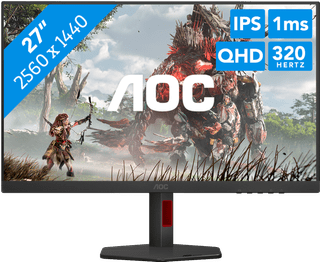
USB port|Metal, Plastic|None thunderbolt connector
269,--26%
199,-
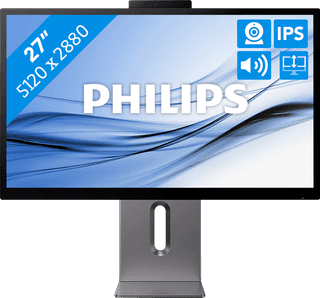
USB port|Metal, Plastic|Thunderbolt connector
999,--20%
799,-


USB-C cable|USB port|Metal, Plastic

DisplayPort cable, HDMI cable|None USB port|Metal, Plastic
179,--6%
169,-

USB port|Metal, Plastic|None thunderbolt connector
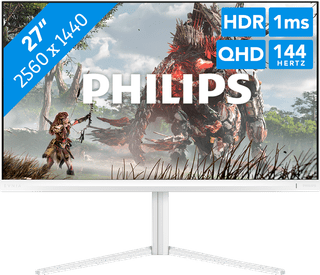
None USB port|Plastic|None thunderbolt connector
199,--10%
179,-
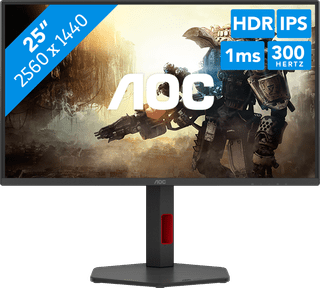
DisplayPort cable, HDMI cable|None USB port|Metal, Plastic
232,--23%
179,-
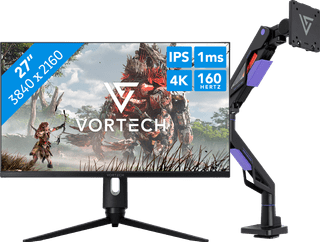

USB port|Plastic|None thunderbolt connector
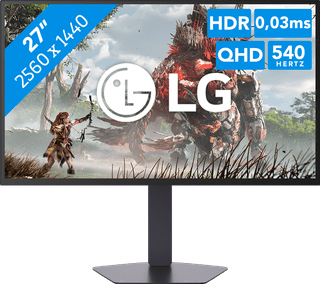
USB port|Plastic|None thunderbolt connector
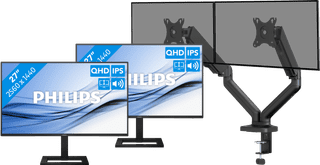
USB port|Metal, Plastic|None thunderbolt connector
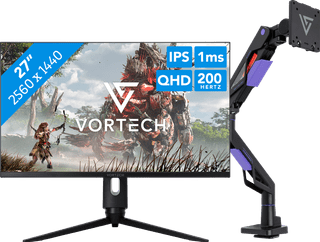
USB port|Plastic|None thunderbolt connector
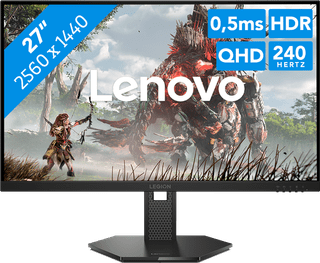

None USB port|Plastic|None thunderbolt connector
212,--6%
199,-
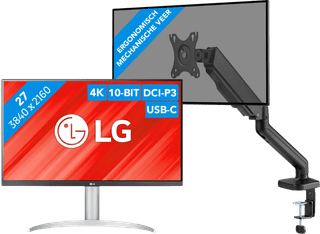
No accessories|USB port|Plastic
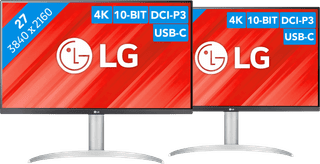
2 monitors|USB port|Plastic
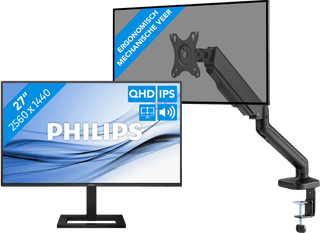
USB port|Metal, Plastic|None thunderbolt connector


None USB port|Plastic|None thunderbolt connector