USB-C monitors
Do you want to connect your monitor to an MacBook (2015 or later), MacBook Pro (2016 or later), or a USB-C laptop without an adapter? Choose a USB-C monitor. USB-C (and Thunderbolt 3) support a high resolution and sometimes features a charger function. This lets you charge your laptop or any other external devices via your monitor. With a USB-C monitor, you're purchasing a multi-functional solution to transmit image, data, and power.
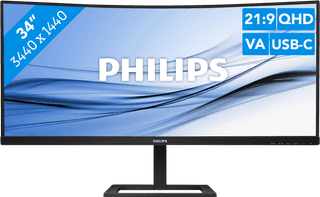

Our choice for an ultrawide monitor for daily use|USB-C cable|Metal, Plastic|Curved
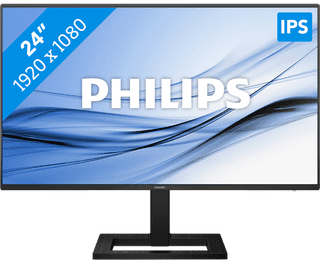
Our choice for a 24-inch monitor for your (home) office|HDMI cable, USB-C cable|Metal, Plastic|Not curved
129,--8%
119,-
3
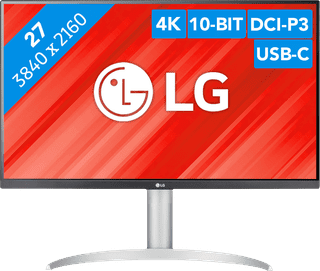

Our choice for a monitor with USB-C for your MacBook or iMac|No accessories|Plastic|Not curved
4
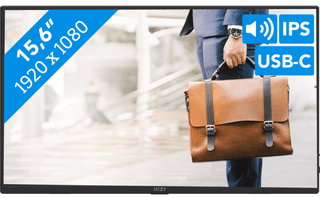

Plastic|Not curved|None DisplayPort connector
5
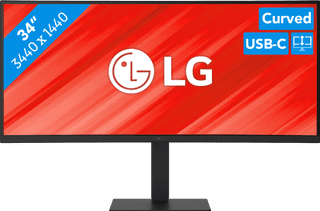
Our choice for a business monitor for data and finance tasks|Metal, Plastic|Curved|DisplayPort connector
6
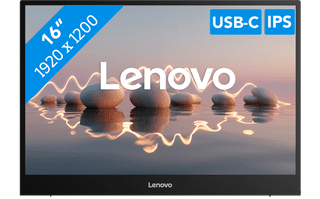


Plastic|Not curved|None DisplayPort connector
7
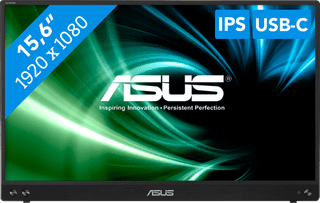

Our choice for a portable monitor for on the go|No accessories|Plastic|Not curved
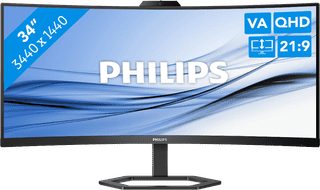
Metal, Plastic|HDMI cable included|Curved
9


Our choice for a monitor for photo editing|Metal, Plastic|Not curved|None DisplayPort connector
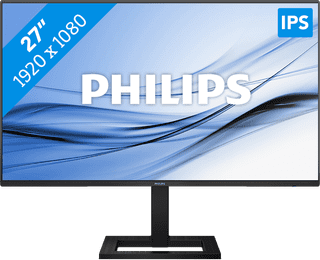
Our choice for a 27-inch monitor for daily use|HDMI cable, USB-C cable|Metal, Plastic|Not curved
149,--7%
139,-