Everything on NVIDIA

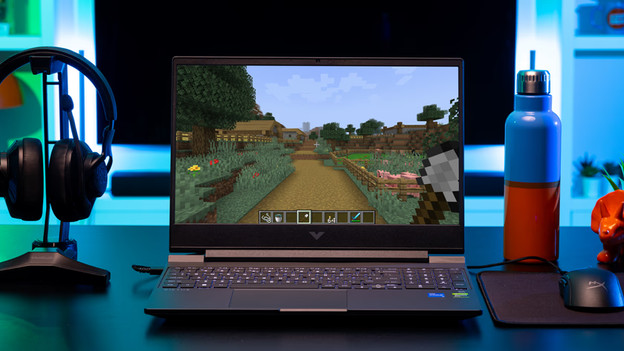
Which video card do you need for your games?
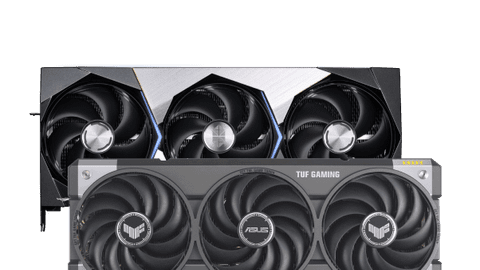
Want to know which games you can play with your NVIDIA video card? This depends on how powerful your video card is and in which resolution you play. For example, with an RTX 5070 Ti video card, you can smoothly play in Quad HD. In these articles, you can read which games you play per video card.
Gaming technologies
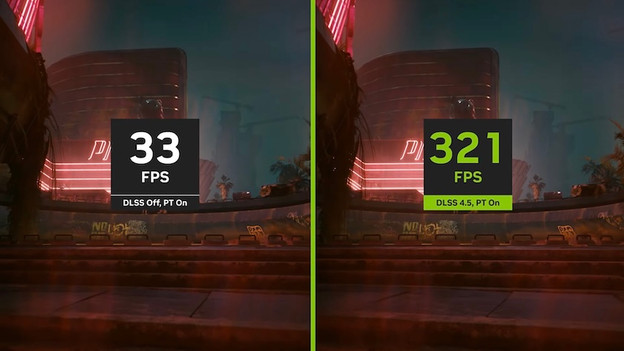
In addition to video cards, NVIDIA also makes programs that help you during gaming. For example, NVIDIA Broadcast is useful when you also stream besides gaming. Or DLSS, that allows the video card to create more frames via the AI cores. This way, your gameplay becomes extra smooth.
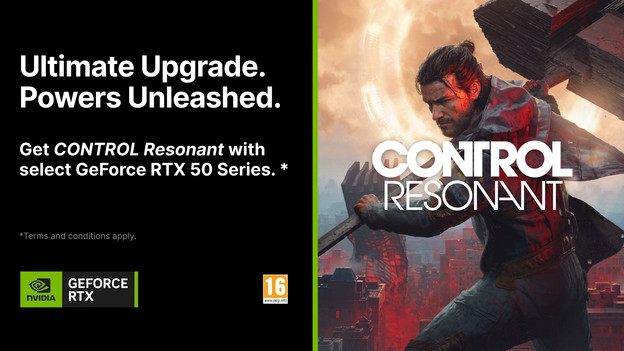
CONTROL Resonant GeForce RTX 50 Series Bundle
If you buy an NVIDIA GeForce RTX 5090, 5080, 5070 Ti, or 5070 video card, you receive the game CONTROL Resonant with it. This promotion is also valid if you buy a gaming laptop or desktop with these video cards and is valid from 25 August 2026 until 29 September 2026. We'll explain how you receive CONTROL Resonant for free and what the Terms and Conditions of this promotion are in this article.
RTX gaming highlights

Resident Evil Requiem
Resident Evil Requiem is the 9th title in the main series of Resident Evil. Prepare for a thrilling escape of death in a heart-pounding experience that'll make you shiver. Requiem for the dead. Nightmare for the living.
Technology: Path tracing and DLSS 4

ARC Raiders
ARC Raiders is a multiplayer adventure in which you have to collect raw materials. You play on a deadly earth in the future, plagued by a mysterious, mechanic threat called ARC. Sign up as Raider and raid the surface to survive in a desolate world. But watch out for the machines. And watch out for Raiders that hunt other people.
Technology: NVIDIA RTX GI, DLSS 4, and Reflex

Cyberpunk 2077: Ultimate Edition
Experience Cyberpunk 2077 with the power of GeForce RTX. Immerse yourself in the stories that the world of the dark future has to offer. The base game and the highly acclaimed spy thriller expansion Phantom Liberty are included, enhanced by incredible graphics with full ray tracing and NVIDIA DLSS 3.5 with Ray Reconstruction.
Technology: full ray tracing, DLSS 4, and Reflex
Compare the NVIDIA GeForce RTX 5000 and RTX 4000 series
The GeForce RTX 5000 video cards are the latest generation video cards from NVIDIA. They have a faster type of RAM than the RTX 4000 series. The 5000 series cards are future-proof, so your gaming setup is ready for newer games. They also use DLSS 4.0. This technology increases the frames per second of your game. That way, you can game with smooth images and you won't be bothered by screen tearing. As a result, you can play demanding games in 4K. We'll list the differences between the RTX 5000 and RTX 4000 video cards in this article.
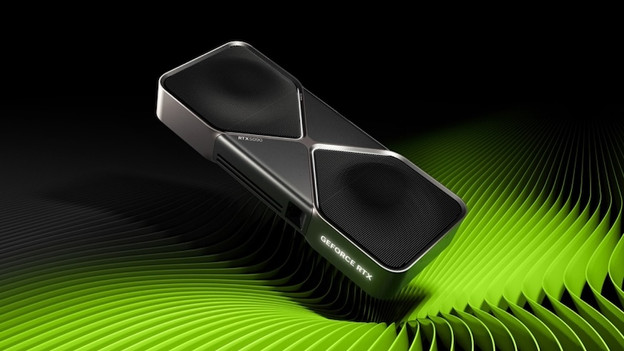
Everything on the NVIDIA GeForce RTX 50 series video cards
With an NVIDIA GeForce RTX 5000 series video card, you can play demanding games with the best image quality. Thanks to the GDDR7 RAM, you can use AI models and play games in 4K. In addition, these video cards have DLSS 4.0 support. This AI technology creates extra frames, without your video card slowing down. That way, you can game with more frames per second and game with smooth images. You can also edit photos or videos superfast and work in multiple graphic design programs at the same time. We'll explain the advantages of an NVIDIA GeForce RTX 5000 series video card in this article.

What's a gaming laptop with an NVIDIA GeForce RTX video card?
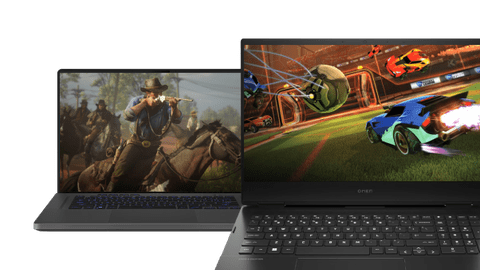
The NVIDIA RTX video cards are one of the most powerful video cards. With these video cards, you can game with sharp images and you're not bothered by screen tearing. There are different types RTX video cards. That way, you can game in 4K resolution on your gaming laptop and play with smooth images if you have an RTX 5090 video card. In addition, these video cards have ray tracing support. As a result, you can game with realistic light effects such as reflections with lots of details in water. We'll explain what you can do with a gaming laptop with an NVIDIA GeForce RTX video card.

Everything on monitors with NVIDIA G-Sync technology
G-Sync is a technology from NVIDIA that adjusts the fps of your video card to the refresh rate of your monitor. You're less bothered by stuttering and screen tearing this way, so you can enjoy smooth gameplay. This is useful if you play fast shooters or racing games. Thanks to G-Sync, you're one step ahead of every opponent. G-Sync works best via DisplayPort thanks to the high bandwidth of these connectors.
NVIDIA DLSS 4.5 Superior speed. Superior graphics. Powered by AI.
DLSS is a revolutionary series of neural rendering technologies that uses AI to increase the fps, reduce the latency, and improve the image quality. The latest breakthrough, DLSS 4.5, introduces a new generation of multi-frame rendering, improved ray reconstruction, and superior resolution. It's controlled by GeForce RTX 50 series GPUs and 5th generation Tensor Cores. DLSS on GeForce RTX is the best way to game, controlled by an NVIDIA AI super computer in the cloud that continuously improves the gaming possibilities of your PC.